Notion vs Evernote: which note app is better.
Both have crossed 100 million users at different points. They solve very different problems. Notion is a workspace built around blocks and databases. Evernote is a capture-and-search notebook built around freeform notes and OCR. The right pick is mostly a question of which of those two problems describes your actual life.
Notion or Evernote in 2026, picked in one sentence.
Notion for most teams and most new users, because the free tier still works and the block-and-database model has eaten the modern-workspace category. Evernote for capture-heavy individuals (paper receipts, clipped articles, scanned documents) and long-time users with years of stored notes worth keeping where they are.
1. What each one is built for.
Notion launched in 2016 as a block-based document tool and grew into a workspace category leader. Pages are made of blocks. Blocks can be text, headings, embeds, tables, or rows in a database, and the same block-shaped editing model runs through every surface in the product. The result is one tool that handles docs and structured data without forcing a SaaS sprawl. (Same reason we built an AI SEO agent as one product instead of a stack: keyword research, drafting, fact-checking, and CMS publishing all live behind the same surface.)
Evernote launched in 2008 with a different premise. The atomic unit is a note, not a block. Notes are timestamped, taggable, and indexed end-to-end including the contents of any image or PDF you attach. The December 2023 free-plan limits changed the economics, but the underlying capture-first design philosophy has not moved. The cuts are also why Evernote no longer makes most free-tools shortlists that get updated for 2026.
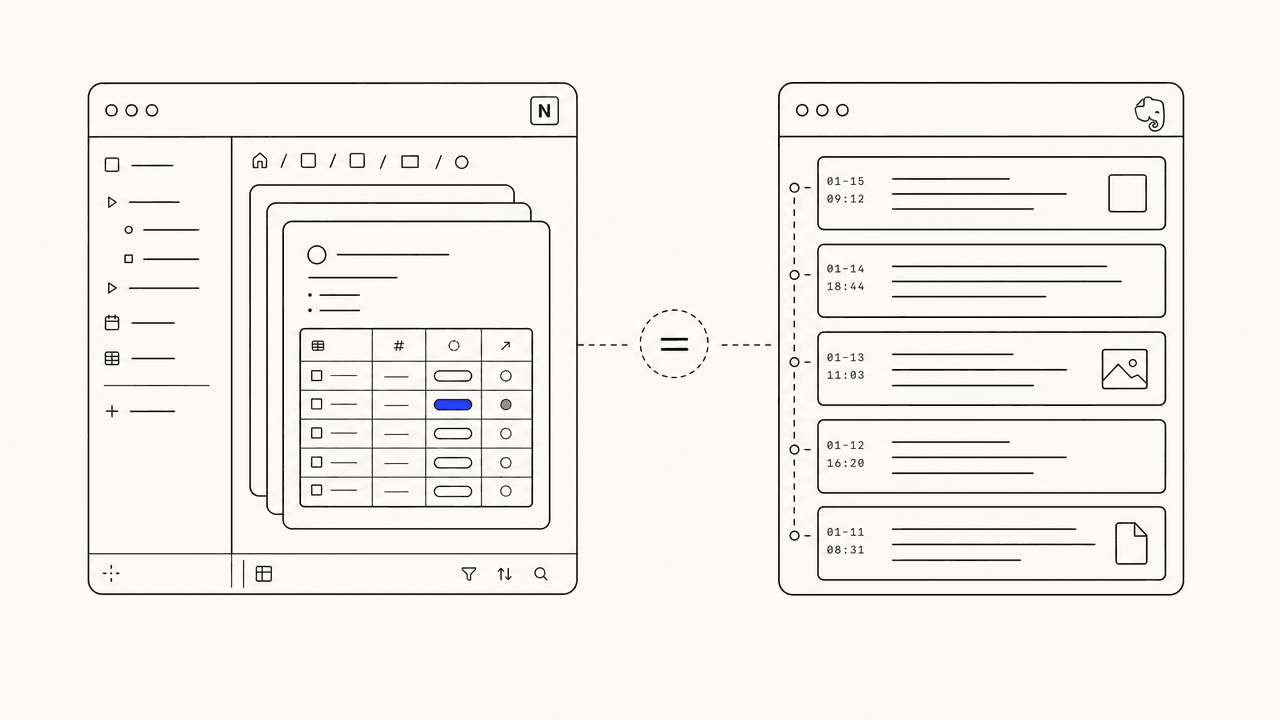
The headline difference: Notion answers "where does this information live and what else does it connect to?" Evernote answers "I will figure that out later, just save it now." Most users want one of those workflows, not both, and they pick the right tool by deciding which question describes their actual life. Most product comparisons resolve the same way; we walked through the SEO-content version of the same fork in our head-to-head against Outrank.
2. Pricing, side by side.
Both companies sell on similar pricing curves now, but the free-tier shape is the load-bearing difference for new users. Notion is one of the genuinely-free business tools we recommend installing first for exactly this reason: unlimited personal use, indefinitely. Evernote caps you at 50 notes total. That single fact tilts most casual-use decisions toward Notion before any feature comparison happens.
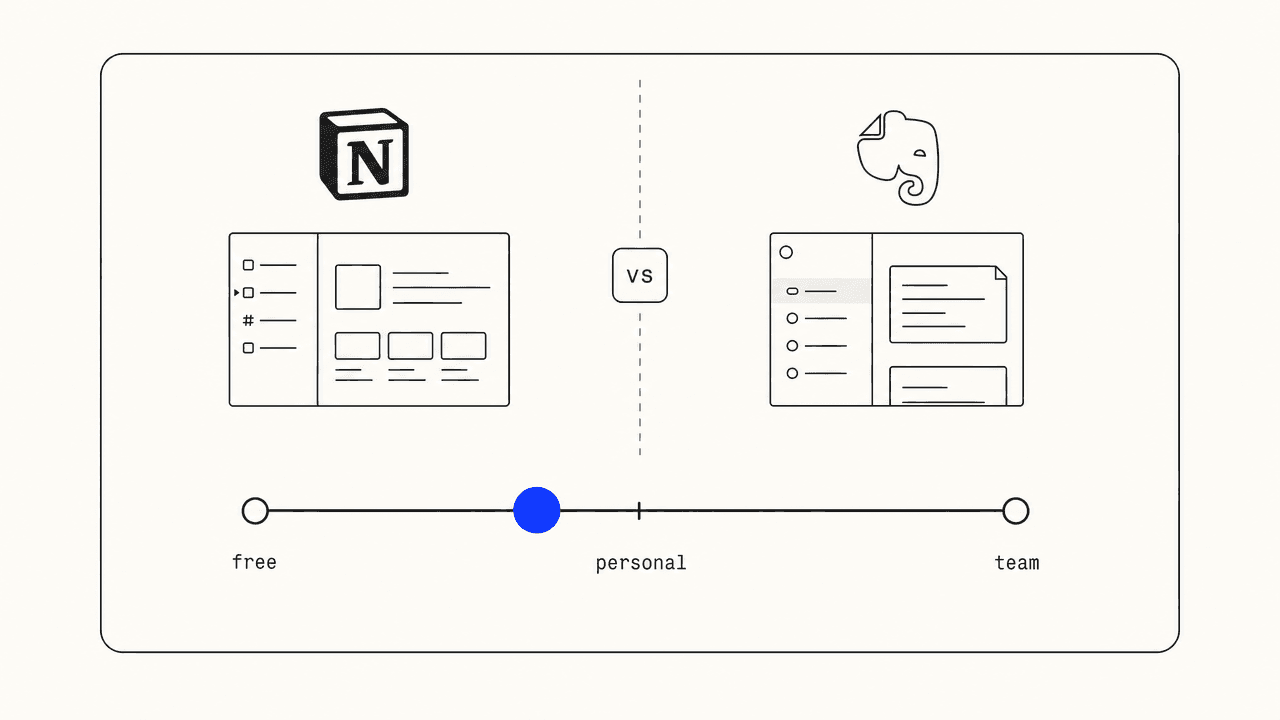
- Notion Free: unlimited blocks, single user, basic page sharing.
- Notion Plus: $10 per user per month billed annually. Unlimited file uploads, version history, and small-team collaboration.
- Notion Business: $18 per user per month. SSO, advanced permissions, audit logs.
- Evernote Free: 50 notes total, one notebook, one device sync.
- Evernote Personal: approximately $14.99 per month or $129.99 per year. Unlimited notes, OCR, and offline mobile access.
- Evernote Professional: approximately $17.99 per month. Advanced search, calendar integration, larger uploads.
Across a year of solo use the difference is roughly $96 (Notion Plus annual) versus roughly $130 (Evernote Personal annual). For a free user the difference is unbounded versus 50 notes. The cheaper tool here is not cheaper because it is worse, it is cheaper because the underlying business model is different. (Same shape applies to our $99-a-month flat plan: cheaper than per-article SEO tools because the underlying margin shape is different, not because the work is.)
3. Where Notion wins.
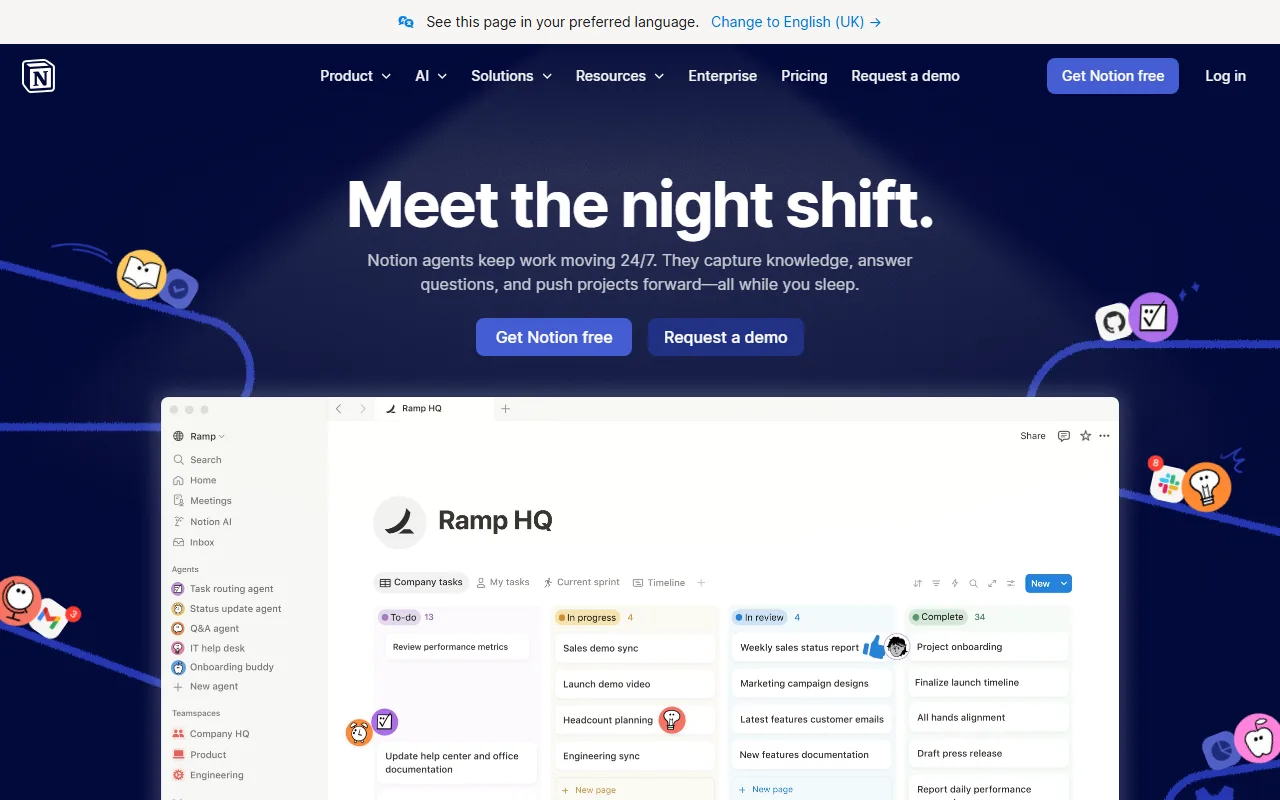
Notion wins on structured information. Databases are the headline feature, and they do real work. A reading list, a CRM-lite for ten clients, a content calendar that auto-feeds an article pipeline, a hire tracker, a launch checklist with status fields, all of those are databases under the hood. Evernote can approximate two of those with tags and saved searches; Notion does all of them in the default view of a default page.
Notion wins on team collaboration. Real-time multi-user editing, granular page permissions, comment threads, and team-wiki templates all work without an upgrade dance. For two-to-twenty-person teams setting up a knowledge base from scratch, Notion is the default pick in 2026 unless someone on the team has a strong existing workflow somewhere else (or wants to stay on free single-purpose tools instead of one all-in-one workspace).
Notion wins on AI integration breadth. Notion AI is roughly $10 per user per month and threads through every page, database, and search box in the product. Evernote AI is included in higher tiers and is narrower in scope. If the use case is "AI helps me organise everything I write", Notion's footprint is meaningfully larger. A purpose-built AI tool still beats a general-purpose one for narrow tasks (a model fine-tuned for short-form professional writing still produces better cover letters than either of these), but Notion AI is broad enough to cover the day-to-day surface area.
4. Where Evernote wins.
Evernote wins on capture-and-find workflows. The web clipper has been the category-best for over a decade, and it shows. One keystroke saves a full article, tagged and searchable, with the original layout preserved. OCR on every uploaded image and PDF means a photographed receipt or a scanned tax form is searchable by its contents, not just its filename. Notion has nothing comparable.
Evernote wins on long-tenured search. If you have eight years of clipped articles, meeting notes, and travel receipts in Evernote, the search ranking inside that archive is genuinely better than what Notion offers across an equivalent volume of imported pages. The tags-plus-saved-searches model is older but hardened against messy-input retrieval that newer block-based tools still trip over.
Evernote wins on single-purpose simplicity. There is one mental model: the note. New notes go in, tags get added, things get searched later. No databases to design, no page hierarchy to maintain, no permission grids to set up. Single-purpose discipline is its own kind of feature, and Evernote is one of the few category-defining tools still committed to it. (Same instinct produced our own meta description generator: one job, no setup, ships a result in under five seconds.)
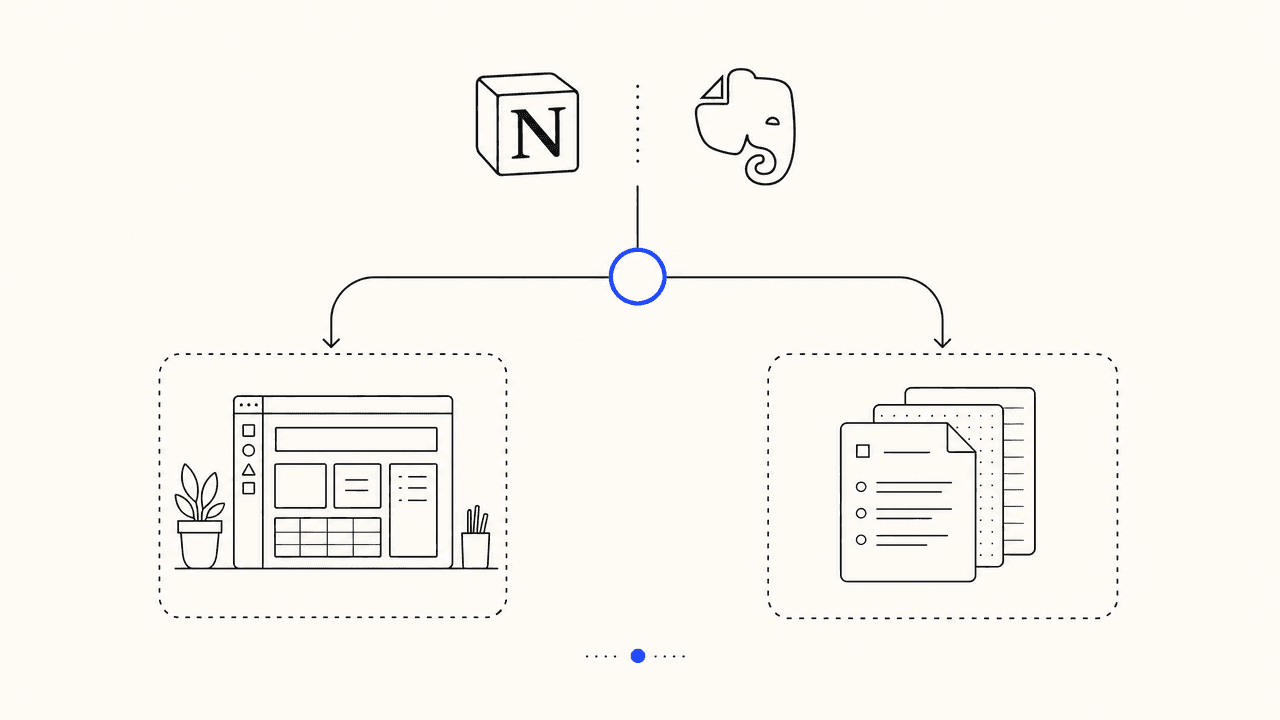
Feature-by-feature, the comparison.
COBALT TINT MARKS THE TOOL THAT CLEARLY WINS THAT ROW. UNTINTED ROWS ARE GENUINE TIES.
5. How to pick, in three questions.
Most "Notion vs Evernote" decisions resolve in under a minute if you answer three questions honestly. Skip the feature-list comparison entirely; the tools have overlapping feature lists but completely different centres of gravity.
- Do your notes need to talk to other notes, projects, or teammates? If yes, Notion. If they are mostly a personal archive, Evernote is still competitive.
- Do you photograph or clip more than you type? If yes, Evernote. The OCR and web clipper are still the best in the category. If you mostly type, Notion.
- Do you already have years of stored notes anywhere? If yes in Evernote, the migration cost is real and Evernote stays. If yes anywhere else (Apple Notes, Google Docs, Obsidian), Notion's importer beats Evernote's.
Two yeses for one side and you have your answer. A split decision usually means the workflow is not yet committed to either model, in which case Notion's free tier wins by default for new users in 2026 (and shows up in most short-lists of free business tools for the same reason). The 50-note Evernote cap is too tight to justify picking a tool you have not yet decided to commit to.
The honest comparison is the one that names the trade-off.
Notion vs Evernote is not a winner-takes-all argument. Notion is a workspace; Evernote is a notebook. The same applies to most product comparisons readers actually run into: two real tools, two different problems, one decision question that resolves the call. The same shape shows up in our guide to writing a cover letter (lead with the answer, support it with specifics, do not pretend the trade-off is not there) and in the ranked list of genuinely-free business tools (name the cap on every free tier so the reader knows when paid becomes mandatory).
We built our product on the same instinct: every comparison ships with the trade-off named, every claim ships with a source, and the quality gate refuses to publish anything that does either job dishonestly. The whole pipeline is $99 a month flat, no per-article meter.
If you found this useful.
- LISTICLE
11 best free tools for small business owners
Notion sits at #4 of the eleven, with the same honest-cap framing applied across the rest of the small-business stack.
- GUIDE
How to write a cover letter that gets you hired
Same decision-framework approach, applied to a different problem most readers run into.
Is Notion or Evernote better for taking class or meeting notes?
Notion if the notes feed into anything else (a project plan, a study system, a shared doc). Evernote if the notes are mostly capture-and-search and you do not need them to talk to other tools. For pure linear meeting minutes, both work; for structured templates, Notion has the edge.
Did Evernote really cap the free tier at 50 notes?
Yes. In December 2023 Evernote moved its free plan to 50 notes total and one notebook. Anything above that requires the Personal subscription, currently around $14.99 per month or $129.99 per year. Existing users above the cap kept access to old notes but cannot add new ones until they upgrade or delete.
Can Notion replace Evernote for someone with thousands of historical notes?
Migration is possible (Notion has an Evernote importer) but the experience changes. Evernote ranks search results across years of notes very well; Notion search is faster but less forgiving on partial matches. If your Evernote is mostly clipped articles and scanned receipts, expect to do some manual cleanup post-import.
Which one is better for solo founders and indie operators?
Notion in most cases. The free Personal plan is unlimited blocks and the database feature replaces a lot of small SaaS tools (CRM-lite, project tracker, content calendar). Evernote is still the right pick if your operation runs on paper receipts and clipped articles, where the OCR and web clipper genuinely outperform.
Do both have AI features?
Both have an AI add-on. Notion AI is roughly $10 per user per month and is integrated across pages and databases. Evernote AI is included in the higher tiers and focuses on summarisation and search. Notion AI feels more general-purpose; Evernote AI is narrower but pairs well with the capture-heavy workflow.
What about Apple Notes, Google Keep, or Obsidian?
They are different categories. Apple Notes and Google Keep are built into operating systems and free; the trade-off is feature ceiling. Obsidian is a markdown-first knowledge tool with a learning curve, popular with builders. For "Notion vs Evernote" specifically, the relevant alternatives are Coda and ClickUp on the Notion side, and OneNote and UpNote on the Evernote side.
Is Evernote dying?
It is in maintenance mode under Bending Spoons since the late-2022 acquisition. Layoffs, free-tier cuts, and a smaller release cadence followed. The product still works and serves long-time power users, but the trajectory is consolidation and price increases, not feature growth. New users in 2026 are mostly picking Notion.
Which one is cheaper over a year of use?
Notion. Free Personal covers solo use indefinitely; Plus is $96 per year billed annually. Evernote Personal is around $129 per year and gives you essentially the same single-user feature set. For teams the gap widens further: Notion Business at $18 per user per month is competitive with Evernote Teams equivalents, but most Evernote use cases do not require a team plan.
Fact-checked articles, published to your CMS, while you sleep.
An automated SEO content pipeline: keyword research, fact-checked drafting with citations, a quality gate that refuses bad drafts, native publish to WordPress, Webflow, Shopify, and Ghost. $99 flat per month, Free trial first.
FREE TRIAL · NO PER-ARTICLE METER · CANCEL IN ONE CLICK