Generate clean URL slugs from any title.
Paste a phrase. Get the canonical hyphenated slug plus underscore and dot variants, with character counts and length flags. Computed in your browser, no sign-in, no rate limit.
Type or paste a title on the left. Three slug variants will appear here as you type.
What does this slug generator do differently?
Most free slug generators POST your title to a server and burn an LLM call to do what is actually a deterministic regex transform. This one runs the same normalization (NFKD Unicode, lowercase, strip non-alphanumerics, collapse whitespace) entirely in your browser and emits three separator variants: hyphen (canonical), underscore (legacy CMSs), dot (some static-site builders). Match whatever convention your stack expects without a second tool. The same slug code runs as one stage inside our paid pipeline at SEO Automation, which generates and publishes whole articles on a daily cadence. Built by an AI SEO agent.
Any title or phrase. Accents, punctuation, mixed case all welcome. We normalize.
Lowercase, NFKD-normalize accents, drop non-alphanumerics, collapse whitespace into the separator.
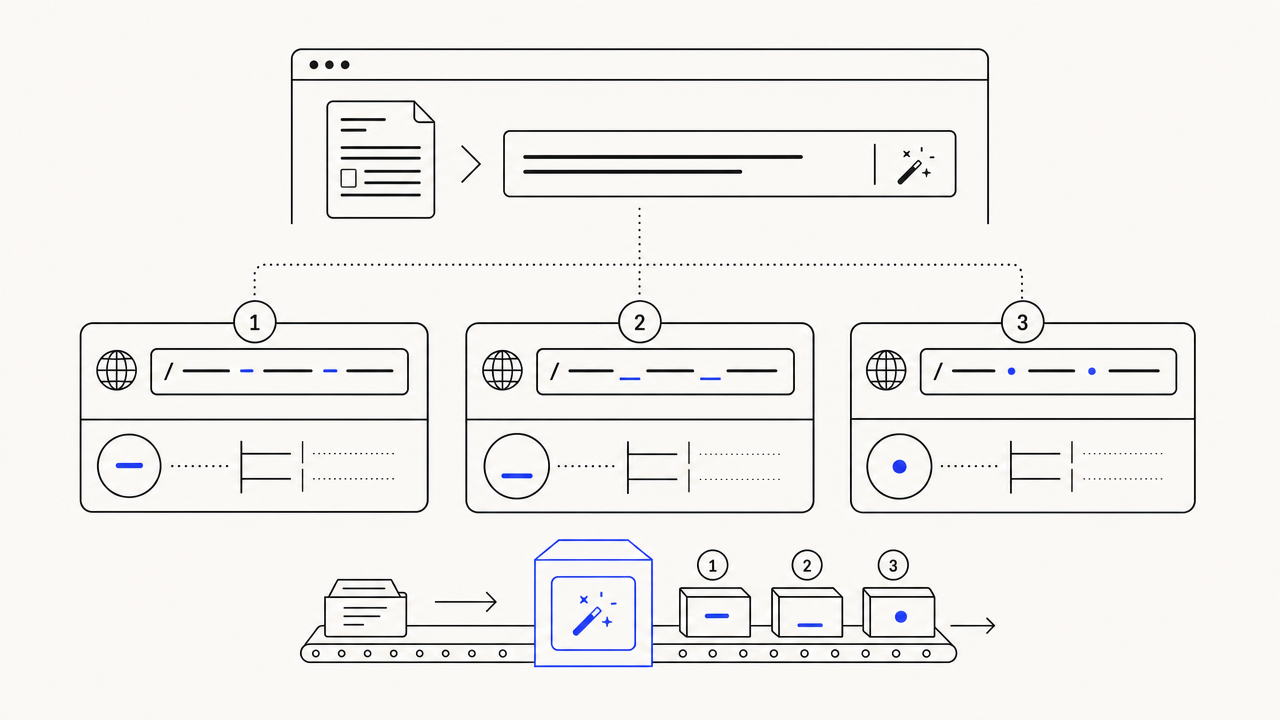
Three variants: canonical hyphen (most CMSs), underscore, dot. Char count + length flag per variant.
Four things that make this different from every other slug generator.
Hyphen, underscore, dot. Pick what your CMS expects.
Most platforms (WordPress, Ghost, Webflow, Notion) want hyphens. Some legacy systems and Python-flavored CMSs prefer underscores. A handful of static-site setups use dots. We emit all three so you copy whichever your stack expects without a second tool. Same approach as our meta description generator: pick the convention, do not get locked into one.
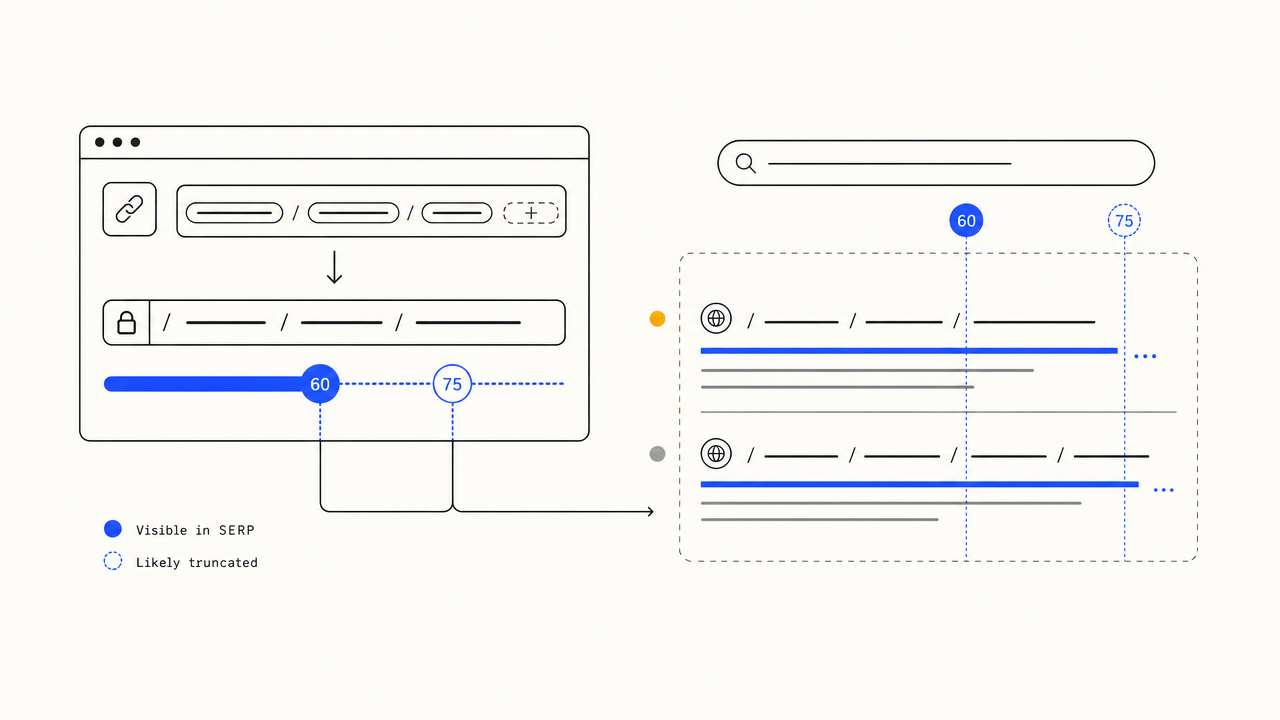
Flagged when slugs cross the 60-char readability line.
Google does not enforce a hard slug length limit, but click-through and readability degrade past 60 characters. SERP truncates display past ~75. We surface a TIGHT pill at 60-75 and TOO LONG past 75 so you know to trim before you publish.
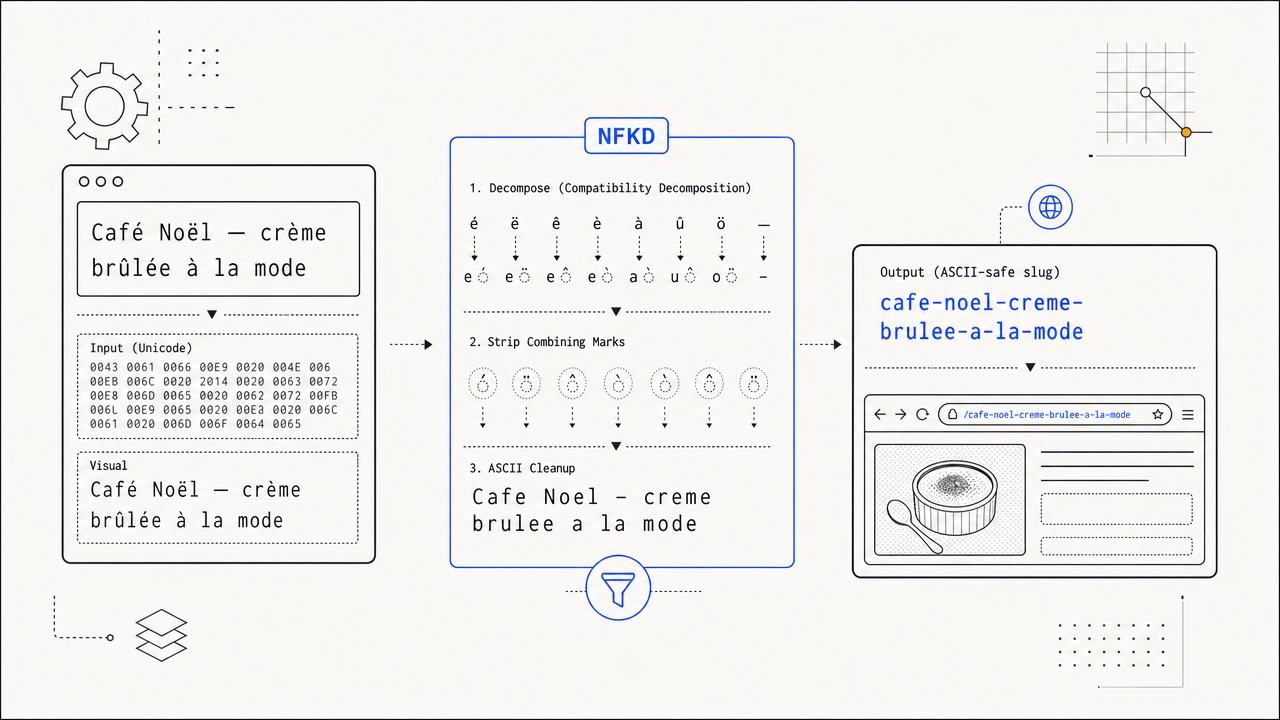
NFKD-normalizes accents, drops anything that would break a URL.
"Café au lait" becomes "cafe-au-lait", not "caf%C3%A9-au-lait". The Unicode normalization runs before the strip pass, so accented Latin characters survive their accent loss intact rather than getting URL-encoded into noise.
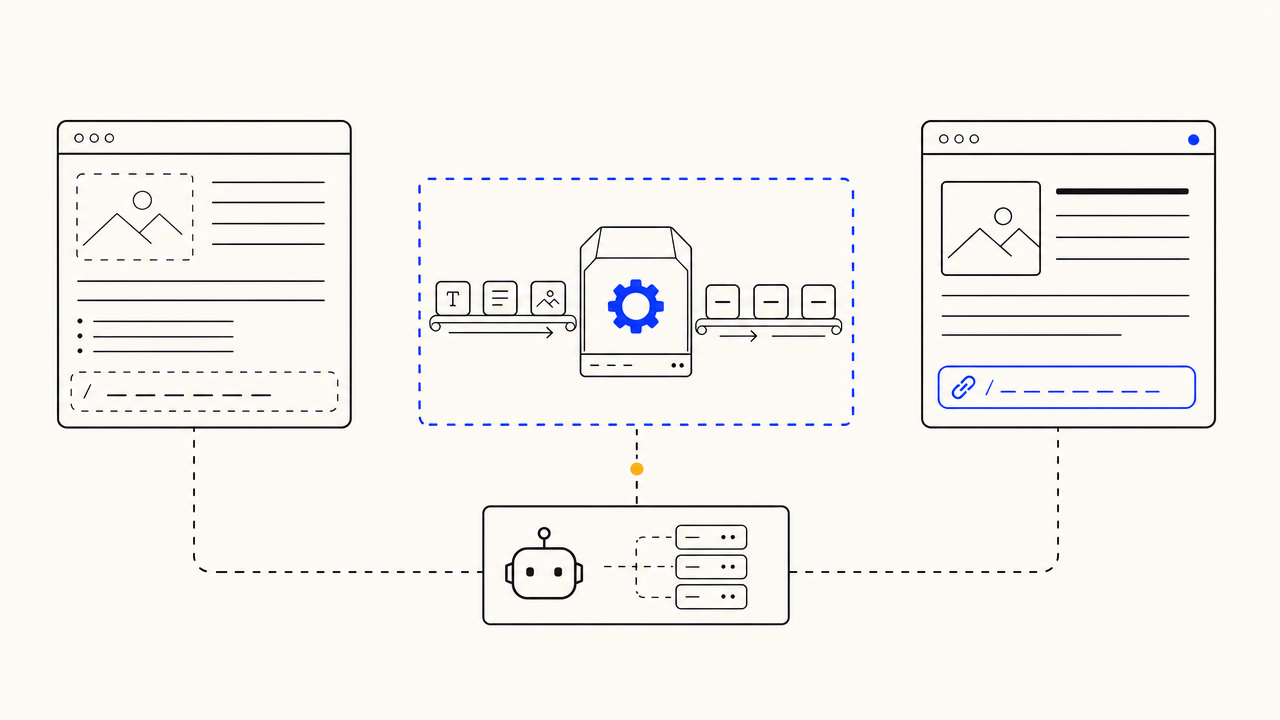
The agent generates these on every article it publishes.
This is one transform from the full publishing pipeline: slug generation, meta description writing, internal-link resolution, image generation, quality-gating and CMS publishing in a single run. Free to try the slug step. The agent does the other 30 stages on every article it ships, on a daily cadence. Pricing is $99 a month flat.
Three steps, computed in your browser.
Any phrase, any length. Accents, punctuation, capitals all fine.
Unicode NFKD, lowercase, drop combining marks, drop non-alphanumerics, split on whitespace.
Three separator styles, char count + length flag on each. One click to copy.
Meta description generator
LIVEFive descriptions, each pixel-measured against Google’s 920px cutoff.
SEO title generator
LIVE10 title candidates across 5 shapes, with the keyword forced into the first 30 chars.
Keyword density checker
LIVEDensity % per keyword, top single + multi-word phrases.
Q.01Does this tool need sign-in?+
No. The slug generator runs entirely in your browser. There is nothing to authenticate against because nothing leaves your machine.
Q.02Why three separator variants and not just hyphens?+
Most CMSs use hyphens, but enough setups use underscores (legacy WordPress migrations, some Django sites) or dots (a handful of static-site builders) that surfacing all three saves a second round-trip when your platform is the odd one out.
Q.03How does the length pill threshold work?+
Google does not enforce a hard slug length limit, but click-through degrades past 60 characters and SERP truncates display past ~75. We surface SEO-FRIENDLY up to 60, TIGHT 60-75, TOO LONG past 75. Trim if you can; if you cannot, the canonical hyphen variant is still indexable.
Q.04What about non-Latin scripts (Cyrillic, Chinese, Arabic)?+
Right now non-Latin characters get dropped because honest romanization needs a real linguistic library and gets context wrong half the time. If you have a non-English use case for the tool, the right path today is to manually transliterate first, then paste the romanized title here.
Q.05Why does the canonical variant use hyphens, not underscores?+
Google explicitly recommends hyphens as word separators in URLs because their parser treats hyphens as spaces and underscores as joins. "blue-widgets" reads as two words, "blue_widgets" reads as one. Hyphens are also the WordPress / Ghost / Webflow default.
Q.06Is there an API for this?+
Not as a standalone endpoint. The slug step lives inside the full publishing pipeline. Every article the paid agent generates gets a slug at the persist stage. If you have a use case for the slug transform on its own, paste your titles into the widget. That is the same code path.
Q.07Does this strip stop-words automatically?+
No. Some SEO guides recommend stripping stop-words ("the", "a", "of") from slugs to keep them tight. We intentionally leave them so the slug stays readable and matches the original title. If you want a tighter slug, edit the input first.
Q.08What does the paid pipeline add over this widget?+
Slug generation is one of ~30 stages in the paid agent: keyword research, fact-checked drafting, internal-link resolution, image generation, quality-gating, CMS publishing. The free widget shows the slug stage in isolation. The paid pipeline runs all of it on a daily publishing cadence.
The agent runs slug generation on every article it publishes.
Plus meta descriptions, internal links, images, quality gating, CMS publishing. Daily cadence. Try it free.