11 best free tools for small business owners.
Most "free business tools" turn out to be 14-day trials in disguise. The eleven below are genuinely free for the use cases described, ranked by yearly dollar savings, with the real cap on each tier printed honestly.
Which free tools should a new small business owner install first?
Wave for accounting, HubSpot CRM Free for contact management, and Canva for design. Those three replace what would otherwise be the first three recurring SaaS bills, totalling roughly $840 a year. Add Notion Free fourth as a workspace, then layer in scheduling, comms, and email tools as the operation grows.
The shortlist, scannable in ten seconds.
- 01WaveBest free accounting overall
- 02HubSpot CRMBest free CRM
- 03CanvaBest free design tool
- 04Notion FreeBest free workspace
- 05Slack FreeBest free team chat
- 06Trello FreeBest free Kanban
- 07Calendly FreeBest free booking link
- 08Mailchimp FreeBest free email marketing
- 09Buffer FreeBest free social scheduler
- 10Zoom FreeBest free video calls
- 11ChatGPT FreeBest free AI assistant
How we picked these eleven.
Three rules. First, the free tier has to be functional indefinitely for the described use case, not a 14-day trial. Second, the cap on the free tier (if there is one) has to be high enough that a real small business actually fits underneath it. Third, the upgrade path has to be honest: the page that tells you what costs extra has to actually tell you what costs extra, in plain numbers. (Same three rules we hold our own product to.)
The ranking weights yearly savings against complexity. A free accounting tool that replaces a $400-a-year SaaS bill ranks above a free design tool that replaces a $180-a-year subscription, all else equal. (Same value-per-yearly-cost calculus we used when picking what to automate first inside our pre-product agency days.) The full ordering is below, with the actual cap printed honestly per tool. Skip to the editor's pick if you only have time for one install.
Wave
The whole accounting stack at zero dollars.
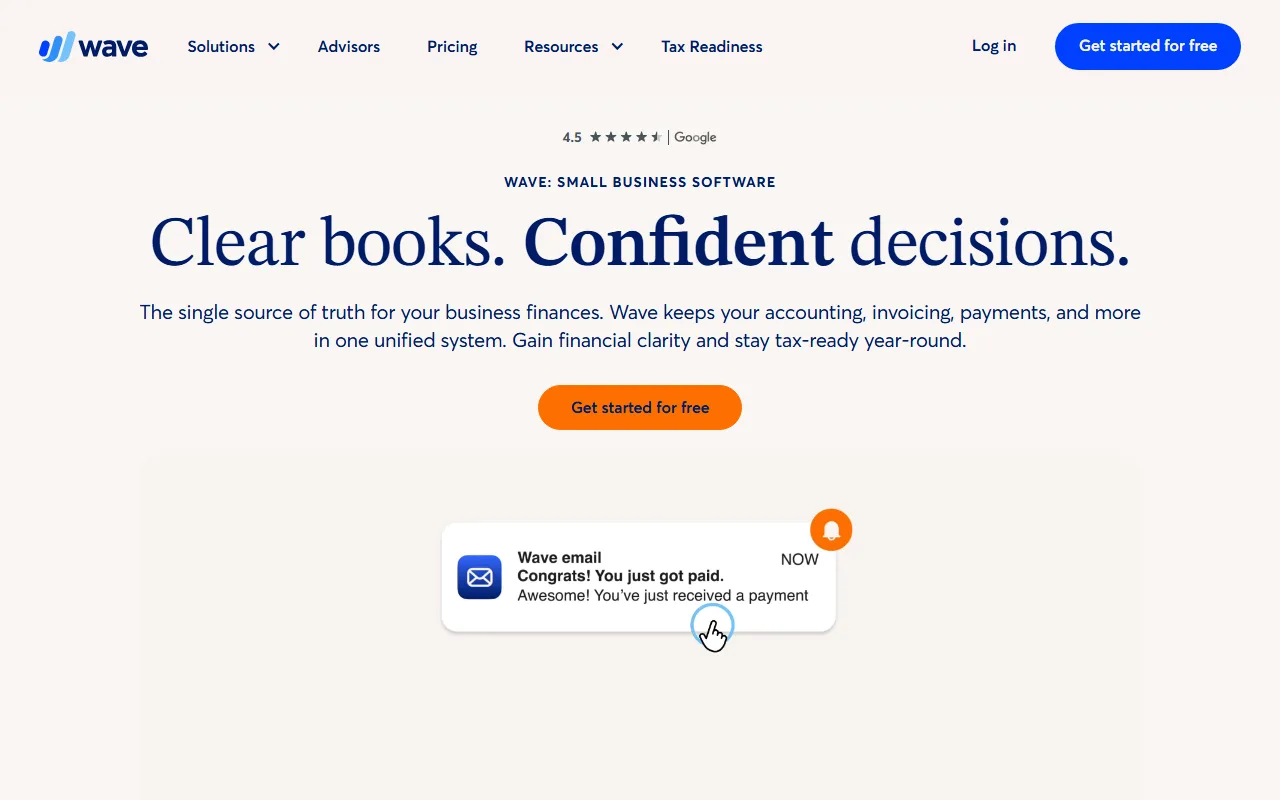
Unlimited invoices, unlimited estimates, full double-entry accounting. Payroll and payment processing are paid add-ons.
The single most useful free tool on this list. QuickBooks Online starts around $35 a month; Xero around $20. Wave gives small business owners genuine double-entry bookkeeping for free, with bank feed imports, profit-and-loss reports, and tax-ready summaries. The paid bits are payroll and credit-card processing, both of which most one-or-two-person operations can defer for a year or more.
HubSpot CRM
A real CRM that does not expire.

Up to 1,000,000 contacts, 5 active users, unlimited deal pipelines. The advanced automation and reporting are paid.
Most "free CRMs" are 14-day funnels. HubSpot CRM Free is the genuine exception. Five seats, a million contacts, deal pipelines, email tracking, and a working mobile app are all included indefinitely. The upsell path is real (Marketing Hub, Sales Hub, Service Hub all start around $20 a month), but the free tier is fully functional for any business under fifty active deals at a time. (Most of the free SEO tools we publish follow the same pattern: real free tier, named cap, paid plan only when you outgrow it.)
Canva
Almost-Photoshop quality without the licence.
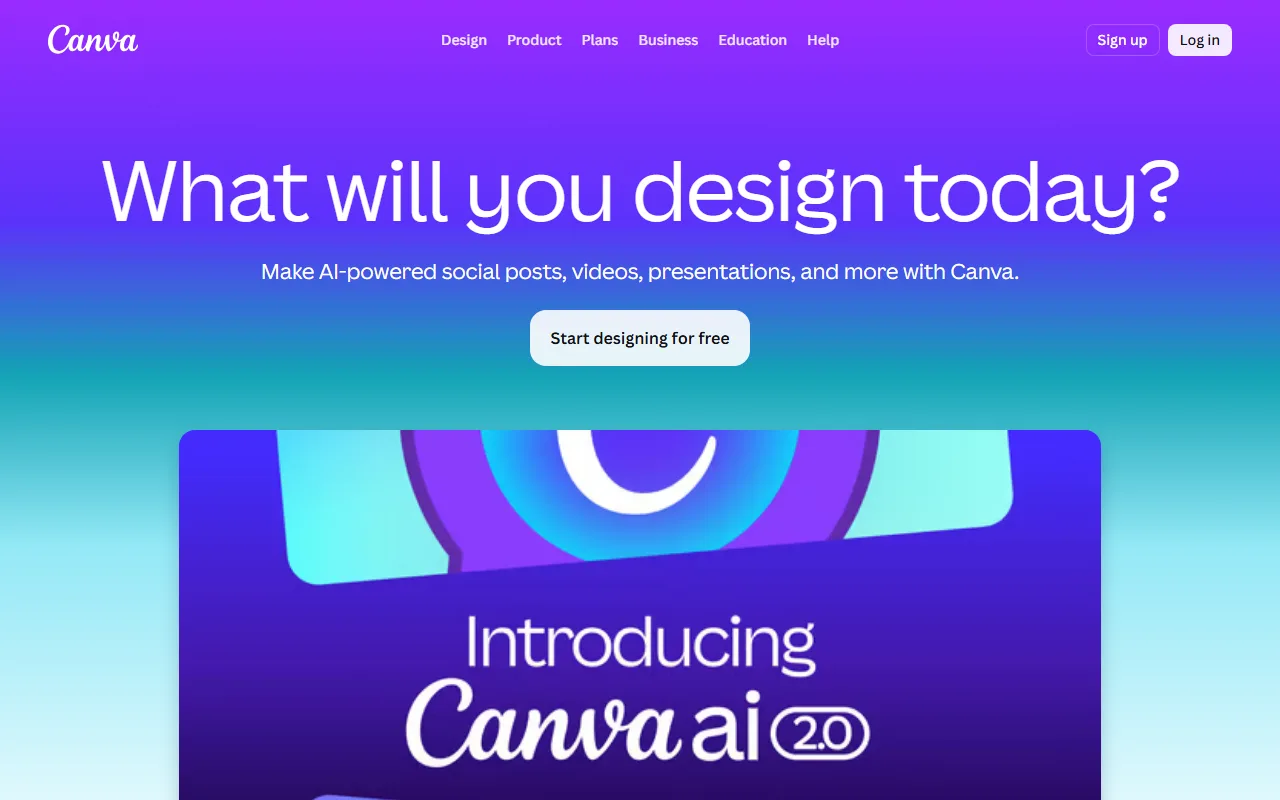
250,000+ free templates, 1 million stock photos, basic animations and PDF export. Premium templates, Brand Kit, and background removal are Pro.
For small business owners not running a design team, Canva Free covers most of what Adobe used to cost a thousand dollars a year for. Social posts, decks, ad creative, simple video edits, and one-off brand-asset kits like the one we publish are all in the free tier. The Pro upsell ($14.99 per month) buys background removal and the Brand Kit; both are nice to have, neither is essential for the first eighteen months of running a business.
Notion Free
A workspace that scales from solo to small team.

Unlimited blocks for personal use, unlimited file uploads (5MB cap each), AI add-on at $10 per user per month.
Notion Personal Free quietly replaces a stack of small SaaS tools for a solo operator: a CRM-lite, a project tracker, a content calendar, a meeting-notes archive, an SOP wiki. The free tier is genuinely unlimited for one user and supports light page sharing for collaborators. The paid Plus plan ($10 per user per month annually) only matters once a real team starts editing together. The other tool people compare it against for personal capture is Evernote, and the trade-off has a clear answer for most new users.
→ READ NEXTDeep-dive: Notion vs Evernote, balanced comparison
Slack Free
Async chat without the $7 per user per month tax.
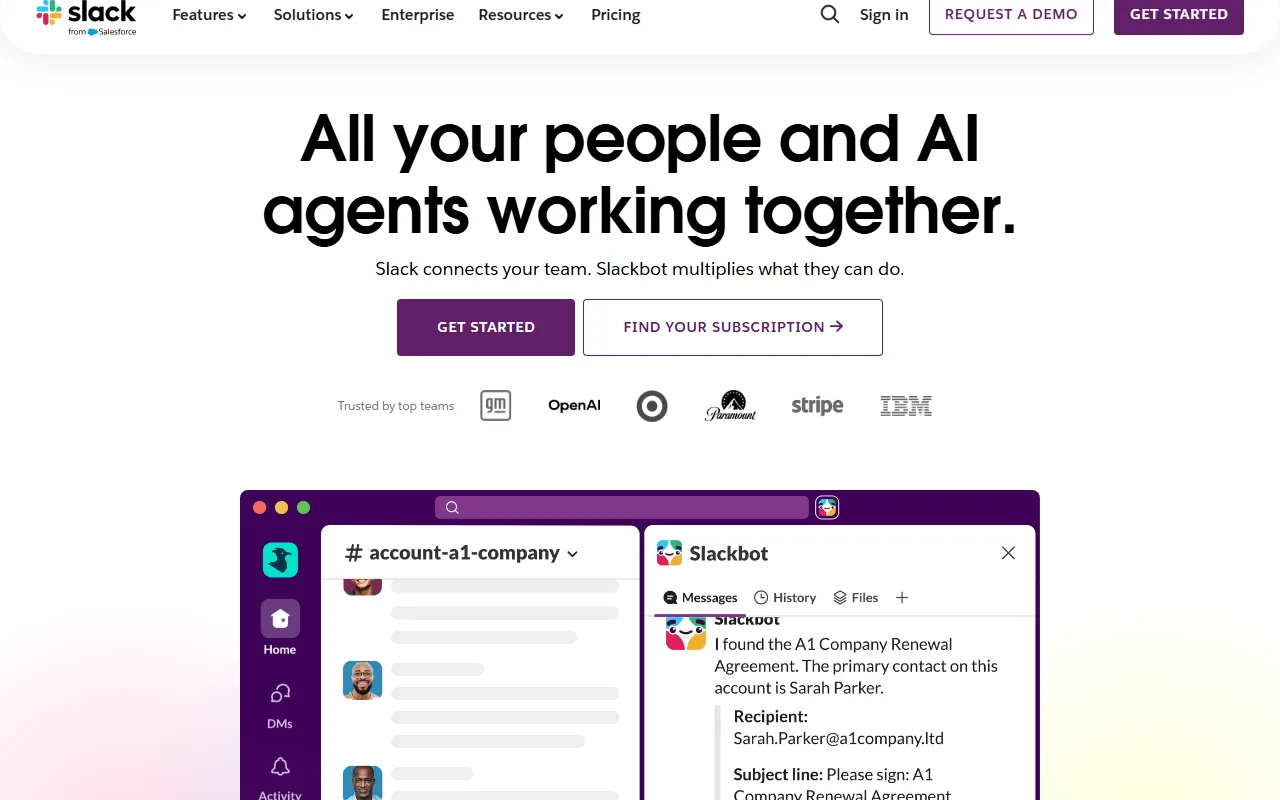
90 days of message history, 10 third-party integrations, 1-to-1 huddles. Unlimited history and group huddles are paid.
The 90-day history cap is real and limits the use case to active threads, not as a knowledge archive. For a small business that uses Slack as a working channel and stores actual decisions in a real notes-and-docs tool or Google Docs, the free tier is fine. The paid Pro plan is worth it once the team crosses ten people and the rolling 90-day window starts deleting institutional memory faster than the team rebuilds it.
Trello Free
Kanban boards with no ceiling on cards.

Unlimited cards, 10 boards per workspace, unlimited storage (10MB per file). Power-Ups are limited to one per board on free.
Trello Free is one of the few project tools where the free tier is the right tier for most small businesses indefinitely. Ten boards is enough for a content calendar that feeds an SEO pipeline, a sales pipeline, a customer issue tracker, an HR tracker, an expansion roadmap, and four more. The paid Standard plan ($5 per user per month) lifts the board and Power-Up limits, which most solo operators never hit.
Calendly Free
A booking link without the Pro upsell.
One event type, unlimited 1-on-1 meetings, integration with one calendar. Group events and team scheduling are paid.
For a small business owner running discovery calls, sales meetings, onboarding sessions, or the "15-minute conversation" ask at the bottom of a cover letter, Calendly Free covers the core "share my calendar without an email back-and-forth" job. The single-event-type cap is the real limit; if you need separate links for sales calls, support calls, and partnerships, the $10 per month Standard plan unlocks unlimited event types. Almost everyone hits that ceiling within a year.
Mailchimp Free
Sending newsletters under 500 contacts.

500 contacts, 1,000 monthly email sends, 1 audience, 1 user seat. Automation flows and A/B testing are paid.
The 500-contact cap is the binding constraint. For any small business with a newsletter under 500 subscribers, Mailchimp Free is a complete email service: list management, drag-and-drop builder, basic templates, and bounce handling. Above 500 contacts, the cheapest paid plan (Essentials, around $13 per month) becomes mandatory. Worth comparing against Buttondown ($9 per month, no contact cap) before paying for Essentials.
Buffer Free
Pre-scheduling posts across three accounts.

3 social channels, 10 scheduled posts per channel, basic analytics. AI assistant and engagement queue are paid.
Buffer Free is the cleanest "schedule a week of posts and forget" tool for a solo operator. Three channels covers Instagram, X, and LinkedIn for most small businesses. The 10-post queue per channel is the real limit; once posting frequency goes daily across all three, the $5 per month Essentials plan unlocks unlimited queues. Below daily, Buffer Free does the job indefinitely. (Same idea applies to SEO content scheduling: queue the week, let the tool ship while you sleep, intervene only when something breaks.)
Zoom Free
One-on-one calls and short group meetings.

40-minute group meeting cap, unlimited 1-on-1 calls, 100 participants. Cloud recording and longer group meetings are paid.
The 40-minute group cap is the famous Zoom Free constraint and the reason most small-team meetings get scheduled in 35-minute slots. For solo or 1-on-1 use (sales calls, customer discovery, hiring interviews) the free tier is unlimited. Worth knowing: Google Meet Free has no time cap on 1-on-1 calls and a 60-minute cap on group calls, which is sometimes the right swap.
ChatGPT Free
Drafts, rewrites, and quick research.
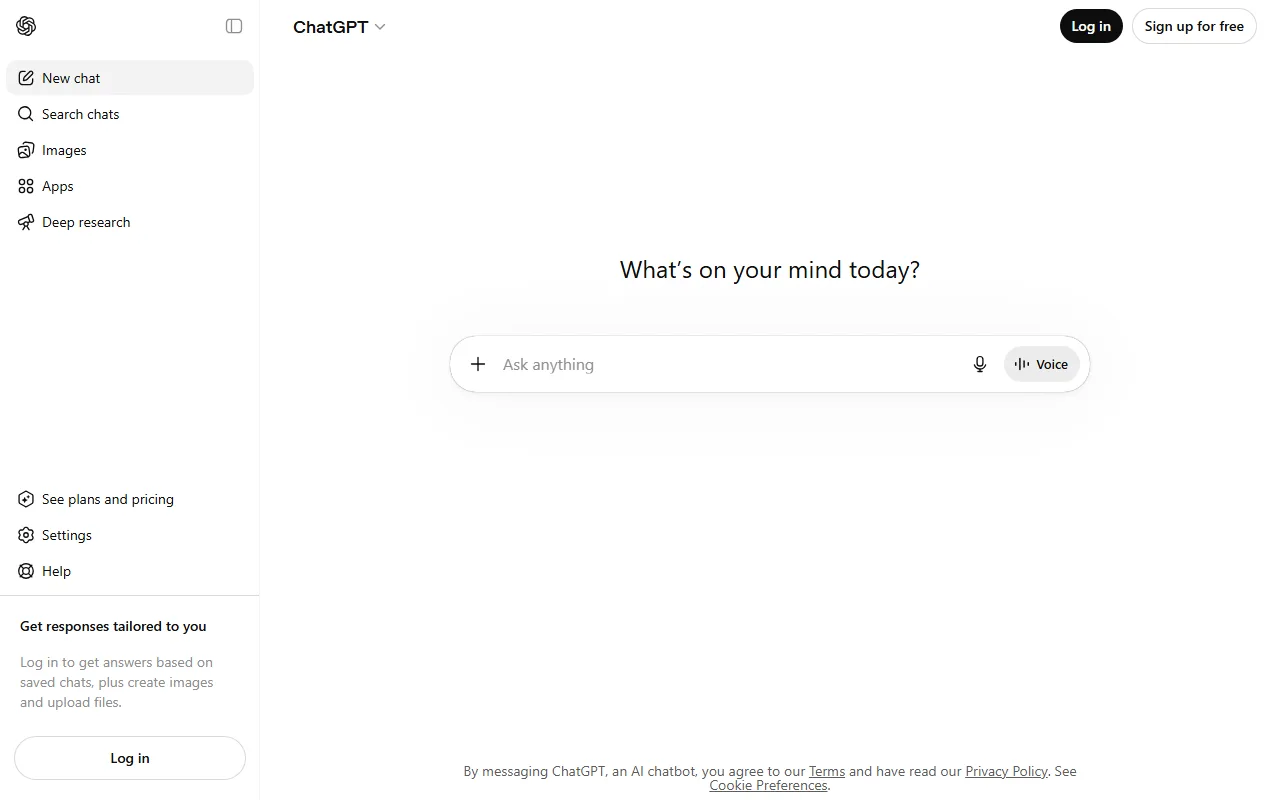
Limited GPT-5 messages per 3 hours, GPT-4o fallback, image generation with daily cap. Custom GPTs and longer context windows are paid.
Genuinely useful for first drafts of contracts, product descriptions, support replies, and short-form research. The free tier rate-limits during peak hours, which is the cue that a paid subscription ($20 per month) might be worth it once the use case crosses a few hours of daily reliance. Worth flagging that AI-generated copy still needs a human pass before it ships, especially for marketing and job-application writing where reviewers now spot the boilerplate openers within a sentence.
→ READ NEXTDeep-dive: a working cover letter structure (where AI helps and where it does not)If you found this useful.
The trap most "best free tools" lists set.
Half of the lists ranking on this query mix genuinely-free tools with 14-day trials and call them "free." That is how readers end up with five charges hitting their card on the same Tuesday. The eleven above are the ones we use ourselves or have recommended to founder friends and not had to apologise for later. The same honest-cap framing carries through our other long-form work: a Notion-versus-Evernote head-to-head that names the trade-off and a cover-letter guide that prints the survey numbers behind every rule.
One more honest note: this list does not include a free SEO content tool, because there is not a credible end-to-end free option in the category. Single-purpose SEO utilities (our own free meta description generator fits the bill, alongside a robots.txt checker and a sitemap builder) exist as honestly free, but a working keyword-to-published-article pipeline is not something anyone gives away yet. If that is the use case you are searching for, we have a head-to-head against the closest paid alternative and our AI SEO agent itself runs the full keyword research, drafting, fact-checking, and CMS publishing pipeline for $99 a month flat.
What counts as "free" on this list?
A tool counts as free if the free tier is functional indefinitely for the use case described, not if it is a 14-day trial in disguise. Where a free tier has a real cap (Mailchimp's 500 contacts, Slack's 90-day history) we name the cap so you know exactly when paid becomes mandatory.
Why is QuickBooks not on the list?
QuickBooks does not offer a free tier in 2026. The "free trial" is 30 days. We listed Wave instead because it is the closest functional substitute that stays free, with the same double-entry accounting and report shapes most accountants will recognise at tax time.
Is HubSpot CRM Free really free, or is it bait?
It is genuinely free for the CRM portion: contacts, deals, email tracking, mobile app, basic reporting. The bait is real elsewhere in the HubSpot product line (Marketing Hub, Sales Hub, Service Hub all push subscription paths from inside the free CRM), but the free CRM itself does not expire and does not throttle below a million contacts.
Which two tools should I install first?
Wave for accounting and HubSpot CRM Free for contact management. Both replace tools that would otherwise be the first two recurring SaaS bills a small business pays. Notion Free third, because it consolidates a lot of small notes-and-tasks SaaS into one workspace.
What about Google Workspace?
Gmail and Google Drive on a personal account are free and cover most one-or-two-person use cases. Once you need a custom domain (you@yourbusiness.com), the cheapest Google Workspace tier is $7 per user per month. We did not include it as one of the eleven because most small business owners discover that pricing on day one and decide based on whether the custom domain is worth $84 a year.
How long can a small business actually run on free tools?
Longer than most founders think. A solo operation generating under $200,000 in revenue can usually stay on this stack for 12 to 18 months, paying only for payment processing (Stripe) and a domain. Above that revenue level, the upgrade path is usually email marketing, video calls, and accounting payroll, in roughly that order.
Is there an honest free SEO tool?
Not really. Most "free SEO tools" are 7-day trials or capped at five searches per day. There are honest free single-purpose SEO utilities (a meta description generator, a robots.txt checker), but a free version of an end-to-end SEO platform does not currently exist that we would recommend.
Fact-checked articles, published to your CMS, while you sleep.
An automated SEO content pipeline: keyword research, fact-checked drafting with citations, a quality gate that refuses bad drafts, native publish to WordPress, Webflow, Shopify, and Ghost. $99 flat per month, Free trial first.
FREE TRIAL · NO PER-ARTICLE METER · CANCEL IN ONE CLICK