The internal linking tool that works while the article is written.
The link plan is built before the draft is finished. Every new article points into your existing URL pool with varied anchors and diverse targets, then the same draft continues through the fact-check and publishing pipeline.
FREE TRIAL · CANCEL IN ONE CLICK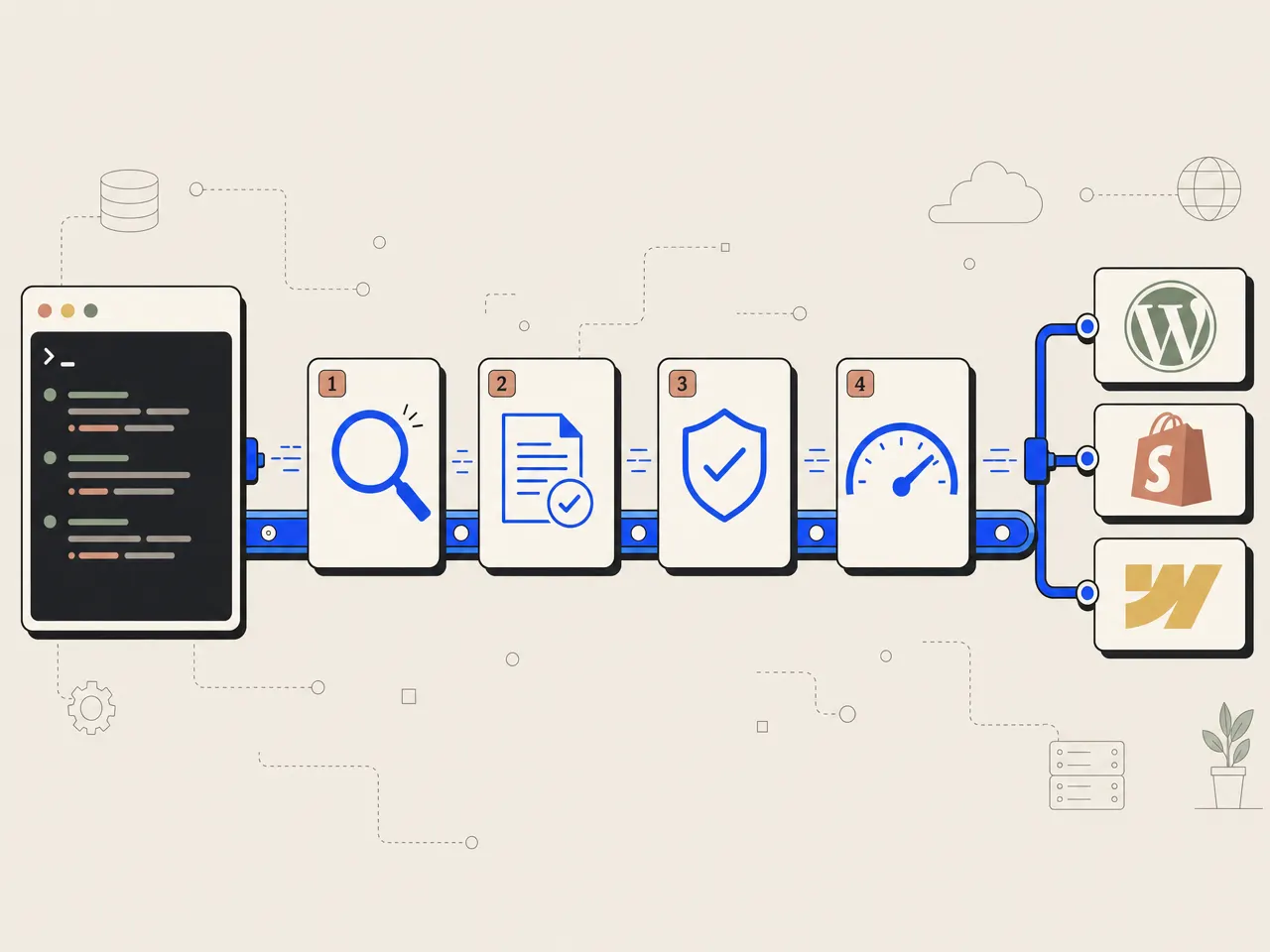
What is an internal linking tool?
An internal linking tool is software that places links between pages on the same website according to target and anchor rules. TheSEOAgent runs that job inside article generation, so each new article points into the existing URL pool before it publishes. It changes only the new article, not the pages it links to. $99/mo flat, with links-at-write-time, and an AI fact-check pass in one article pipeline.
Run a link pass after the writing is done.
Standalone link plugins work on content that already exists. That is useful for an older library, but it separates link decisions from the argument, editing pass, and publishing workflow of a new article.
- Links are considered after the article structure is fixed
- Editorial review and link review run as separate jobs
- Anchor handling depends on a second set of plugin rules
- The plugin process must be maintained beside content production
- Best suited to changing a library that is already published
Build the links with the argument.
TheSEOAgent selects existing URLs while each new article is being written. Link placement, anchor wording, target selection, editing, and the claim check stay inside one article pipeline.
- Existing project URLs form the candidate pool
- Relevant destinations are selected for the paragraph
- Anchor phrasing varies with the surrounding sentence
- Target diversity prevents one page taking every link
- The finished new article publishes with its links intact
Four controls keep internal links part of the draft.
Every destination already belongs to your site.
Every project gives the article pipeline a pool of existing URLs. While a new page is drafted, the writer picks destinations from that inventory and places each one where the reader needs the next piece of context. It never invents a path and never waits for a later sweep: the link belongs to the sentence from the first finished draft, chosen inside the full SEO automation pipeline with the outline and article purpose in view. See how the complete system works.
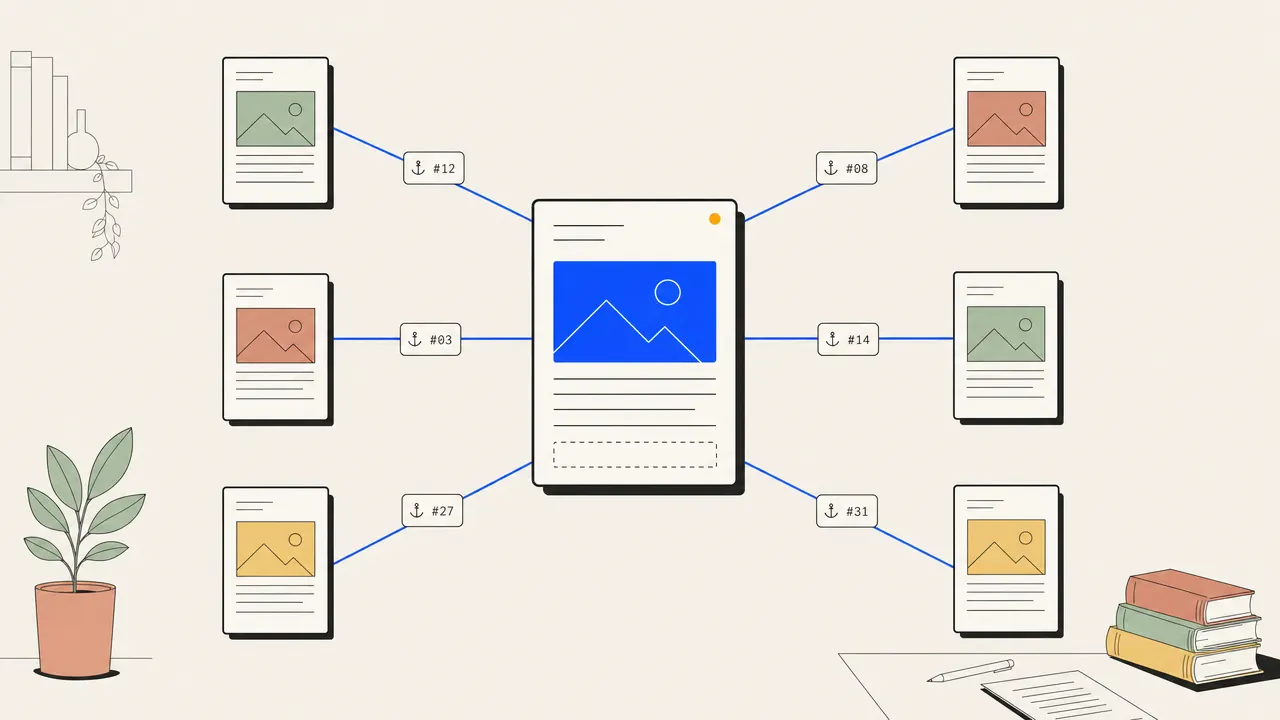
Anchor text follows the sentence, not a repeated template.
Anchors describe what the destination adds to the sentence, so the pipeline varies them instead of repeating one exact phrase across every draft. Brand text stays branded, a partial-match phrase fits explanatory prose, and a natural phrase carries the link when an exact one would read badly. The result: readable articles with no mechanically repeated site pattern. Clean URL paths are a separate job; the free slug generator handles those.
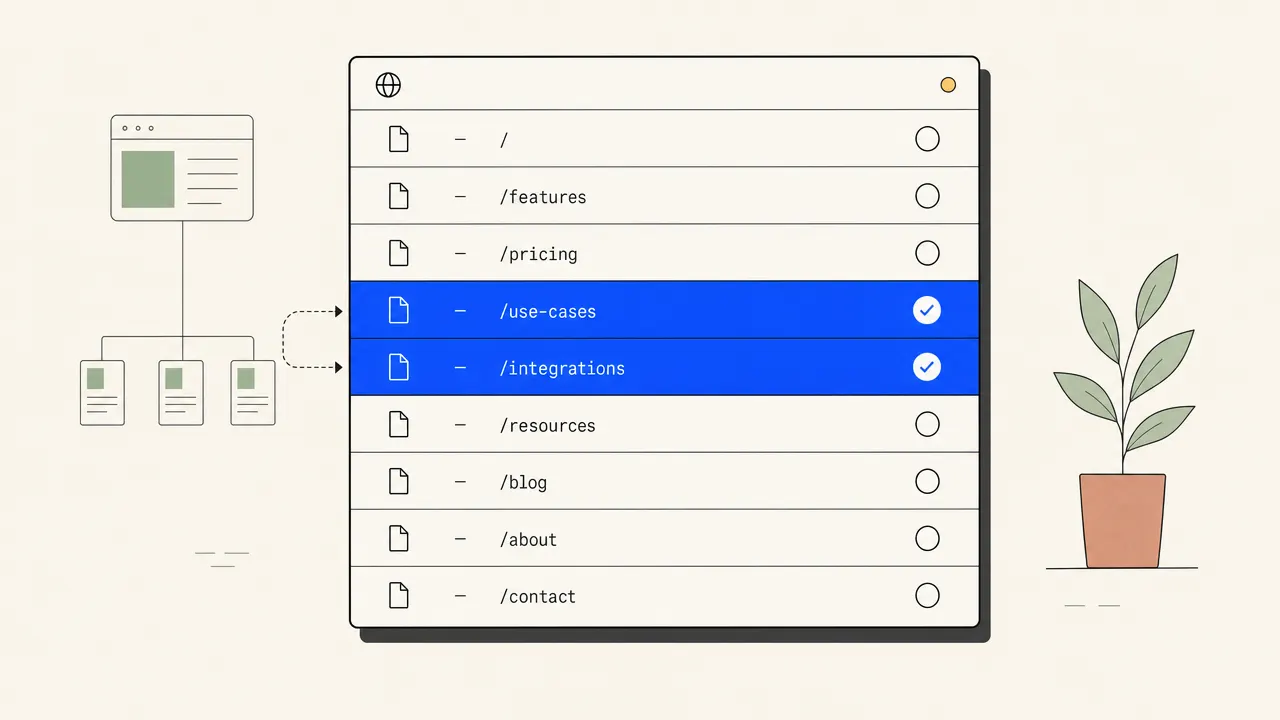
Useful pages share the links instead of one target taking all of them.
One strong page should not take every link just because it is important. The writer spreads eligible links across useful destinations from the URL pool: homepage and priority pages where they fit, supporting pages when they answer the immediate question. That mix turns a publishing cadence into a connected site structure one draft at a time, and it matters most when a programmatic SEO workflow produces many pages around a cluster. Our SEO automation tools roundup runs on the same principle.
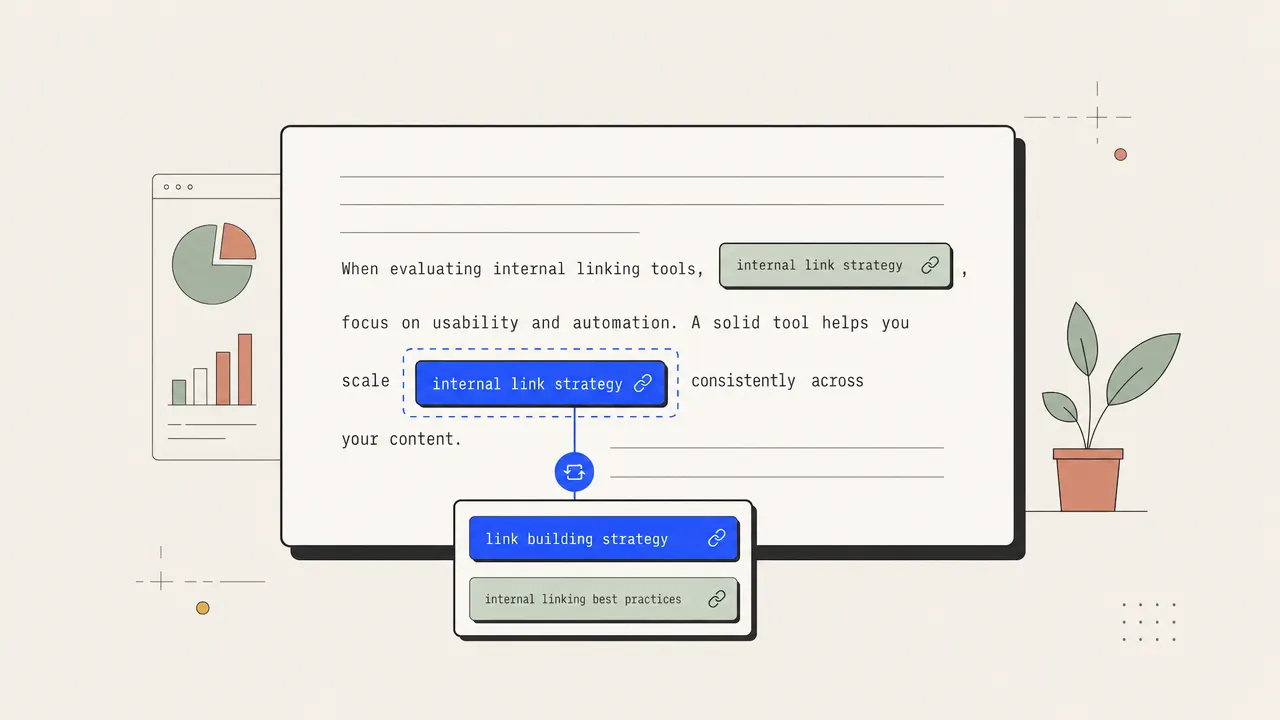
Links stay inside the same editorial and publishing checks.
Links stay part of the draft as it moves through editing, the AI fact-check pass, then publish to your CMS intact. One workflow, not a second plugin queue someone has to remember to run, and no separate add-on: link placement sits inside the same flat pricing as research, drafting, checking, and publishing. Destination pages themselves are left unchanged.
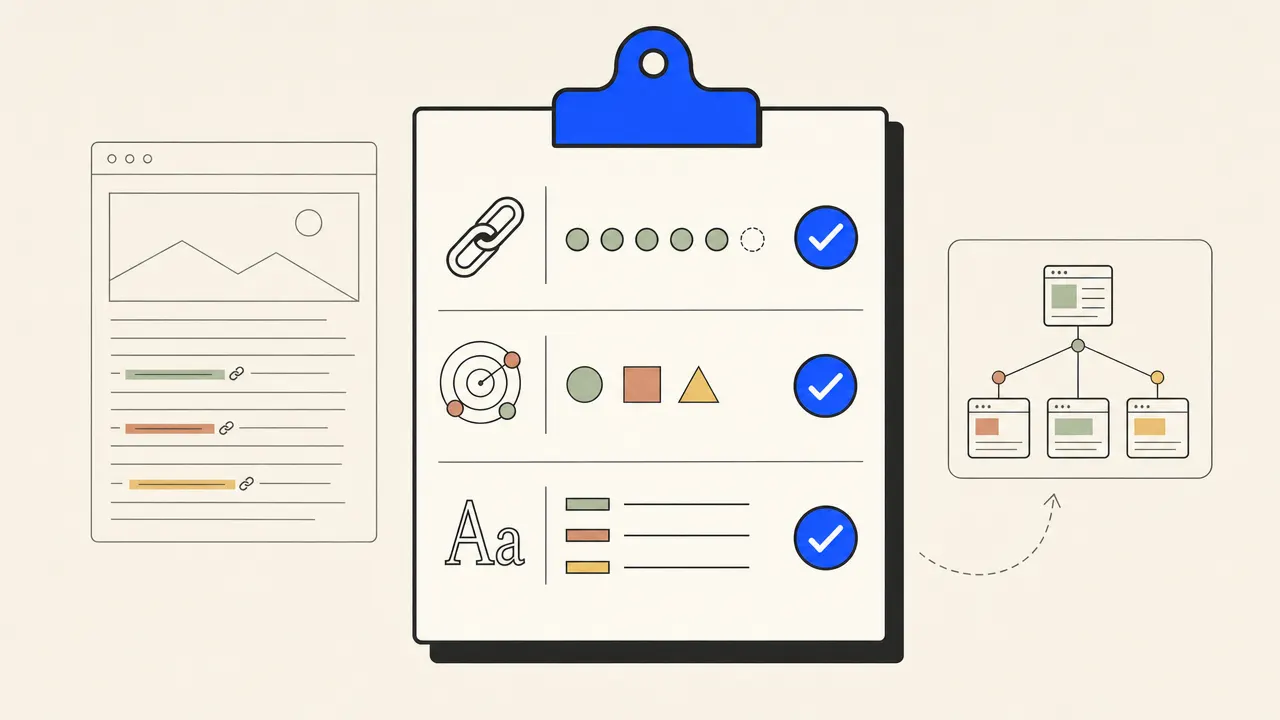
Four stages. One draft. Existing targets only.
The project URL inventory supplies the destinations the writer may use. The article pipeline works from that bounded set instead of inventing internal paths.
As the outline becomes a draft, link opportunities are matched to relevant pages. The destination must fit the paragraph and the purpose of the article.
The new article receives varied anchor text and a diverse target mix while sentences are still being written. The links are editorial content, not a later attachment.
The complete draft moves through editing, fact checking, and CMS publishing. Its internal links ship with the new article.
The honest one-screen comparison.
| FEATURE | THE AGENT | EVERYONE ELSE |
|---|---|---|
| When links are placed | While each new article is written | After content already exists |
| Changes to published pages | Not included | Supported by many standalone plugins |
| Editorial context | Full new-draft context | Varies by plugin and rule setup |
| Anchor variation | Part of the article rules | Varies by plugin and configuration |
| Workflow owner | Article pipeline | Separate plugin process |
| Best fit | Ongoing new content | Updating an existing content library |
Q.01What is an internal linking tool?+
An internal linking tool places links between pages on the same website. TheSEOAgent does that while each new article is written, using existing project URLs, varied anchor text, and target-diversity rules.
Q.02Does it add links to my existing pages?+
Links are placed in the new articles TheSEOAgent publishes, pointing at pages in your existing URL pool. It does not rewrite the destination pages.
Q.03How is this different from a standalone link plugin?+
A standalone plugin can update content that is already published, which TheSEOAgent does not do. TheSEOAgent places links while a new article is drafted, so the link decision shares the same editorial context as the sentence around it.
Q.04How does anchor variation work?+
The article rules vary anchor phrasing while keeping the destination and meaning accurate. The goal is readable prose with a mix of branded, partial-match, and natural anchors rather than one repeated phrase.
Q.05Why does target diversity matter?+
A site structure is stronger when relevant supporting pages receive links too. The pipeline spreads eligible links across valid destinations instead of sending every opportunity to one priority page.
Q.06What happens when a target does not fit the sentence?+
The link rules prioritize relevance. A destination should match the immediate topic and article structure, so an unrelated page does not need to be forced into the draft.
Q.07Can I use it without generating a new article?+
No. This capability runs inside article generation and is not a separate product surface. If the job is only to update an older content library, use a standalone plugin built for that work.
Q.08What comes with the paid article pipeline?+
The $99 per month plan includes live keyword data, article generation, internal links placed in each new article, an AI fact-check pass, and CMS publishing. Start with the free trial and cancel in one click.
Put every new article into the site structure.
Connect the project, approve the content plan, and let each new article carry relevant links into the pages you already have.
FREE TRIAL · CANCEL IN ONE CLICK