One plugin per job, verified against its own listing.
WordPress runs 40.8% of all websites and 59.0% of every site with a known CMS as of August 2026, which is why the plugin directory fills with AI tools faster than anyone can test them. Volume is not the problem. Overlap is. Most roundups list six plugins that all write blog text and then wonder why nobody knows which to install.
So the rule here was one plugin per distinct job. Each entry had to be live and maintained, with a first-party product page or a current WordPress.org listing we opened on 17 August 2026, and each had to own something the others do not. That rule cost us a few familiar names. Bertha AI is the clearest example: its own site now states the WordPress plugin is deprecated and no longer works with current WordPress, so recommending it would be careless. The order runs from the widest job to the narrowest, not from best to worst, because a translation plugin and a publishing pipeline are not competing for the same slot.
Nothing here is sponsored and there are no affiliate links in this article. We build The SEO Agent, which is entry one, so read that entry with the appropriate suspicion. The argument for it is structural rather than promotional: it is the only plugin on the list that receives a finished article instead of helping a human produce one, and that difference is what the WordPress automation feature page exists to explain. Scored purely on unattended work rather than on AI features, the same field reshuffles: that ranking is the list of automatic SEO plugins for WordPress.
The SEO Agent
Research, drafting, and native publishing
The only plugin here that receives finished articles instead of helping you write them. Keyword research runs on real search data, drafting and fact-checking happen off-site, and the WordPress plugin is the receiver that turns an approved article into a live post.
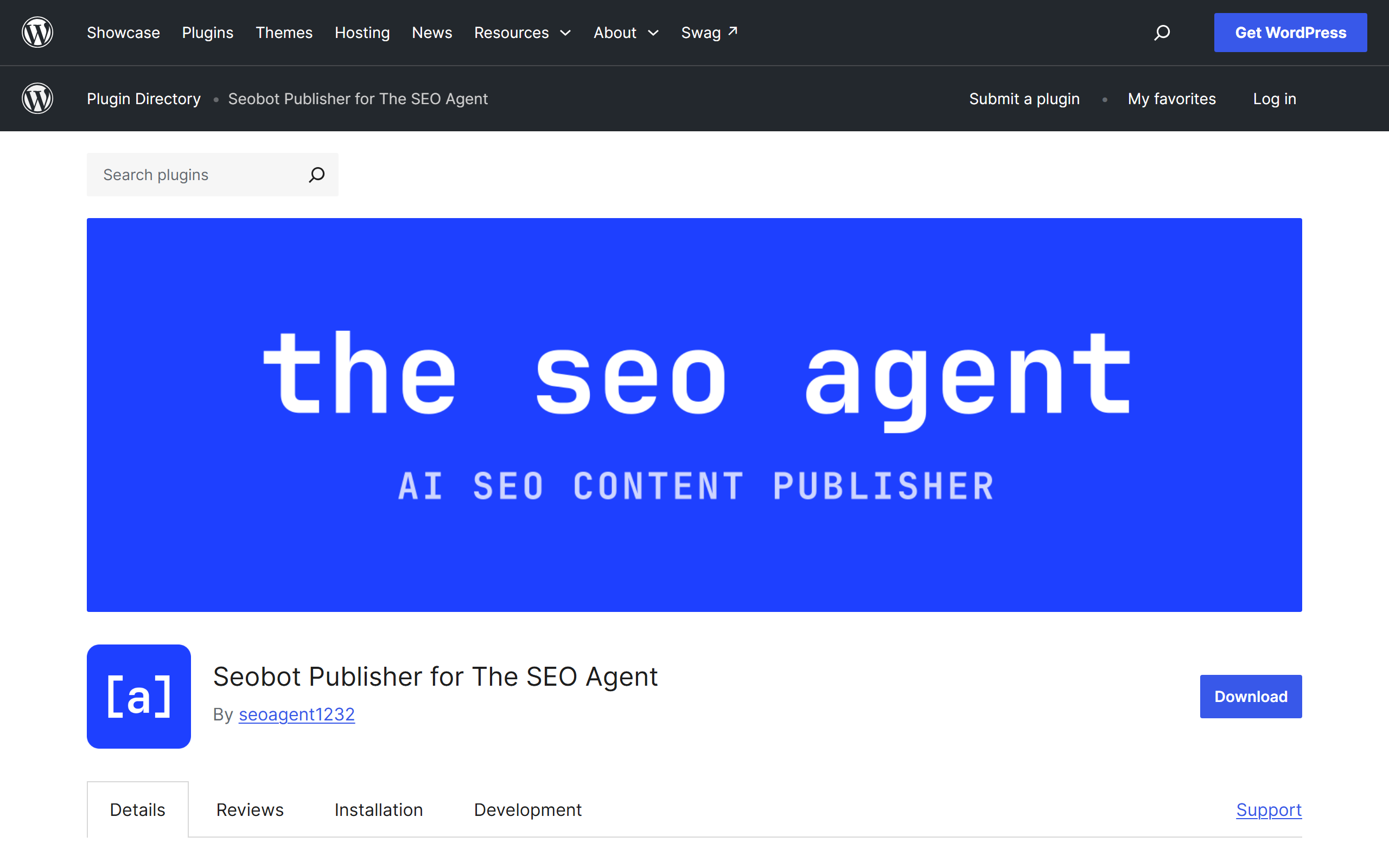
Every other plugin on this list assumes you are sitting in the editor. This one assumes you are not. The account picks the keyword from live search data, writes the draft, checks the claims through an AI fact-checking layer that attaches sources, scores the result against a quality gate, and only then hands the finished article to WordPress. The plugin is deliberately thin: it exposes REST endpoints, accepts a post with title, HTML body, featured image, tags, slug, and meta description, and writes it into your site. Version 1.3.0 added upsert behavior, so a re-sent article updates the post it created rather than stacking a duplicate.
Being honest about the boundary matters here. The plugin does not add a focus-keyword field, does not generate schema, and has no future-dated scheduling of its own. It writes meta descriptions in a shape Yoast and Rank Math both read, which is the practical reason most people run it alongside one of them rather than instead of one. If you want the whole path documented before installing anything, the WordPress SEO automation pipeline covers it, and the WordPress connection guide walks through the token paste that links a site to an account. If you are comparing hosted article services rather than editor plugins, the automated publishing alternatives shortlist helps you check the workflow and CMS fit before installing a connector.
GOOD AT
- Keyword selection runs on real search data, not model guesses
- Every draft passes a quality gate before it can reach your site
- Republishing an edited article updates the existing post instead of duplicating it
WATCH FOR
- The plugin alone does nothing without a paid account behind it
- No focus-keyword field and no schema writing inside the plugin itself
ACCESS: Free plugin on the WordPress.org directory (Seobot Publisher for The SEO Agent, v1.3.0). The platform behind it is $99 a month flat after a free trial.
AI Engine
Chatbots, generation, and an MCP server
The most complete free AI framework in the WordPress directory. Chatbots, content and image generation, an editor copilot, and an MCP server that lets an outside assistant read and manage the site through conversation.
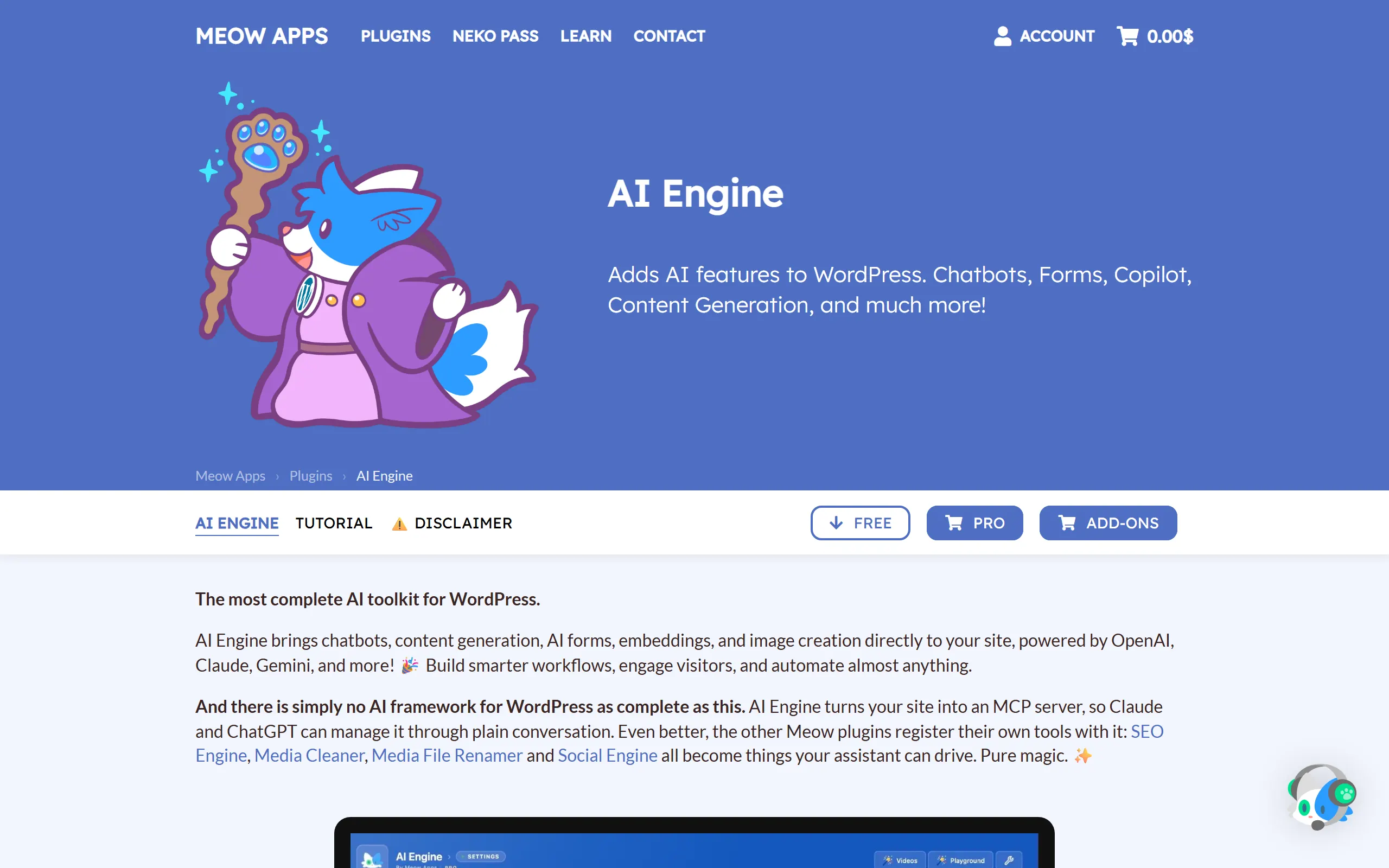
AI Engine is the plugin people mean when they say WordPress has a real AI framework. One install gives you a front-end chatbot, generation inside the editor, image creation, a playground for testing prompts, and a connection layer that other plugins can register tools against. The MCP server is the interesting part in 2026: it lets an assistant outside WordPress read posts, edit them, and manage the site through plain instructions instead of a settings screen. If that idea is new to you, our roundup of SEO MCP servers covers what the protocol does and does not solve.
The cost model is the honest advantage. You pay the model provider directly, so a low volume site can run useful AI features for a few dollars a month. The trade is that nothing is decided for you. AI Engine will happily generate a thousand words on a topic nobody searches for, because topic selection is not its job. Pair it with real demand data before you let it write anything you intend to rank.
GOOD AT
- Genuinely useful free tier rather than a locked demo
- You control the model provider and therefore the per-token cost
- Turns the site into an MCP server that an external assistant can drive
WATCH FOR
- Setup assumes comfort with API keys and provider billing
- Breadth means the settings surface is large for a first-time user
ACCESS: Free on WordPress.org. You bring your own model provider key. A Pro licence adds AI forms, embeddings, function calling, and statistics.
Rank Math Content AI
SEO plugin with a built-in writing assistant
Content AI lives inside the Rank Math SEO plugin and turns the sidebar into a writing assistant: outlines, long-form drafts, alt text, metadata, and a conversational assistant that answers SEO questions without leaving the editor.
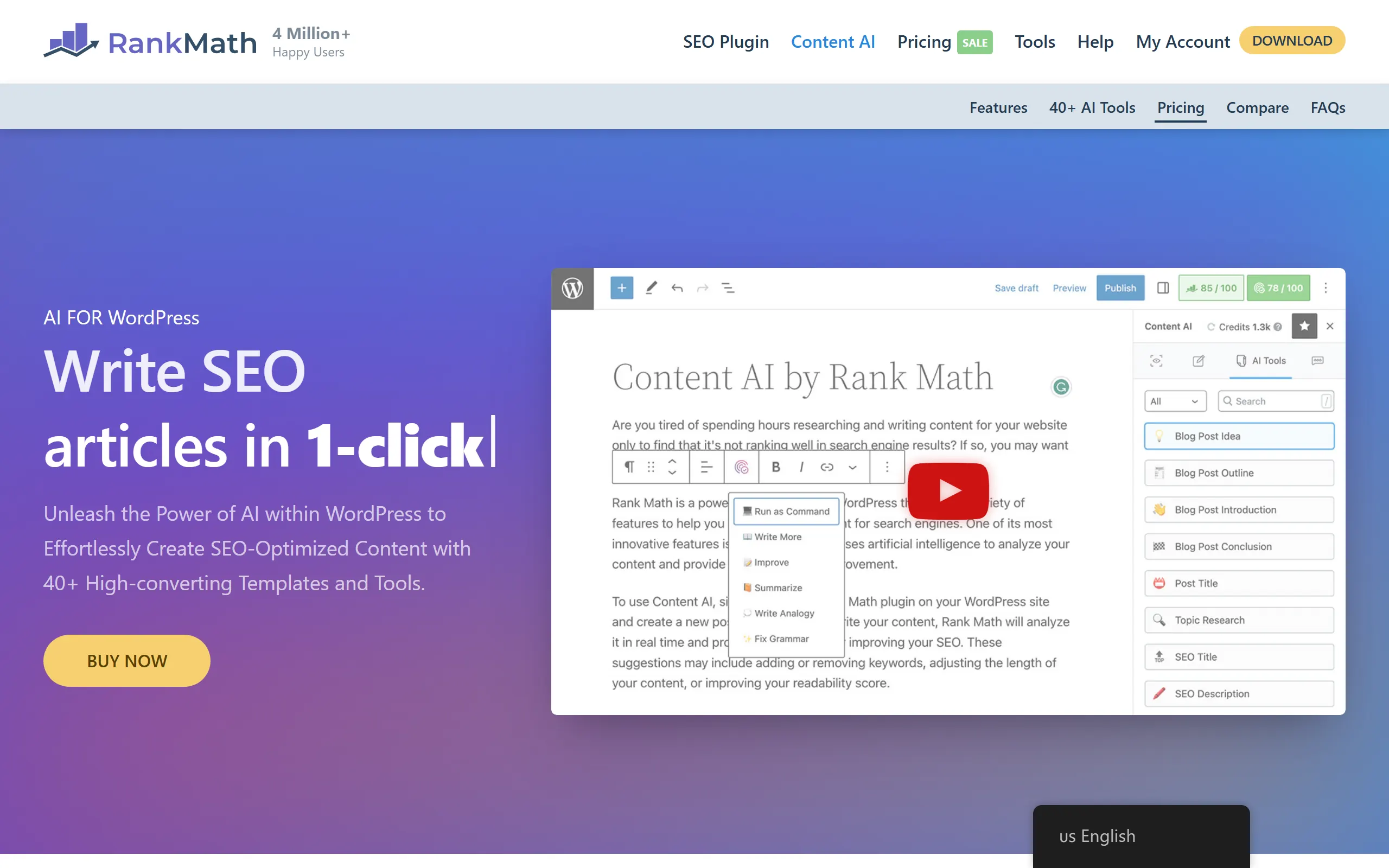
If you already run Rank Math, Content AI is the least disruptive way to add AI to your writing. It sits in the same sidebar as the SEO analysis, so the suggestion and the score it is trying to move are in one place. The tool set is wide: blog post ideas, outlines, introductions, conclusions, post titles, SEO titles, SEO descriptions, and alt text, plus a chat assistant for the questions you would otherwise open a tab for.
The limitation is the one every in-editor scorer shares. A green score means the draft satisfies a checklist derived from the page itself. It does not mean the keyword has volume, that the intent matches what ranks, or that the claims survive scrutiny. That gap is the whole argument in our best AI SEO tools roundup, and it is why a metadata helper like our free meta description generator is a fine complement rather than a competitor.
GOOD AT
- Works in Classic, block, Elementor, and Divi editors
- Suggestions are tied to the on-page analysis you already follow
- Large prompt library covers metadata, outlines, and alt text
WATCH FOR
- Credits meter every generation, so heavy drafting gets expensive
- Optimization scores measure the page against itself, not against a live SERP
ACCESS: Rank Math SEO is free. Content AI runs on a credit system and is included with paid Rank Math plans, with a limited free allowance to try it.
Jetpack AI Assistant
Native block-editor assistant
An AI block inside the WordPress editor from the Jetpack team. Generate a post, rewrite a paragraph, change tone, translate into another language, and build tables or lists without leaving the block you are working in.
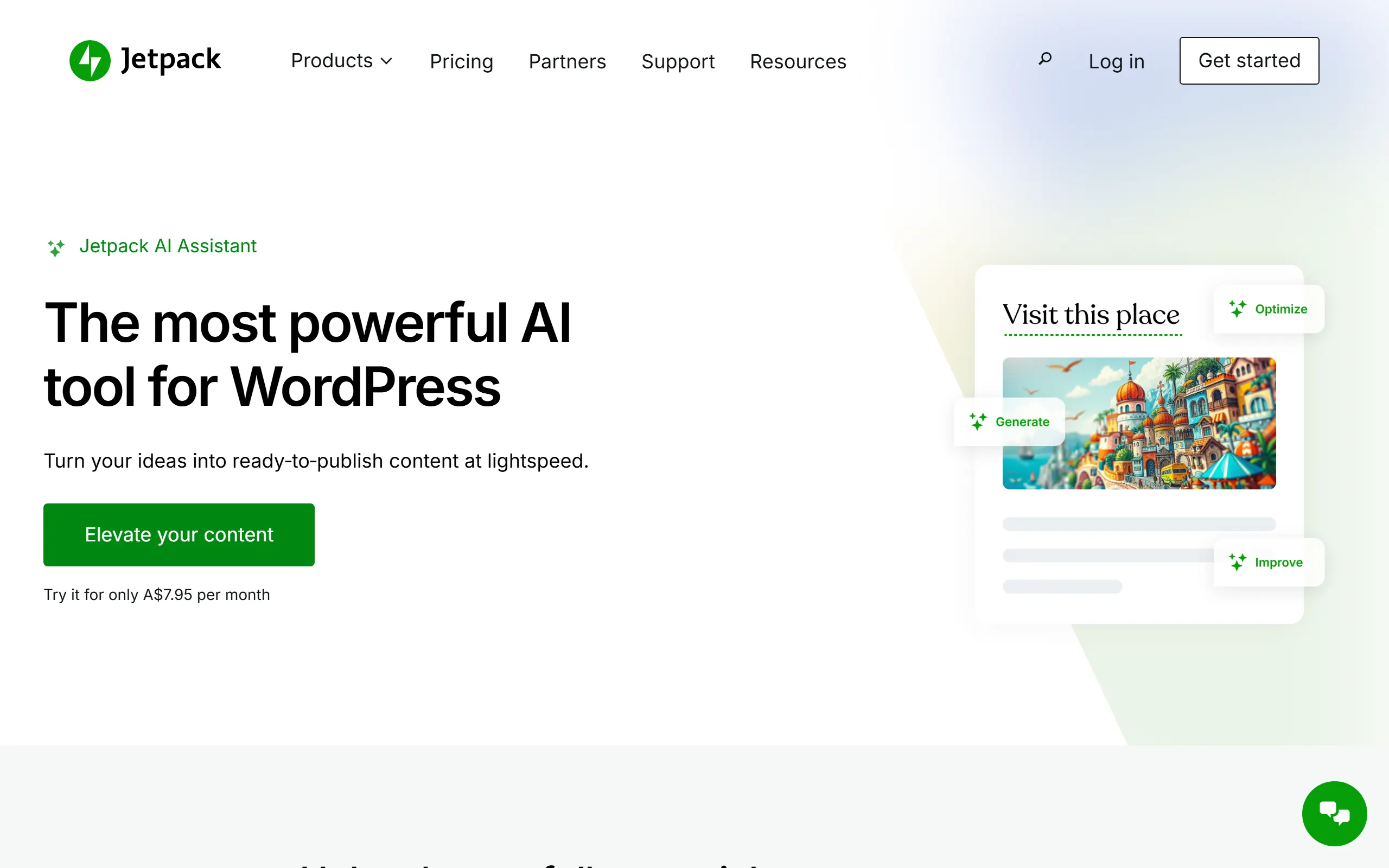
Jetpack AI Assistant is the safest pick for a writer who wants help inside the editor and nothing else. Because it is implemented as a block, the experience is the one WordPress already taught you: insert, prompt, accept or discard. The rewrite and tone controls are the parts people keep using after the novelty wears off, since fixing a clumsy paragraph is a far more common need than generating a post from nothing.
Two caveats. It pulls in Jetpack, which is a large plugin with opinions about statistics, backups, and site connection. And the assistant is priced per request, which quietly discourages the one workflow people buy AI writing for: producing a lot of posts. For that shape of problem, compare it against the systems in our auto blogging software guide before you commit.
GOOD AT
- Feels native because it is a block, not a bolted-on panel
- Tone and translation controls are genuinely good for editing passes
- Backed by a team that has to keep pace with core editor changes
WATCH FOR
- Requires the Jetpack plugin and a WordPress.com connection
- Request allowances make bulk drafting an awkward fit
ACCESS: Paid add-on to the free Jetpack plugin, billed monthly with a request allowance. Pricing is shown in your local currency at checkout.
GetGenie AI
Content and competitor research
A WordPress-native content assistant built around keyword research and competitor analysis. It reports 80,000 or more active installs on its own site, and the pitch is that the brief comes before the draft.
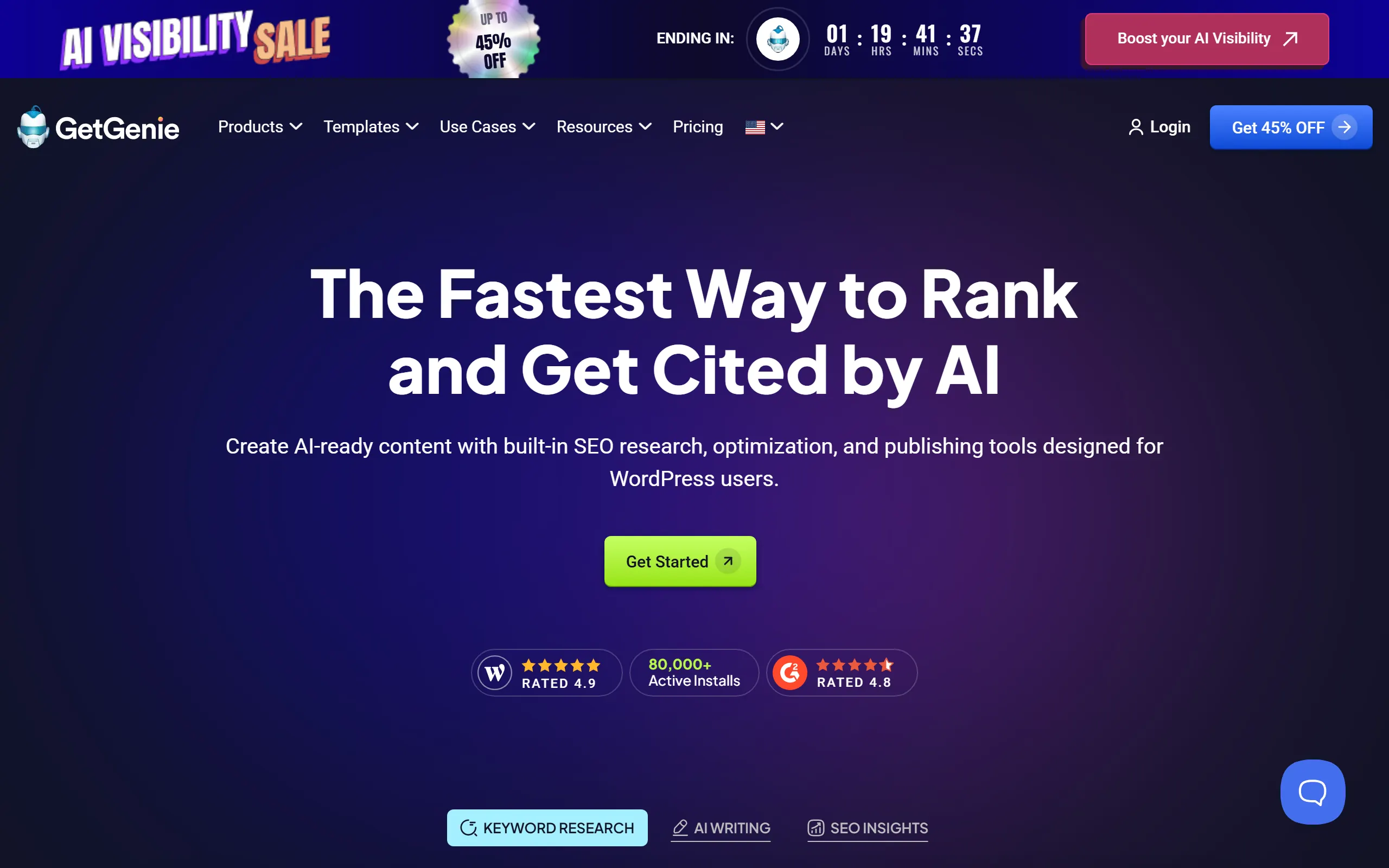
GetGenie is the closest thing on this list to a research-first workflow that still runs inside WordPress. You start from a keyword, it pulls a competitor view, builds an outline from what it saw, and drafts against that outline. For a solo operator who wants one panel instead of three tabs, that sequencing is the selling point.
Treat the reported keyword numbers as a starting point rather than a verdict. Volume and difficulty estimates vary widely between providers, and a brief built on a bad number produces a well-structured article aimed at nothing. If keyword accuracy is the part you care most about, that is the specific comparison we make in the SEO automation tools comparison.
GOOD AT
- Research, brief, and draft live in one panel
- Template library covers ads, email, and product copy as well as blogs
- Competitor analysis gives the draft an outline to argue with
WATCH FOR
- Word and keyword allowances bind quickly on a real publishing schedule
- Research quality varies by niche, so spot-check the volumes it reports
ACCESS: Freemium. A free tier exists, with paid plans starting in the low tens of dollars a month and scaling by word and keyword allowance.
Yoast SEO with AI Generate
On-page metadata
The most installed SEO plugin in WordPress added a narrow, well-scoped AI feature: generate SEO titles and meta descriptions from your own content, one page at a time or in bulk from the editor.
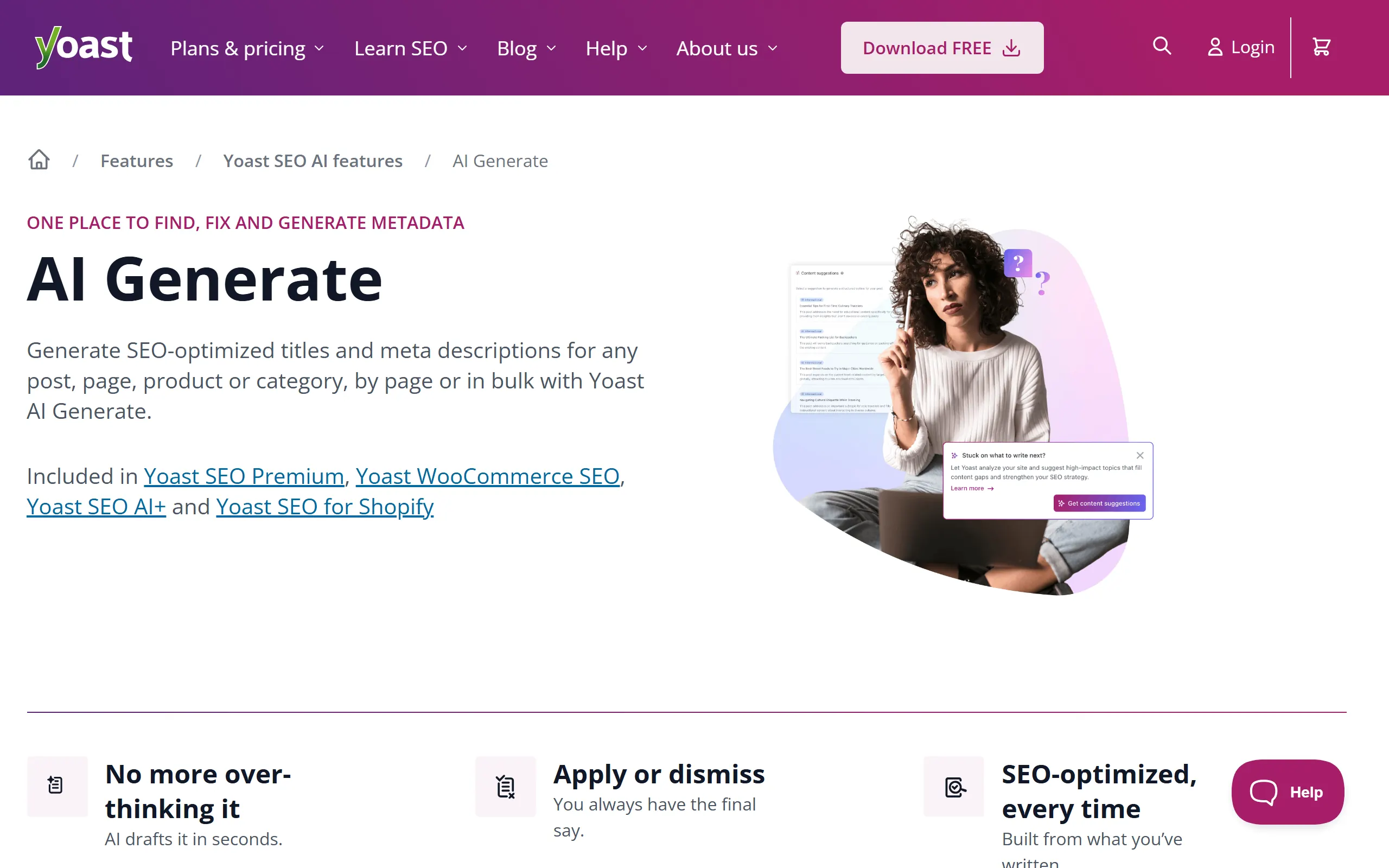
There is a case for the plugin that refuses to do everything. Yoast AI Generate writes titles and meta descriptions and stops there, and the restraint is the reason it works. The drafts are built from what you actually wrote, you get several options, and you accept or dismiss each one. On a site with a few hundred legacy pages carrying empty description fields, the bulk view turns a week of tedium into an afternoon.
It is also the clearest example on this list of the difference between a helper and a system. Metadata is the last two fields of a publishing job that starts with picking the topic. If the metadata is the only part you want help with, our free SEO title generator does the same job without a licence, and the keyword density checker covers the other half of a quick on-page pass.
GOOD AT
- Scope is deliberately small, which is why the output is reliable
- Drafts come from the page content rather than a generic template
- Bulk metadata editing removes the worst chore in a site cleanup
WATCH FOR
- Requires a Premium licence, so the free plugin alone will not do it
- It writes metadata, not articles, so it solves one narrow job
ACCESS: Yoast SEO is free. AI Generate is included with Yoast SEO Premium, Yoast WooCommerce SEO, Yoast SEO AI+, and Yoast SEO for Shopify.
Elementor with Elementor AI
Layouts, copy blocks, and custom code
Elementor is the page builder most WordPress sites already run, and its AI layer generates text, images, layout sections, and custom CSS inside the editor rather than in a separate tool.
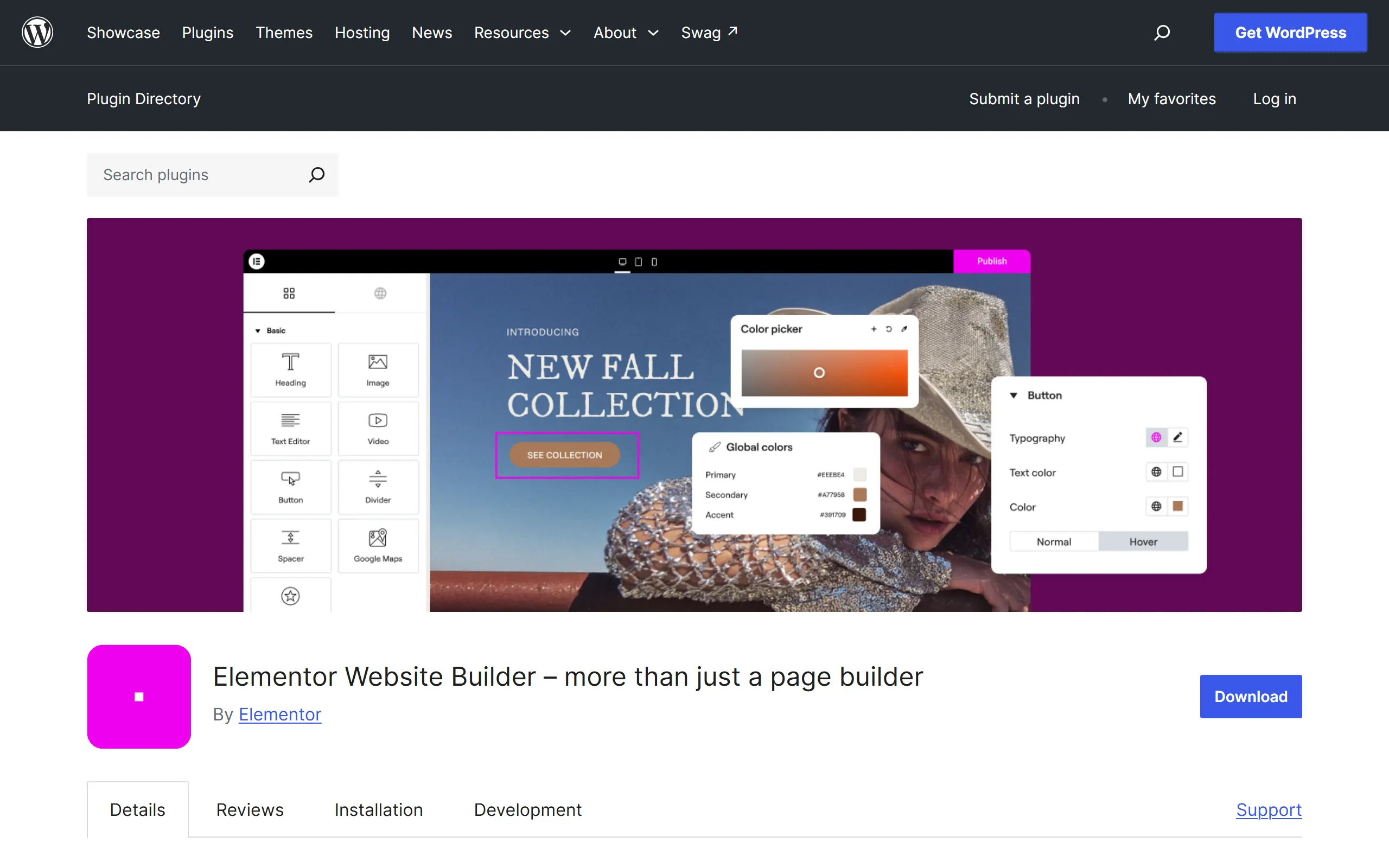
Elementor AI earns its place because it works at the level of the page rather than the paragraph. Ask for a pricing section and you get a laid-out pricing section, not three sentences you then have to arrange. The text tools are ordinary. The layout and code generation are the reason to turn it on, particularly for people who can describe what they want but cannot write the CSS to get there.
Watch the credit meter and watch the page weight. Builder output is verbose by nature, and an AI that produces sections quickly will produce a lot of them. Landing pages assembled this way still need the same discipline as anything else you publish, which is why we treat page building and content programs as separate problems in end-to-end SEO automation.
GOOD AT
- Generates the section, not just the sentence inside it
- Custom CSS and code generation saves real time for non-developers
- Sits inside a builder most sites already have installed
WATCH FOR
- Credits are consumed fast by image and layout generation
- Builder-generated markup is heavier than a clean block layout
ACCESS: Elementor is free on WordPress.org. Elementor AI is a separate credit-based subscription, and credits are also bundled into some Elementor plans.
Alt Text AI
Accessibility and image SEO
A single-purpose plugin that generates alt text for every image you upload and backfills the ones already in your media library. It reads focus keywords from Yoast, Rank Math, SEOPress, and All in One SEO so the descriptions stay on topic.
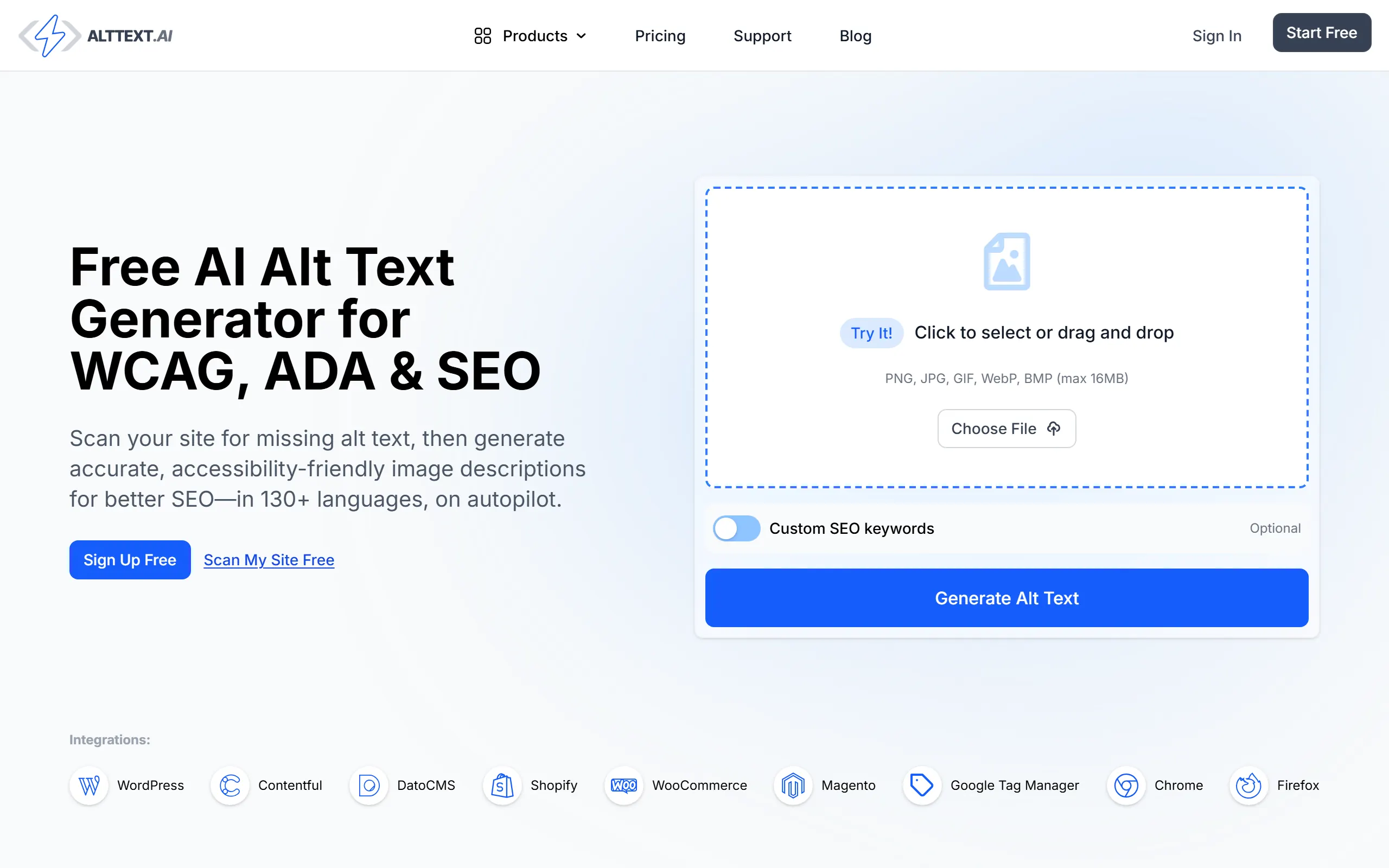
Alt text is the classic job that everyone agrees matters and nobody completes. This plugin is the rare case where full automation is clearly correct: the task is repetitive, the output is short, and an imperfect description beats an empty attribute for both screen readers and image search. The backfill mode is the feature worth paying for, because it fixes the images you uploaded three years ago and forgot.
Keep a human in the loop on anything where the image carries meaning a model cannot infer, such as a chart, a diagram, or a screenshot of your own product. Automatic descriptions are accurate about what is visible and blind to why it matters. The same reasoning applies to structural work like internal linking, where the mechanical part is safe to automate and the editorial judgement is not.
GOOD AT
- Backfills an entire legacy media library, which nobody does by hand
- Handles JPG, PNG, WebP, SVG, and AVIF uploads
- Pulls focus keywords from the major SEO plugins automatically
WATCH FOR
- Credit-priced per image, so large libraries have a real cost
- Generated descriptions still need a human pass on complex images
ACCESS: Free plugin on WordPress.org, paid credits on the AltText.ai account behind it. Bulk backfill consumes credits per image.
TranslatePress AI
Translation
A visual translation plugin with AI translation built in. It picks between large language models and neural machine translation engines per language pair, and you edit the result on a live preview of the page instead of in a string table.
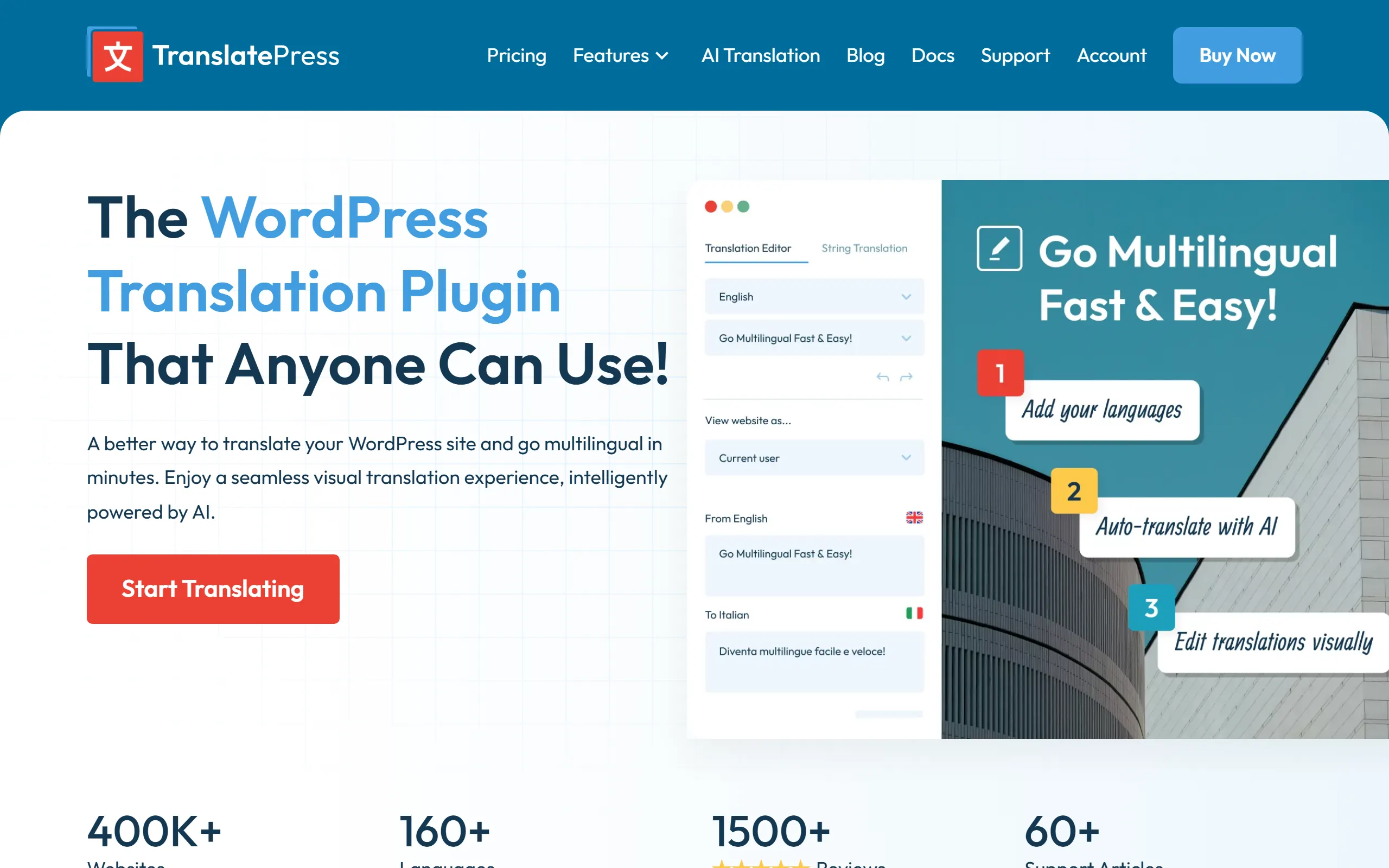
Translation is the AI use case with the clearest return on a WordPress site, because the alternative is either a freelancer per language or nothing at all. TranslatePress handles the parts that break other translation plugins: strings emitted by shortcodes, page builder output, form labels, and store fields. Editing on a live preview matters more than it sounds, since a translated phrase that is fine in isolation often wrecks a button.
Do not confuse translated pages with a multilingual content strategy. Each language needs its own keyword reality, and a literal translation of an English article often targets a phrase nobody types in the destination market. If reaching assistants and AI answers is part of the plan, the rules differ again, which is what AI search optimization covers.
GOOD AT
- Visual editor means you see the translated layout, not just the string
- Handles shortcode, form, page builder, and WooCommerce output
- Engine selection per language pair beats a single fixed translator
WATCH FOR
- The free AI word allowance runs out on a single medium page
- Machine output still needs a native reviewer for anything commercial
ACCESS: Free plugin with a limited AI word allowance. Paid licences unlock larger allowances, more languages, and SEO features for translated URLs.
Tidio with Lyro
Support and lead capture
Live chat with an AI agent attached. Lyro learns from your own help content and answers repetitive questions without a human, with native WooCommerce support for order and product questions.
Chat is the one AI feature on this list your visitors interact with directly, which raises the stakes on accuracy. Lyro is good at the deflection job it claims: shipping times, returns, order status, and the same five presale questions every store gets. It is not good at anything requiring judgement, and the honest setup is to route those cases to a person quickly rather than letting the agent improvise.
Read the free plan carefully before you build a support workflow on it. The AI conversation allowance is granted once rather than monthly, so the free tier functions as an extended trial. Budget for the AI add-on separately from the chat plan, the same way you would budget the content side of the site against a flat $99 a month rather than a per-item meter.
GOOD AT
- Answers repetitive presale and order questions around the clock
- Trains on your existing help pages rather than a blank prompt
- Escalation to a human inbox is built in rather than bolted on
WATCH FOR
- The free AI conversations do not refresh, so they are a trial in practice
- AI conversation pricing sits on top of the base plan
ACCESS: Free plugin and a free plan with a capped conversation allowance. The Lyro AI allowance on the free plan is a one-time grant, not a monthly reset.
An assistant helps you write. A system publishes.
Nine of the ten plugins above are assistants. They wait for you to open a page, take an instruction, and hand something back. That is genuinely useful, and it is also why sites running four AI plugins still publish twice a month. The bottleneck was never typing speed. It was deciding what to write, verifying the claims, keeping the standard consistent across fifty posts, and finding the hour to hit publish.
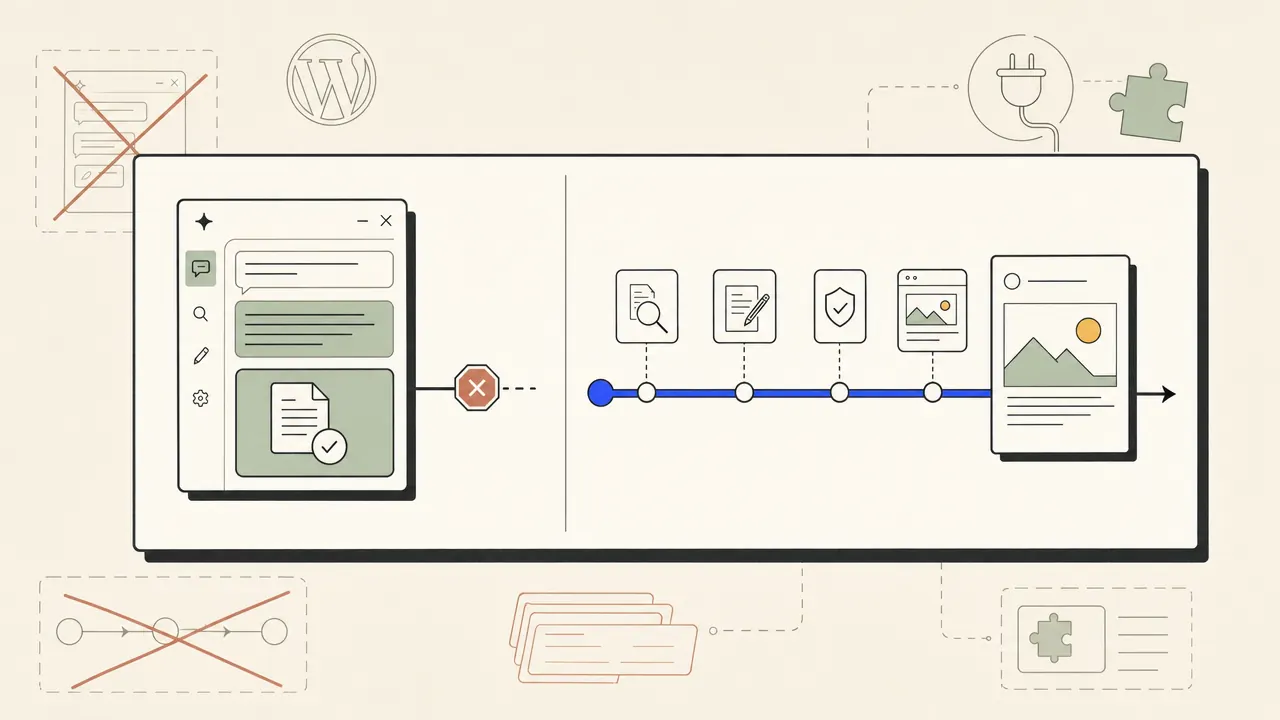
A system owns that sequence. It selects the topic against live demand, drafts to a fixed standard, checks the claims, refuses drafts that fail the gate, chooses internal links, generates images, and writes the post into WordPress. The plugin at the end is small on purpose. If you want the version of this that runs on a schedule without a human in the loop, that is autoblogging with a quality gate, and the honest comparison against the closest paid competitor is in our head-to-head against Outrank.
Three plugins, not eight.
Start with the job that is actually blocked. If metadata is missing across a few hundred pages, that is a Yoast or Rank Math afternoon. If images have no alt text, that is one plugin and a credit budget. If your problem is that nothing gets published, no amount of editor assistance fixes it, because every assistant still needs you in the chair. If you want the manual version of that workflow first, our walkthrough on writing WordPress posts with AI shows what a plugin still leaves on your plate.
Then stop. Every extra plugin is more code on every request, another billing meter, and another settings page giving contradictory advice inside the same editor. Two or three, chosen by distinct job, beats eight chosen by feature list. The full stack we actually recommend for a WordPress publishing program is documented on the WordPress SEO automation page, and the wider category view sits in the guide to tools built for AI answers.