Free-tier honesty, licence shape, and who the plugin is actually for.
Every plugin here is listed on the official WordPress.org directory, and every number in this article was checked against that listing or the vendor's own pricing page on 17 August 2026. We scored four things: what the free tier genuinely covers, what the paid licence costs per site, how many sites it stretches across, and which reader it is built for. Install count broke ties, because on WordPress an abandoned SEO plugin is a much worse outcome than a slightly weaker feature list.
The order is not strictly best to worst, because these plugins do not all do the same job. Ranks two through five are the mainstream contenders and should be read as ranked. Ranks six through nine are specialists, ordered by how distinct their case is. Rank one is the outlier and is explained honestly in the next section. Nothing here is sponsored, there are no affiliate links, and none of the eight third-party vendors were contacted before publication.
W3Techs puts WordPress at 59.0% of all sites with a known CMS. That share is why the category stays crowded and why the free tiers keep getting more generous. It is also why nearly every one of these plugins now advertises an AI feature. Read those claims carefully: a title suggester and a full SEO automation pipeline are not the same product, and the gap between them is where most of the disappointment in this category comes from.

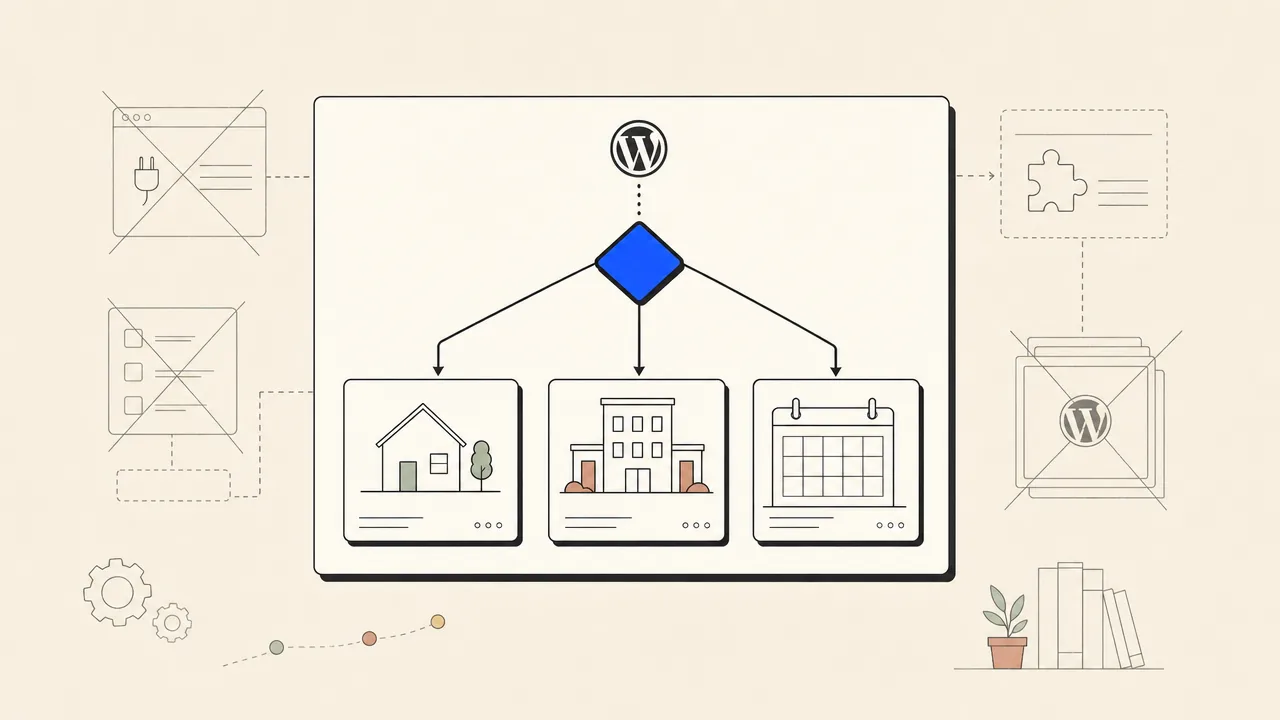
On-page plugins and SEO automation solve different problems.
A traditional WordPress SEO plugin is a metadata layer plus a coach. It writes the title tag and meta description, emits an XML sitemap, sets canonicals, adds schema, manages redirects, and grades the draft sitting in your editor. All of that is real work and all of it matters. But every one of those jobs starts from the same assumption: an article already exists.
SEO automation starts one step earlier. It decides which keyword is worth a page, writes the draft, checks the claims in it, rejects the draft if it is weak, and then publishes. On WordPress the last step needs a plugin too, which is why our own receiver plugin exists and why automated WordPress publishing is a separate page from this one. The two layers are complements. Keep an on-page plugin for the metadata and the coaching, and add a production layer only if the honest answer to “when did you last publish?” is embarrassing.
The practical test is one question. If your posts are well optimized and still not ranking, more on-page tooling will not help and a verification pass on every claim plus more published pages usually will. If your posts are thin on metadata, pick from ranks two through nine and stop reading. Most sites need one of these answers, not both. If the plugins you are shortlisting are the AI-assisted kind rather than the metadata kind, we scored those separately in the best AI plugins for WordPress. And if the requirement is narrower than that, a plugin that finishes the job without you opening wp-admin, the ranking that answers it is the one covering plugins that automate WordPress SEO end to end.

The SEO Agent
Not an on-page scoring plugin. The SEO Agent is a hosted pipeline that researches keywords against real search data, drafts fact-checked articles with citations, runs them through a quality gate, and publishes the finished post to WordPress through a free plugin on the official directory.

Every other entry on this list assumes an article already exists. That assumption is doing a lot of work. For most WordPress owners the missing piece is not a better traffic light on the editor sidebar, it is the twenty posts that were never written. The SEO Agent sits at that layer: it picks the keyword, writes the draft, checks the claims, and hands the finished post to WordPress. The plugin, published as Seobot Publisher for The SEO Agent, is a small receiver. You paste a 64-character token into it once and it listens for approved articles.
What lands on the site is the post title, the full HTML body, a featured image pulled into the media library, tags, a custom slug, and a meta description written into the field Yoast and Rank Math already read. That last detail matters for this list: it is designed to sit next to an on-page plugin rather than replace it. Setup is two steps, covered in the WordPress connector guide, and the wider mechanics live on the WordPress SEO automation page.
The honest limits. It writes no focus keyword, it does not generate schema markup, and it has no scheduling calendar of its own, so a post publishes when you approve it. It also costs more than a plugin licence, because it is not one. If you write your own content and only want the meta fields tidied, one of the eight below is the cheaper answer, and the flat $99 a month plan is not worth it. If the blog has been empty since March, this is the entry that changes that.
GOOD AT
- Produces the article instead of grading one you already wrote
- Keyword picks come from live search data, not in-house estimates
- A quality gate refuses weak drafts rather than shipping them
- Publishing an article again updates the existing post instead of duplicating it
WATCH FOR
- It is not an on-page auditor, so pages it did not write go unscored
- The plugin sets a meta description but no focus keyword and no schema markup
- A monthly subscription costs more than any one-off plugin licence
Rank Math
The most generous free tier in the category. Rank Math gives away a schema generator with 18 pre-defined types, up to five focus keywords per post, XML sitemaps, and a Search Console connection without asking for a licence key.
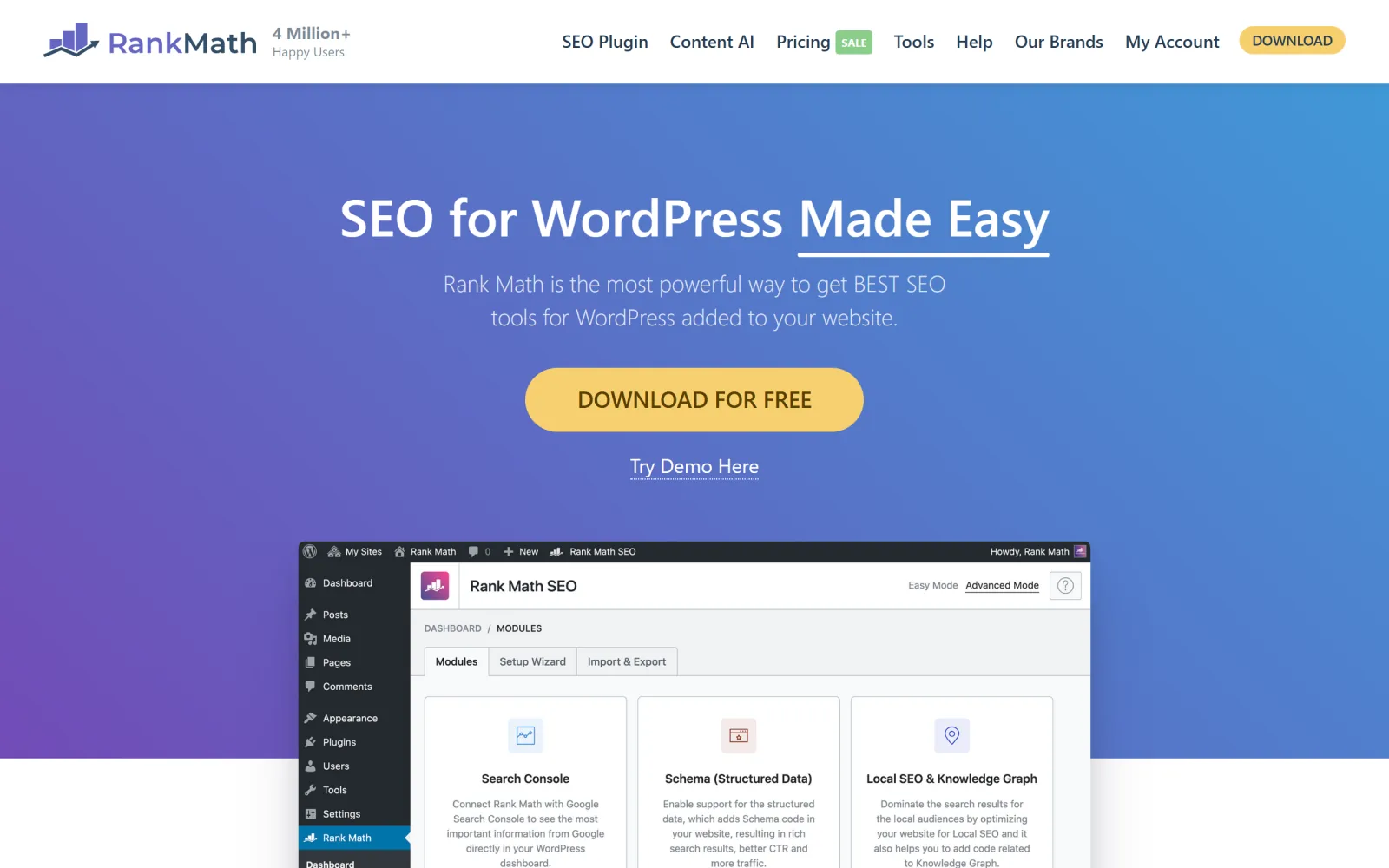
If you want one recommendation for a site you write yourself, this is it. Rank Math built its share of the market by putting features other vendors sell into the free plugin, and the numbers back the strategy up: 4 million active installs and a 4.8 rating on the official directory. The free version handles titles, descriptions, sitemaps, redirects, breadcrumbs, structured data through a schema generator, and a Search Console link, which covers the entire technical baseline for a normal blog.
The paid tiers are priced by relationship rather than domain count. PRO tracks 500 keywords and covers unlimited personal websites, Business covers 100 client sites with 10,000 tracked keywords, and Agency stretches to 500 sites. For a freelancer running a portfolio of small sites that is the cheapest shape in this roundup after SEOPress.
The criticism is the same one every power-user plugin earns. The setup wizard turns on modules most sites never need, and a new owner can spend an afternoon in settings screens that change nothing about whether the post ranks. Turn on the schema module, the sitemap, and the Search Console link, then close the tab and go write. If writing is the part that keeps slipping, read the best AI SEO tools roundup before adding a tenth plugin.
GOOD AT
- Schema generator and Search Console data sit in the free tier
- Five focus keywords per post before any upgrade prompt
- PRO covers unlimited personal sites rather than charging per domain
- Business tier tracks 10,000 keywords for agency reporting
WATCH FOR
- The module list is long and easy to over-configure on a small site
- Rank tracking and unlimited focus keywords sit behind the paid tier
Yoast SEO
The default choice for a decade, and still the clearest coaching layer in WordPress. Yoast walks a non-technical writer through readability, headings, links, and metadata with a traffic light most editors already recognise.
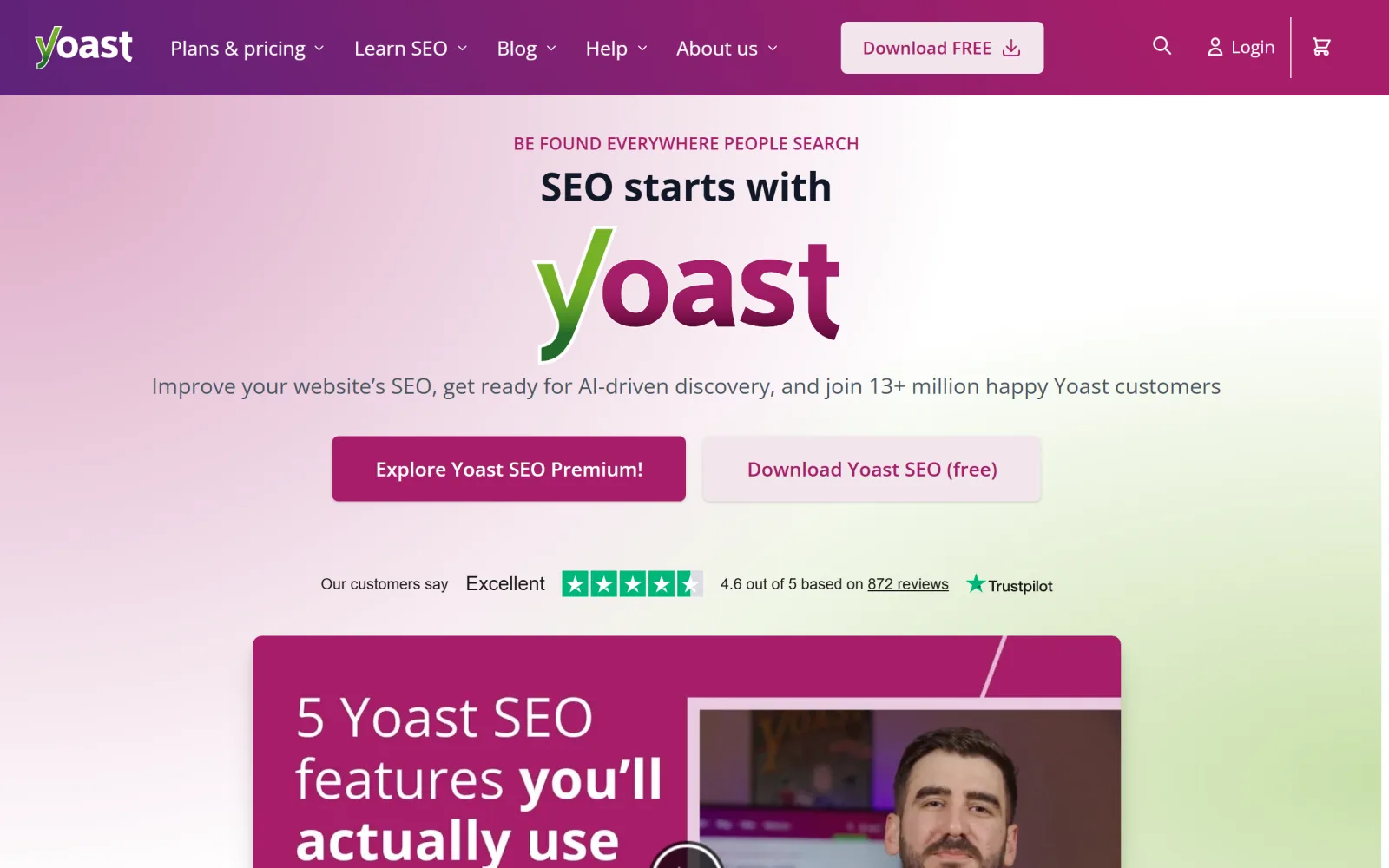
Yoast is the plugin your client already installed. Ten million active sites run it, which means every WordPress tutorial, host onboarding flow, and theme integration on the internet assumes those fields exist. That gravity is a real feature. The free version covers title and description templates, XML sitemaps, canonical handling, breadcrumbs, one focus keyphrase per page, and the readability analysis that made the plugin famous.
Premium is $118.80 a year excluding VAT for a single site, and as of 2026 that price folds in the Local SEO, News SEO, and Video SEO add-ons that used to be separate purchases, plus a seat for the Google Docs add-on and access to their course library. On one site that is straightforward value. Across eight client sites it is nearly a thousand dollars a year, which is where AIOSEO and SEOPress start to look sensible.
The honest critique of the traffic light: it grades a draft against a fixed checklist, not against what is currently winning the query. A green bullet means the keyphrase appears in the right places. It does not mean the article answers the question better than the page ranking third. That gap is the reason a free site audit often finds perfectly optimised pages sitting on page four.
GOOD AT
- The readability analysis genuinely improves writing, not just metadata
- Premium now bundles Local SEO, News SEO, and Video SEO at no extra charge
- Largest install base means every host, theme, and tutorial assumes it exists
- Premium adds redirect management, multiple keyphrases, and internal link suggestions
WATCH FOR
- Licensed per site, so a portfolio of domains gets expensive fast
- A green light scores the draft against a checklist, not against the live SERP
All in One SEO
AIOSEO prices by site count rather than per licence, which changes the maths for anyone managing more than a couple of installs. The top tier covers 100 sites for less than three single-site Premium licences elsewhere.
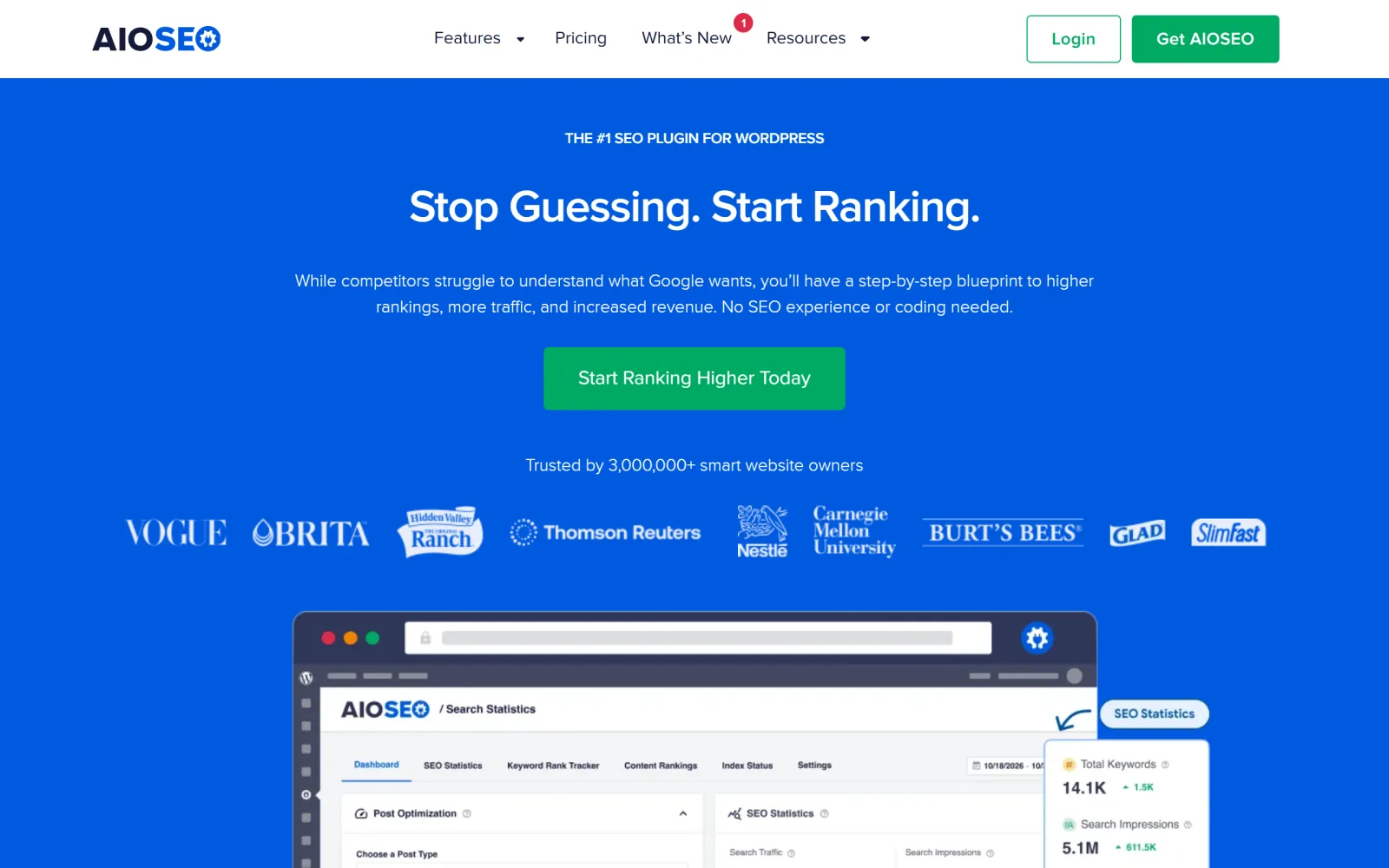
AIOSEO is the oldest name here and has spent the last few years rebuilding around the agency buyer. The ladder runs Basic for one site, Plus for three, Pro for ten, and Elite for a hundred at $299.50 a year. If you maintain client sites, that last number is the whole pitch: it works out cheaper per site than almost anything else in this roundup once you pass about four installs.
Feature-wise the Basic tier already covers the boring essentials, including smart schema markup, redirect monitoring, sitemaps, breadcrumbs, and a Search Console connection. Pro adds the parts an editor actually notices day to day: automated internal linking suggestions, orphaned-post reports, 404 tracking, and news and video sitemaps. Elite layers on rank tracking, content-decay flags, and multisite controls.
The trade-off is that the differentiating features arrive late in the ladder. Internal linking suggestions are the clearest example, and they are a reporting layer rather than an execution layer: the plugin tells you which posts are orphaned, then a human opens each one and edits it. Compare that with a dedicated internal linking workflow that places the links as the article is written and the difference in labour is obvious.
GOOD AT
- Elite covers 100 sites, which is the cheapest per-site rate for an agency
- TruSEO analysis, redirect monitoring, and schema markup start at the Basic tier
- Pro adds internal link suggestions and orphaned-post reports
- Elite surfaces Search Console metrics and keyword rank tracking inside wp-admin
WATCH FOR
- The features that separate it from the free field sit two or three tiers up
- Reporting inside wp-admin is convenient but shallower than a dedicated rank tracker
SEOPress
The quiet value pick. SEOPress PRO is $49 a year for one site, $59 for five, and $149 for unlimited, with white labelling included rather than sold as an agency upgrade.
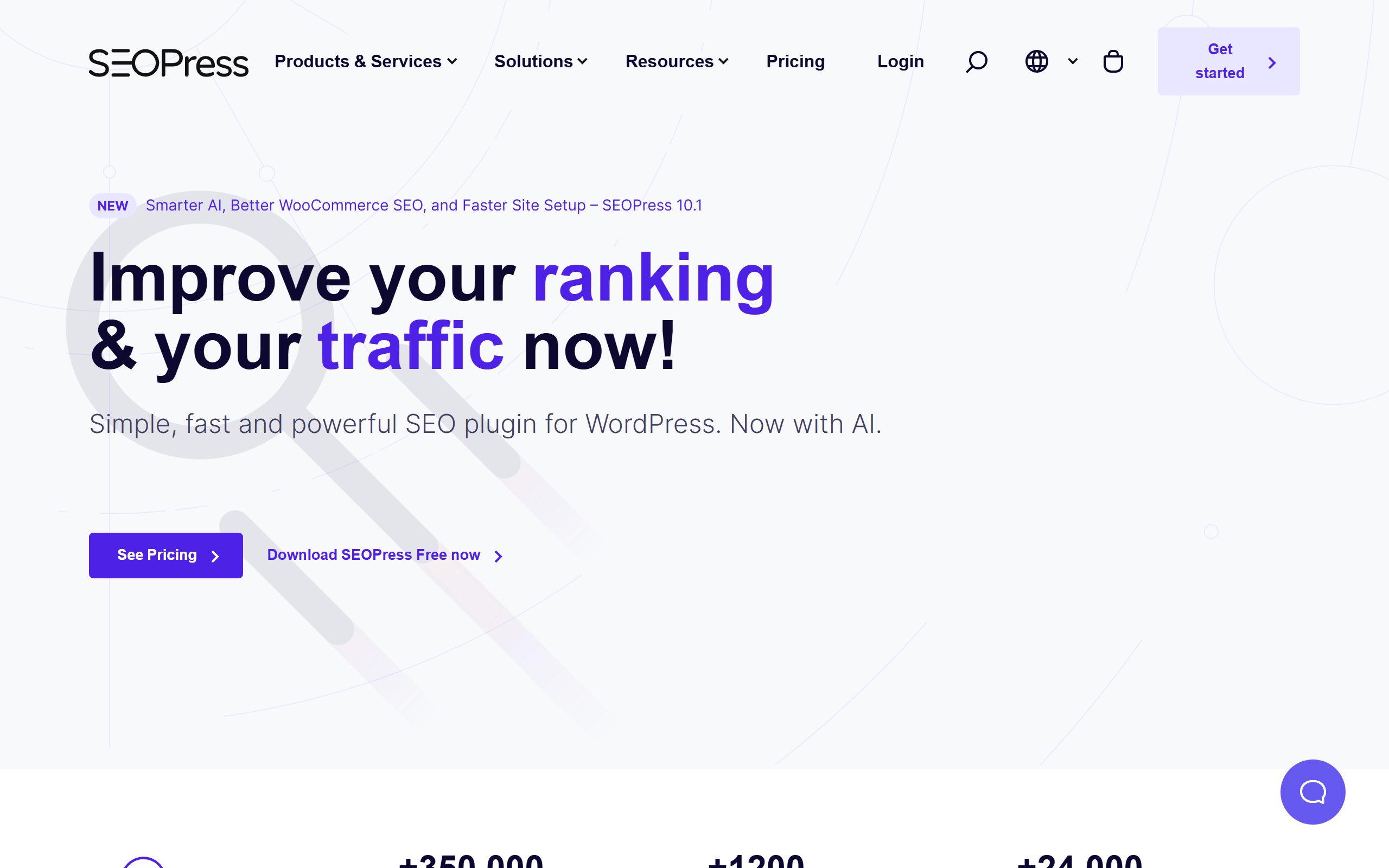
SEOPress is the plugin people discover after getting annoyed with the upsell banners in the bigger two. It does the same technical job, the settings screen is calmer, and the pricing is the most agency-friendly on this page: $149 a year for unlimited sites, with white labelling included so a client never sees a vendor name in their dashboard.
Feature coverage is what you would expect from a serious contender: metadata control, schema, redirects, breadcrumbs, sitemaps, social meta, and an on-page audit. With 300,000 active installs and a 4.8 rating it is well past the point where you have to worry about the maintainer disappearing.
Two honest caveats. First, the ecosystem is smaller, so when a theme conflict shows up you are more likely to be filing a support ticket than finding a Stack Overflow answer. Second, brand recognition cuts both ways in client work. Some owners want to see the name they already trust in the sidebar. If neither bothers you, this is the best money-to-feature ratio in the roundup, and it pairs cleanly with an end-to-end SEO automation pipeline handling the writing side.
GOOD AT
- Unlimited sites for $149 a year undercuts every per-site licence here
- White labelling is included in the base PRO package, not an upsell
- Clean settings screen with no ads or upgrade banners inside wp-admin
- Strong metadata controls, schema support, and auditing for the price
WATCH FOR
- Smaller community means fewer third-party tutorials when something breaks
- Less brand recognition, which matters when handing a site back to a client
The SEO Framework
A deliberately unbranded plugin with no ads, no upsell banners, and no telemetry. It configures the technical baseline automatically and stays out of the editor unless you go looking for it.
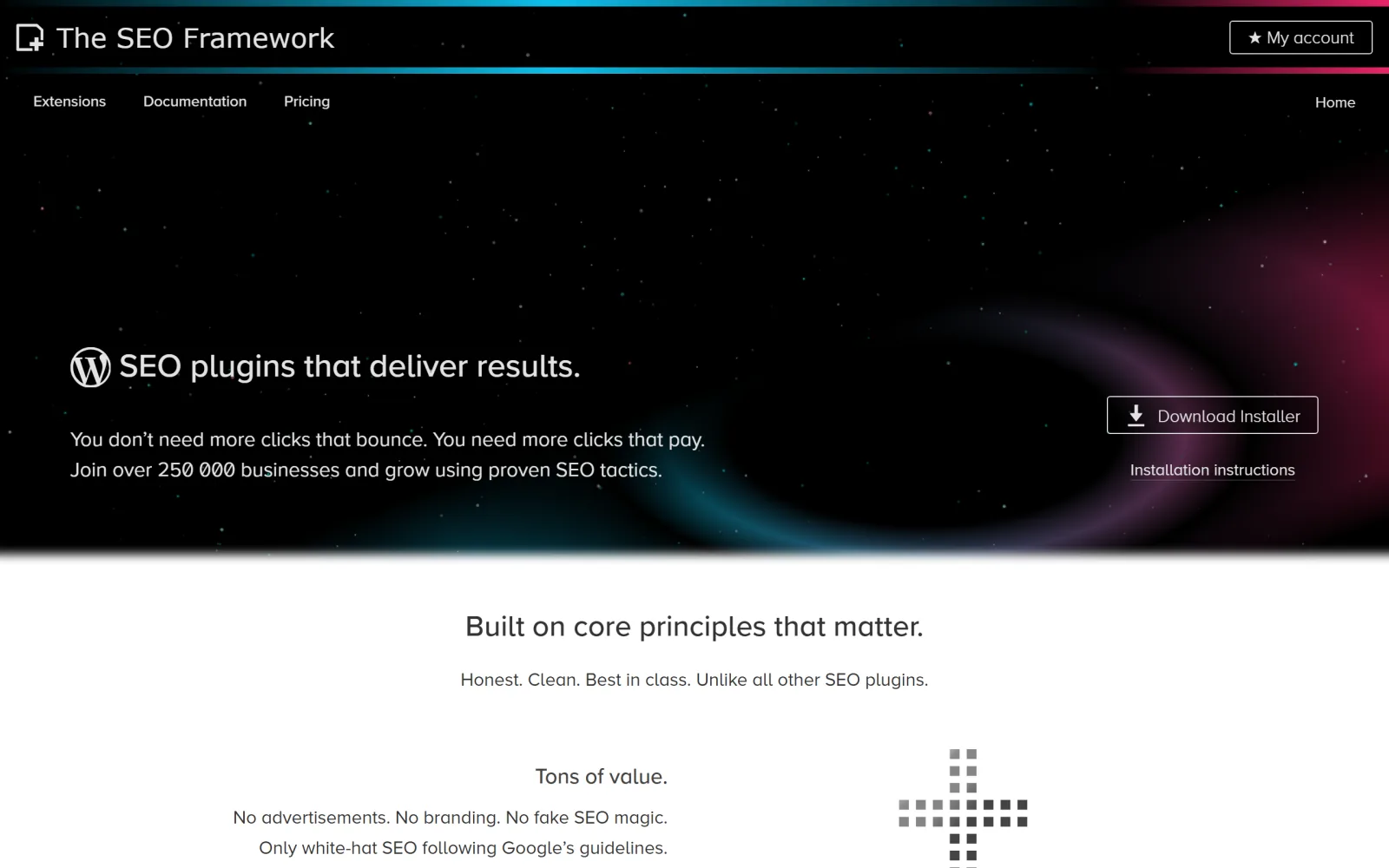
The SEO Framework is what you install when the last plugin annoyed you. It is unbranded in the admin, it does not advertise inside your dashboard, it sends no telemetry, and it sets up titles, descriptions, canonicals, Open Graph tags, schema, and robots rules without a wizard. Its 4.9 rating across 200,000 installs is the highest satisfaction score on this page, and the reviews are consistent about why: it is quiet.
Paid extensions unlock the extra modules and start at $7 a month billed yearly for two sites, with 20-site and 200-site tiers above that. The pricing is honest and the extension model means you only load what you use, which keeps the plugin light on a shared host.
It is not the pick for a content team. There is no readability meter, no keyphrase scoring, and no checklist to work through, which is exactly the point for a developer and exactly the problem for a marketing hire who wanted feedback on the draft. Pair it with a separate drafting standard, or with a pipeline that already applies one before the post exists.
GOOD AT
- Highest user rating in this roundup at 4.9 out of 5
- No advertising, no upsell interstitials, and no data sent back to the vendor
- Titles, canonicals, Open Graph, schema, and robots handled automatically
- Extension tiers cover 2, 20, or 200 sites depending on plan
WATCH FOR
- No coaching layer, so writers get no guidance on the draft itself
- The restrained interface gives a beginner very little to react to
Slim SEO
Around 40KB with essentially no settings screen. Slim SEO writes meta tags, sitemaps, breadcrumbs, and schema automatically and then asks nothing of you ever again.
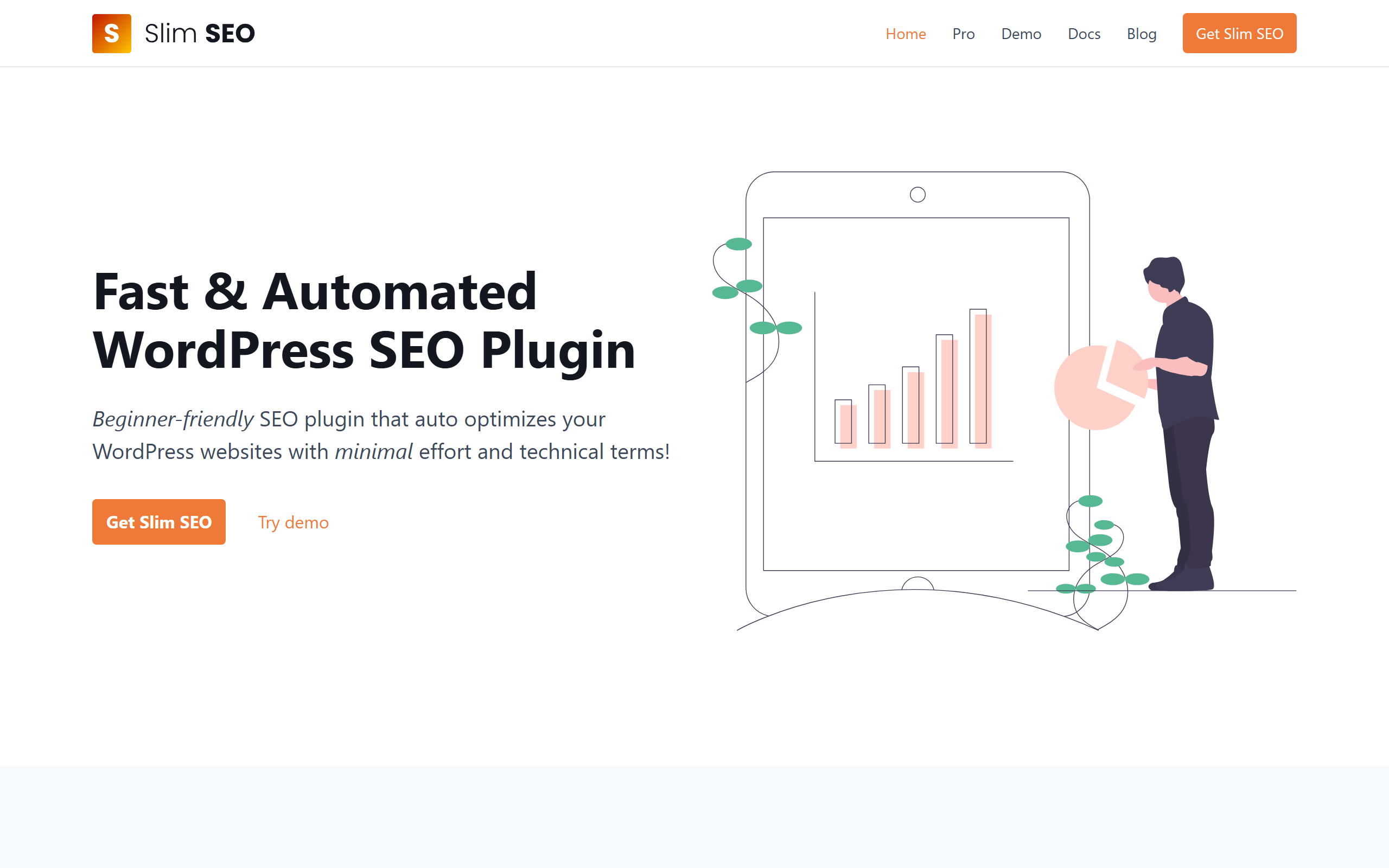
Slim SEO is the answer to a specific question: what do I install on a small business site for an owner who will never log into wp-admin twice? Activation is the whole setup. It generates the meta tags, the sitemap, breadcrumbs, and schema, and there is deliberately no dashboard to misconfigure. At roughly 40KB it is a fraction of the weight of the big suites.
The 40,000 install count is modest next to the leaders, but the plugin is not competing for the same buyer. It is competing against the far worse outcome of a heavyweight SEO plugin installed, half configured, and abandoned with a broken sitemap and duplicate canonicals. Automatic and correct beats configurable and wrong.
Expect to outgrow it the moment you need custom title patterns per post type, a redirect manager, or any reporting. There is no analysis layer at all. On a brochure site that is fine, because the technical baseline was never the reason those sites do not rank. Publishing anything at all usually is, which is what a hands-off publishing cadence is designed to fix.
GOOD AT
- About 40KB, so it adds almost nothing to page weight or admin load
- Works correctly the moment it is activated with no configuration
- Meta tags, sitemaps, breadcrumbs, and schema handled automatically
- Ideal for handing a site to an owner who will never open a settings page
WATCH FOR
- Almost nothing is tunable, so edge cases need code or a different plugin
- No on-page analysis, keyphrase scoring, or reporting of any kind
Squirrly SEO
The only plugin in this roundup that has restructured itself around AI answers. Squirrly scores how ready each page is to be cited by assistants, manages AI crawler access, and generates an llms.txt file.
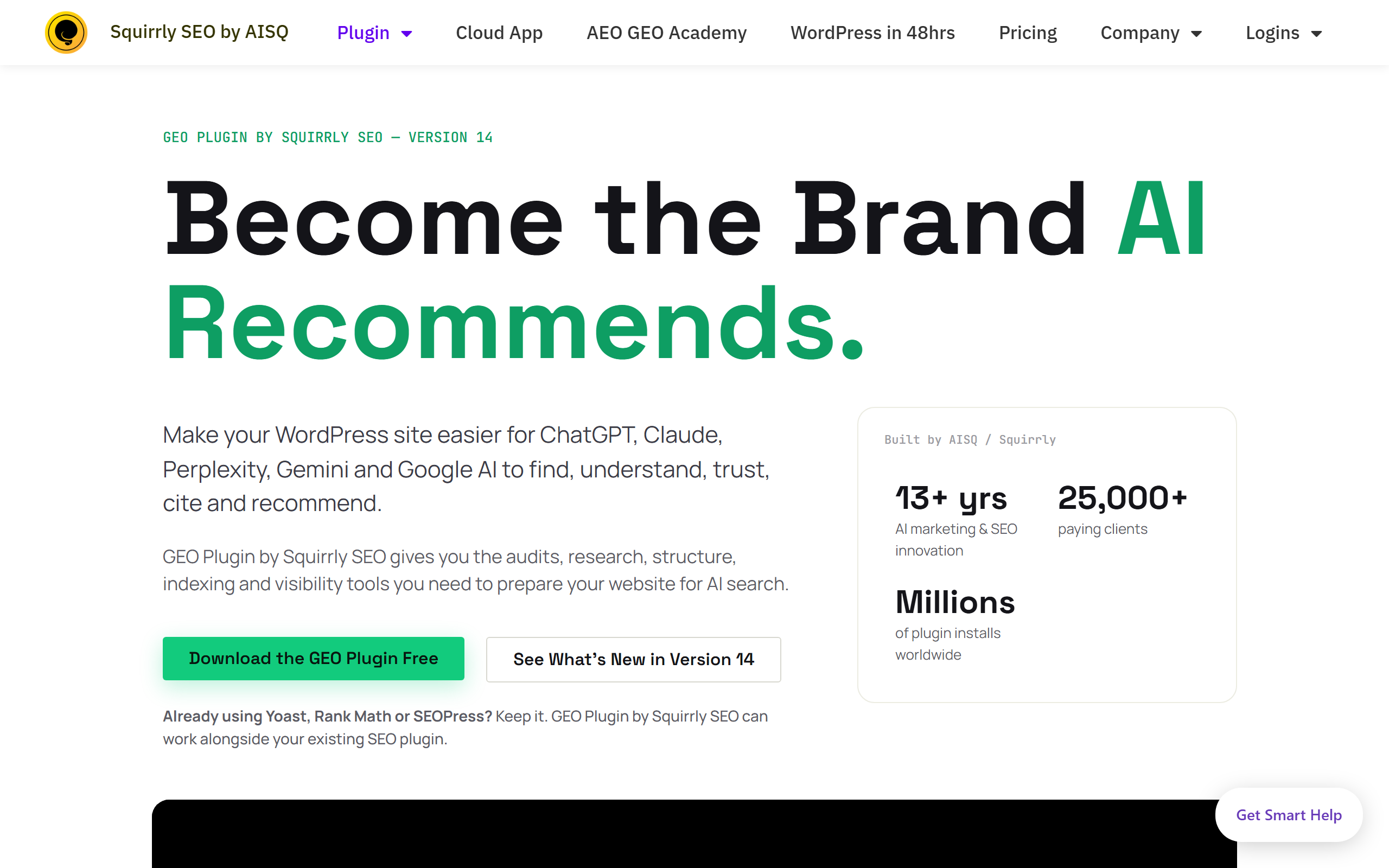
Squirrly is the most opinionated bet on this list. Rather than competing feature for feature with Rank Math on classic on-page scoring, it has repositioned around answer engines: scoring how ready a page is to be quoted by an assistant, controlling which AI crawlers can read the site, generating an llms.txt file, and pushing answer-shaped structured data. The classic basics, sitemaps, canonicals, robots directives, and Open Graph tags, are still there underneath.
Whether that is the right bet depends on your traffic mix. If a meaningful share of your discovery already happens inside chat assistants, a plugin that grades citability is more useful than one that grades keyword density. The audit output is genuinely actionable: shorter answer blocks, clearer entity naming, better structured data.
The constraint is architectural. The audits, keyword research, and tracking run in Squirrly's cloud, so the plugin is a client for a service and you must connect an account before it does much. Free quotas are small. If AI visibility is the actual goal rather than a checkbox, it is worth reading how citable article structure gets built into the content itself instead of measured afterwards.
GOOD AT
- Audits each page for how citable it is by AI assistants, not just search engines
- Generates and manages an llms.txt file from inside wp-admin
- Per-bot crawler controls for AI user agents
- Answer-ready structured data options alongside the standard technical basics
WATCH FOR
- The useful audits are cloud features, so a free Squirrly account is mandatory
- Free quotas are tight and the upgrade prompts arrive early
SmartCrawl
WPMU DEV bundles SmartCrawl with its wider WordPress management platform. As a standalone free plugin it is competent; as part of a membership that already handles hosting, backups, and security, it is the obvious default.
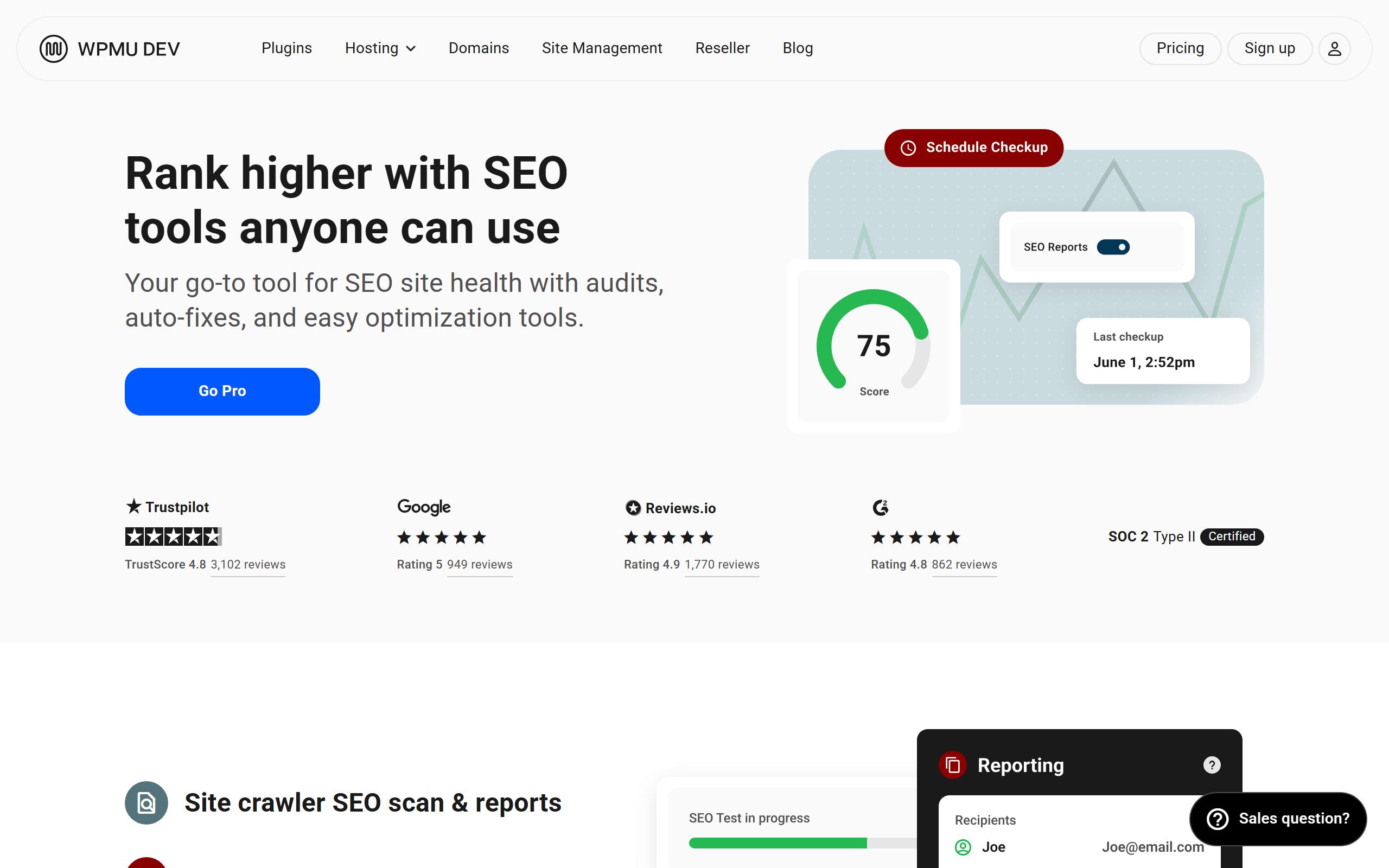
SmartCrawl earns the last slot on bundle logic rather than on features. WPMU DEV maintains it as one component of a platform that also covers hosting, backups, security, and performance. If you already pay for that stack, adding a ninth vendor for metadata fields is a decision with no upside, and SmartCrawl is a perfectly competent plugin.
The free version is more complete than the install count suggests: one-click configuration, a site audit with readable recommendations, custom titles and descriptions, Open Graph and Twitter card output, sitemaps, schema, breadcrumbs, 301 redirects, and readability and keyword density analysis. That is close to feature parity with the free tier of much larger plugins.
As a standalone pick it is hard to justify over Rank Math, which has 200 times the install base and a larger free feature set. Judge it on whether the surrounding platform is something you want. If your problem is publishing volume rather than plumbing, the SEO automation tools comparison is the more useful list to read next.
GOOD AT
- One-click setup with a site-wide SEO audit and plain-language recommendations
- Meta control, sitemaps, schema, breadcrumbs, and 301 redirects in the free tier
- Readability and keyword density analysis included without a licence
- Makes obvious sense if hosting and backups already run through the same vendor
WATCH FOR
- Smallest install base here, so third-party troubleshooting help is thin
- The value case largely depends on buying into the wider membership
Choose by site count and by who writes the posts.
One site you write yourself: Rank Math, free tier, done. A team of writers who need guardrails: Yoast, and pay for Premium only when the redirect manager starts mattering. Four or more sites: SEOPress at $149 a year for unlimited installs, or All in One SEO Elite if you want rank tracking in wp-admin. A developer handing over a site: The SEO Framework, or Slim SEO if the owner will never open a settings page. Betting on AI answers: Squirrly. Already inside a host membership: SmartCrawl.
Then answer the harder question. Metadata is table stakes, and table stakes do not win a competitive query. If nothing has gone up on the blog in two months, the plugin is not the constraint. Fixing that is what the WordPress publishing pipeline exists for, and the cheapest way to find out whether it applies to you is to run a free meta description generator across your top ten posts and see whether the metadata was ever really the problem.