The best CMS for SEO in 2026: 8 platforms ranked.
Your CMS decides how much of your SEO you are allowed to control. We ranked WordPress, Webflow, Ghost, Shopify, Wix, Framer, HubSpot and Squarespace on five controls (URLs, canonical tags, structured data, speed and sitemaps), on the built-in blog, and on whether articles can be published to them automatically. Prices and settings were checked on each platform in October 2026.

Which CMS is best for SEO?
WordPress, for control: any URL structure, any host, any schema through a plugin, and a REST API that makes automatic publishing easy. The best hosted builder is Webflow, with editable canonicals and CMS indexing control, at $25/mo billed yearly for a site with a blog. Ghost has the strongest out-of-the-box SEO for a pure blog. Shopify is the pick for a store despite its fixed /products/ and /blogs/ prefixes. Wix is the best all-in-one builder for owners with no developer, and it beats Squarespace on SEO because it lets you edit canonicals and structured data, which Squarespace does not.
Whichever CMS you pick, it ranks on what you publish. The SEO Agent writes one researched, source-checked article a day and publishes it to WordPress, Webflow, Wix or Framer. Enter your site to start.
Free trial · Cancel in one clickThe ranking, and the job each platform does best.
How we ranked these eight.
Most “best CMS for SEO” lists grade platforms on features nobody searches for. We graded on the five things a CMS actually controls for search. URLs: can you set the structure, or only the last segment? Canonical tags: are they set correctly by default, and can you override them? Structured data: is schema automatic, editable, or code you write yourself? Speed: who owns hosting and the HTML? Sitemaps: does one exist and stay current without you? Every item maps to a line in our SEO checklist, so you can audit your own site against the same tests.
Two more tests break ties. Blogging: is there a real blog built in, or a CMS you have to shape into one? Publishing: can a post get into the platform without a person pasting it? That last one matters more than it sounds, because a site grows in search by publishing steadily, and every manual step is a reason the next post does not happen. The order is ranked, best to worst, with SEO control deciding it.
The disclosure: we build an AI SEO agent that researches, writes and publishes articles, and it publishes to several of these platforms. We say on every entry whether it does. That never moved a platform up the list: Ghost ranks third and we do not publish to it. No affiliate links, no paid placements, no links out to the platforms. Each screenshot is of the platform's own site, captured on 19 October 2026.

A CMS can hold you back. It cannot rank you.
Every platform on this list gets the basics right in 2026: a sitemap, canonical tags, editable titles and descriptions, HTTPS. The differences are at the edges, such as whether you can remove a URL prefix, edit a canonical or add your own schema. Those edges matter for a large site or a migration. For most founders they matter far less than what goes on the pages, which is where the schema markup that AI search reads and the copy itself come in.
The common failure looks like this. A founder spends a month choosing between Webflow and Framer, launches a beautiful site with eight pages and a blog, writes three posts and stops. Six months later the site ranks for its own brand name and nothing else, and the CMS gets the blame. Search traffic comes from the number of useful pages answering real queries, and no CMS writes those for you.
WordPress
Best for: Sites that want full control over every SEO setting and plan to publish a lot.
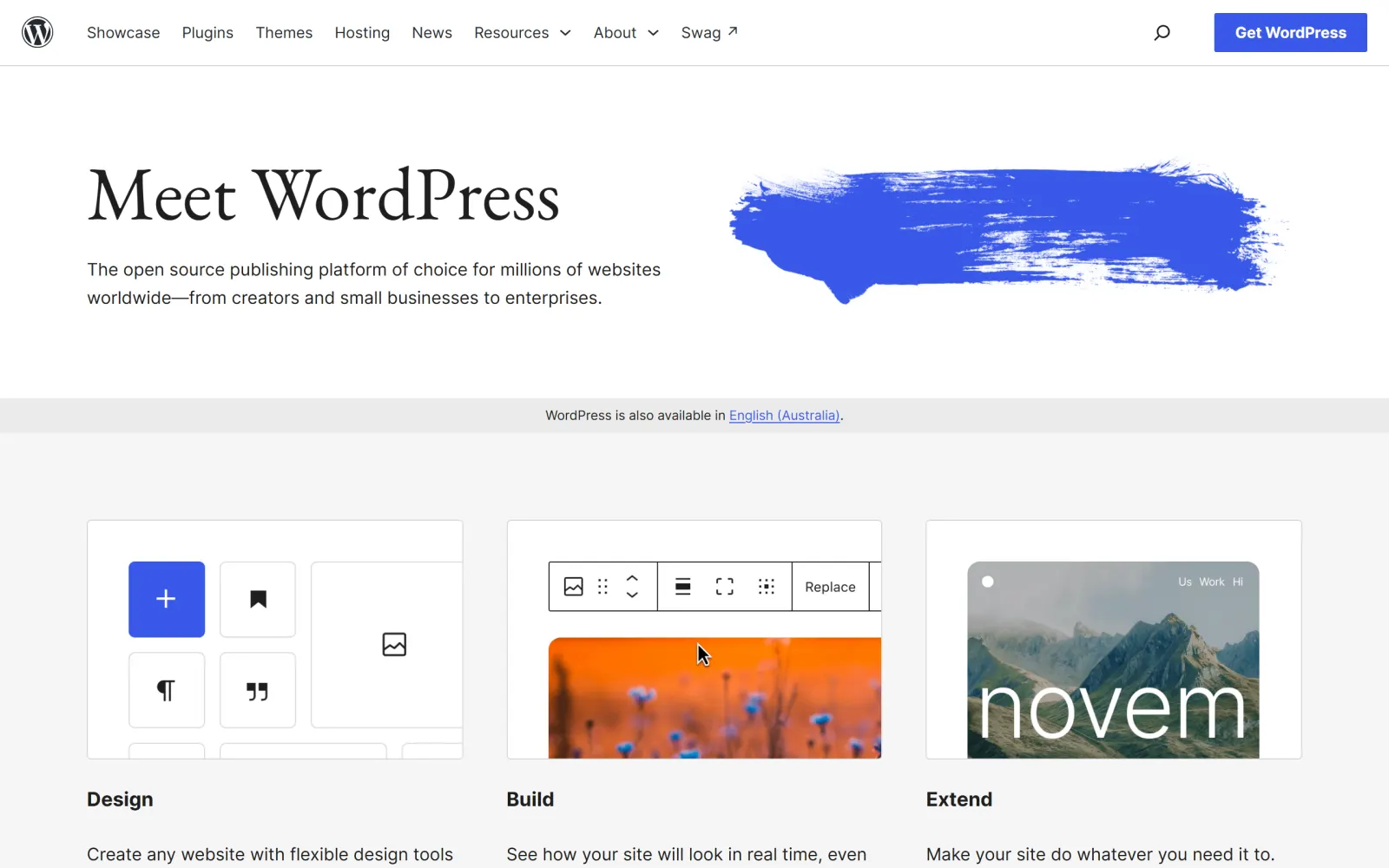
Free, open source software; you pay for hosting. URL structure set under Settings > Permalinks. Core XML sitemaps at /wp-sitemap.xml since version 5.5, up to 2,000 URLs per sitemap by default. Core prints a canonical tag on single posts and pages. Schema and per-post canonical edits come from an SEO plugin. Full REST API for posts.
WordPress wins because nothing is locked. You choose the URL pattern under Settings > Permalinks (fresh installs default to Plain, so switch to Post name on day one), you pick the host that decides your speed, and any schema type you want is one plugin away. Core already ships an XML sitemap and a canonical tag on every single post and page, so a bare install is not broken for search. The rest comes from one SEO plugin, and our roundup of the best WordPress SEO plugins covers which one to install.
It is also the easiest platform here to publish to automatically. The REST API is documented and stable, and our own WordPress plugin puts finished articles into your site as native posts, with the title, slug, meta description, featured image and internal links already in place. The full picture of what lands and how is on our WordPress SEO automation page.
You own hosting, updates, security and speed. A cheap host plus a heavy theme plus 30 plugins is how WordPress sites end up slow, and nobody fixes that for you.
Webflow
Best for: Design-led marketing sites that still want real technical SEO control.
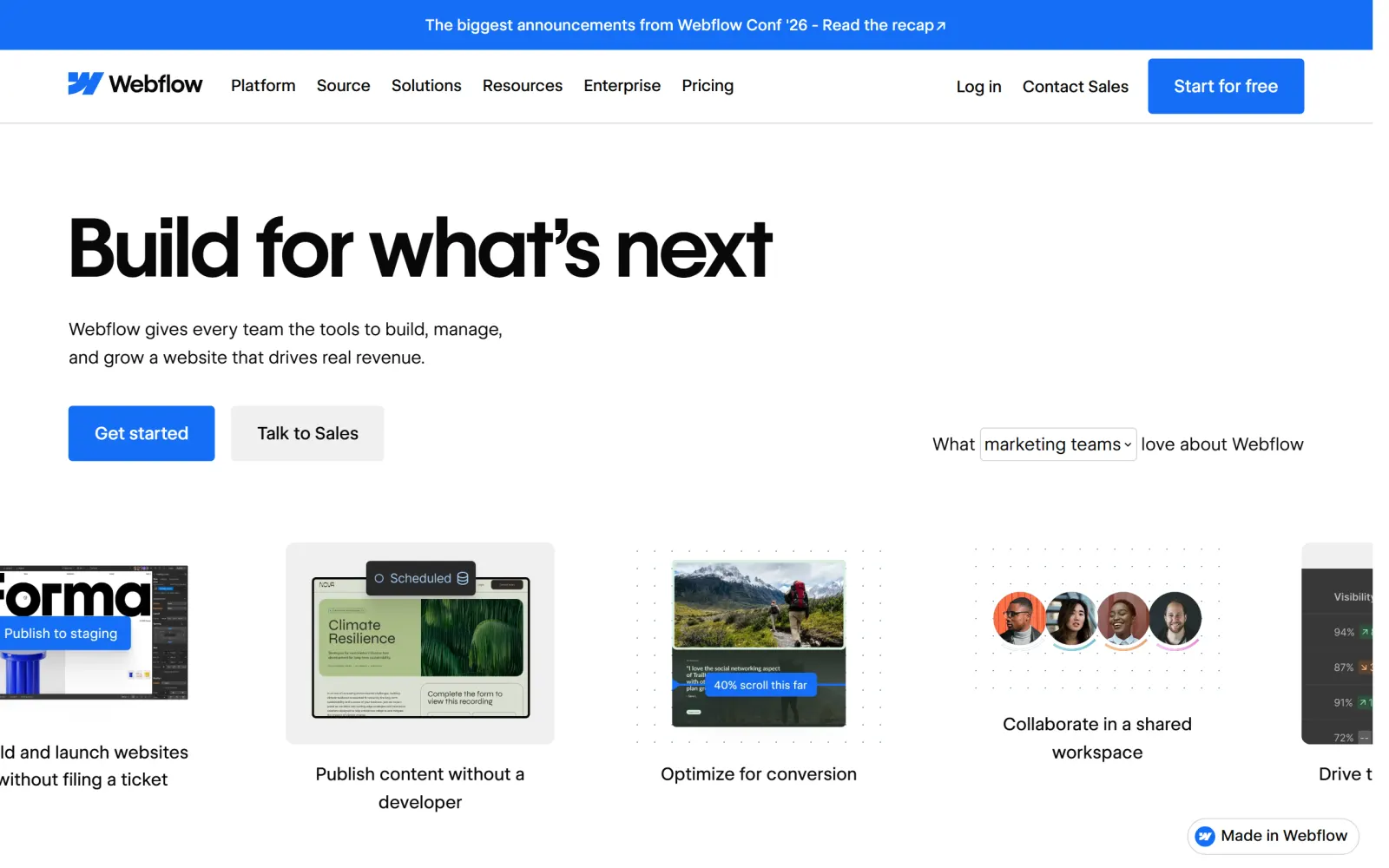
Basic is $15/mo billed yearly and has no CMS, so a blog needs Premium at $25/mo billed yearly, which includes 20,000 CMS items and 40 collections (pricing changed in May 2026). Global or page-level canonical tags, per-item indexing control for CMS items, an auto-generated sitemap, 301 redirects, and custom code that can read CMS fields for schema.
Webflow is the closest a hosted builder gets to WordPress-level control without the maintenance. You can set a site-wide canonical and override it per page, decide whether each CMS item gets indexed, write your own redirects, and drop JSON-LD into custom code that pulls values from the CMS item, so every post can carry its own Article schema. Hosting is managed and fast by default, which takes the biggest WordPress risk off the table.
Two limits matter. CMS items always live under their collection's slug, so posts sit at /blog/post-name and the prefix stays. And the plan names changed in May 2026, so older guides quoting a $23 CMS plan are out of date. Publishing is native: we push finished articles into your Webflow CMS collection, and the integrations hub lists every target we publish to.
The cheapest plan has no CMS at all, so there is no blog until you pay for Premium. The designer has a real learning curve for non-designers.
Ghost
Best for: Pure blogs and newsletters that want strong SEO defaults with zero plugins.
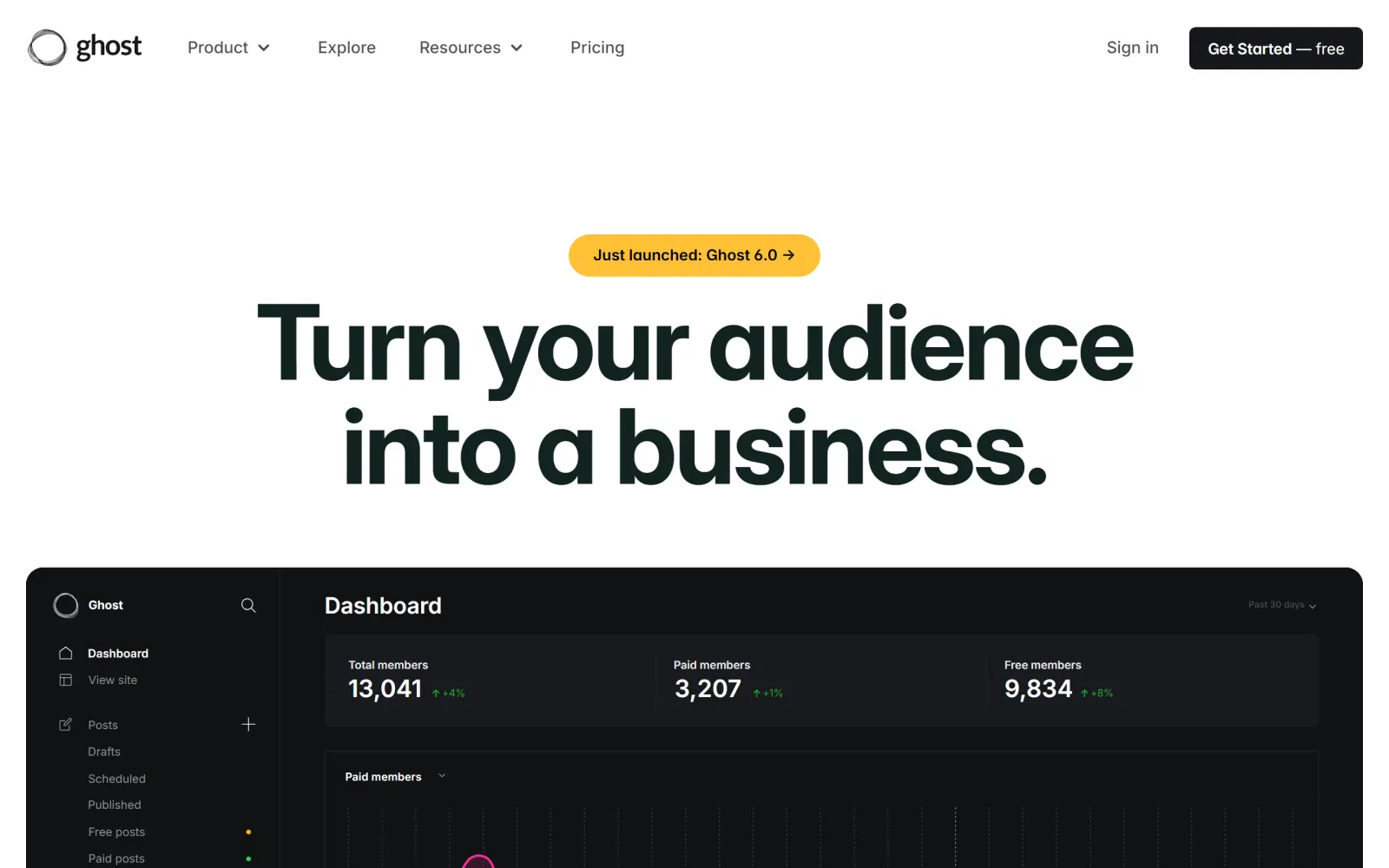
Free to self-host. Ghost(Pro) Starter is $18/mo billed yearly with the built-in default theme; custom themes and custom integrations start on Publisher at $29/mo billed yearly. Automatic XML sitemap, canonical tags across the site, structured data on every post and page, and per-post metadata that falls back to the post content when left blank.
Ghost does out of the box what WordPress needs a plugin for. Every post and page ships with structured data, the sitemap updates itself, canonical tags are set site-wide, and each post has its own meta title, description and social cards with sensible fallbacks. For a writer who wants to publish and not think about SEO plumbing, that is the cleanest setup on this list. Memberships and email newsletters are built in too.
It ranks below Webflow because it is a publishing platform first. Complex marketing pages, landing page builders and store features are not what it is for. Ghost has an Admin API, so tools can publish to it, but custom integrations are not available on the Starter plan. The SEO Agent does not offer Ghost as a publishing target today, so if you want articles delivered without copy-paste, one of the platforms above or below is the safer pick. Before you choose any of them, run the basics in our technical SEO audit checklist.
Starter locks you to the default theme and blocks custom integrations. It is a blog and newsletter platform, not a general website builder.
Shopify
Best for: Online stores, where the catalogue matters more than URL freedom.

Basic is $39/mo, or $29/mo billed yearly (US pricing). Fixed URL prefixes: /products/, /collections/, /pages/ and /blogs/<blog-name>/, with only the handle after them editable. Automatic canonical tags and sitemap.xml; robots.txt editable through robots.txt.liquid since 2021. Built-in blog under Content > Blog posts with search engine listing fields on every post.
For a store, Shopify is the default for good reasons: checkout, inventory and apps are all there, and the SEO basics are handled. Canonical tags point the duplicate /collections/.../products/... address at the clean /products/ one, the sitemap builds itself, and every product, collection and post has a search engine listing section for its page title, meta description and URL handle. The complaints are about control. You cannot remove the /products/ or /blogs/news/ prefix, and you cannot hand-edit the sitemap.
The built-in blog is where stores win or lose organic traffic, and most leave it empty. Our Shopify SEO checklist covers what Shopify handles and what it leaves to you. Articles from The SEO Agent publish into your Shopify blog as native posts with the search listing fields filled; how that connection works is on our Shopify SEO tool page.
URL structure is rigid and the sitemap is not editable. Every app you install can add scripts to the storefront, so speed degrades as the app list grows.
Wix
Best for: Owners with no developer who want SEO settings in plain menus.
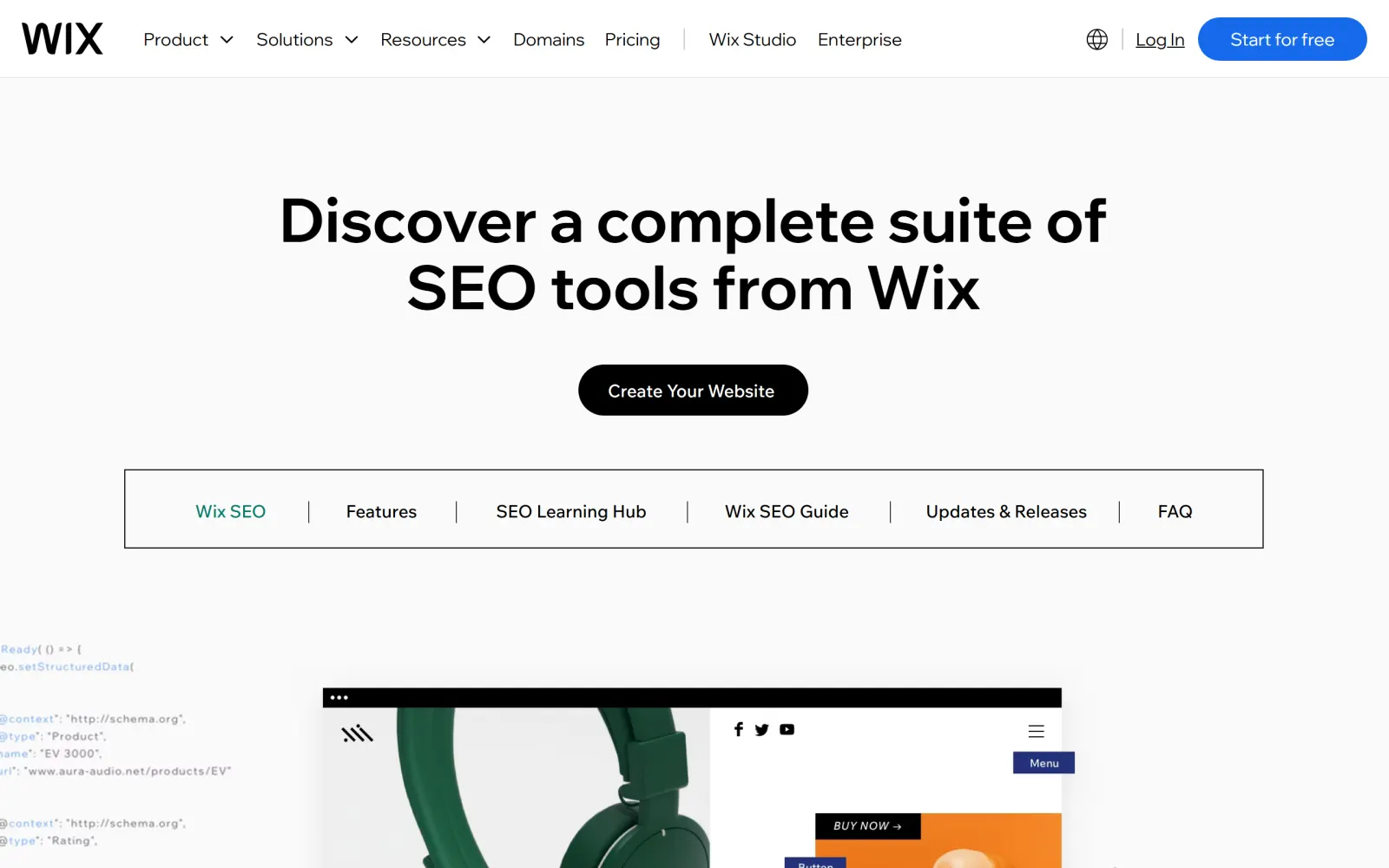
Free plan to start, paid plans priced by region. Blog posts default to /post/<slug>, and the prefix can be changed under SEO & GEO > Tools and settings > SEO Settings, with automatic redirects on by default. Default canonical tags are set for you and editable. Blog posts come with preset structured data, plus an optional AI-generated markup toggle.
Wix is not the SEO liability it was a few years ago. You can now change the blog URL prefix, edit canonical tags, customise structured data in bulk with variables, and set a title tag, meta description, slug and index setting on every post from its SEO tab. Wix also handles redirects when you change a URL structure, as long as you leave the redirect box ticked. For an owner who will never open a code editor, that is a lot of control behind ordinary menus.
What you give up is the platform underneath. Hosting, speed and the HTML Wix generates are Wix's decisions, not yours, and you cannot move the site off Wix without rebuilding it. Our Wix SEO checklist walks every setting worth changing. Publishing is native: The SEO Agent puts finished articles straight into your Wix Blog.
You cannot change hosting or export the site to another platform. Changing URL structure on a live site can cost rankings, which Wix's own help pages warn about.
Framer
Best for: Startups that design in Framer and want the site to match the mockup.
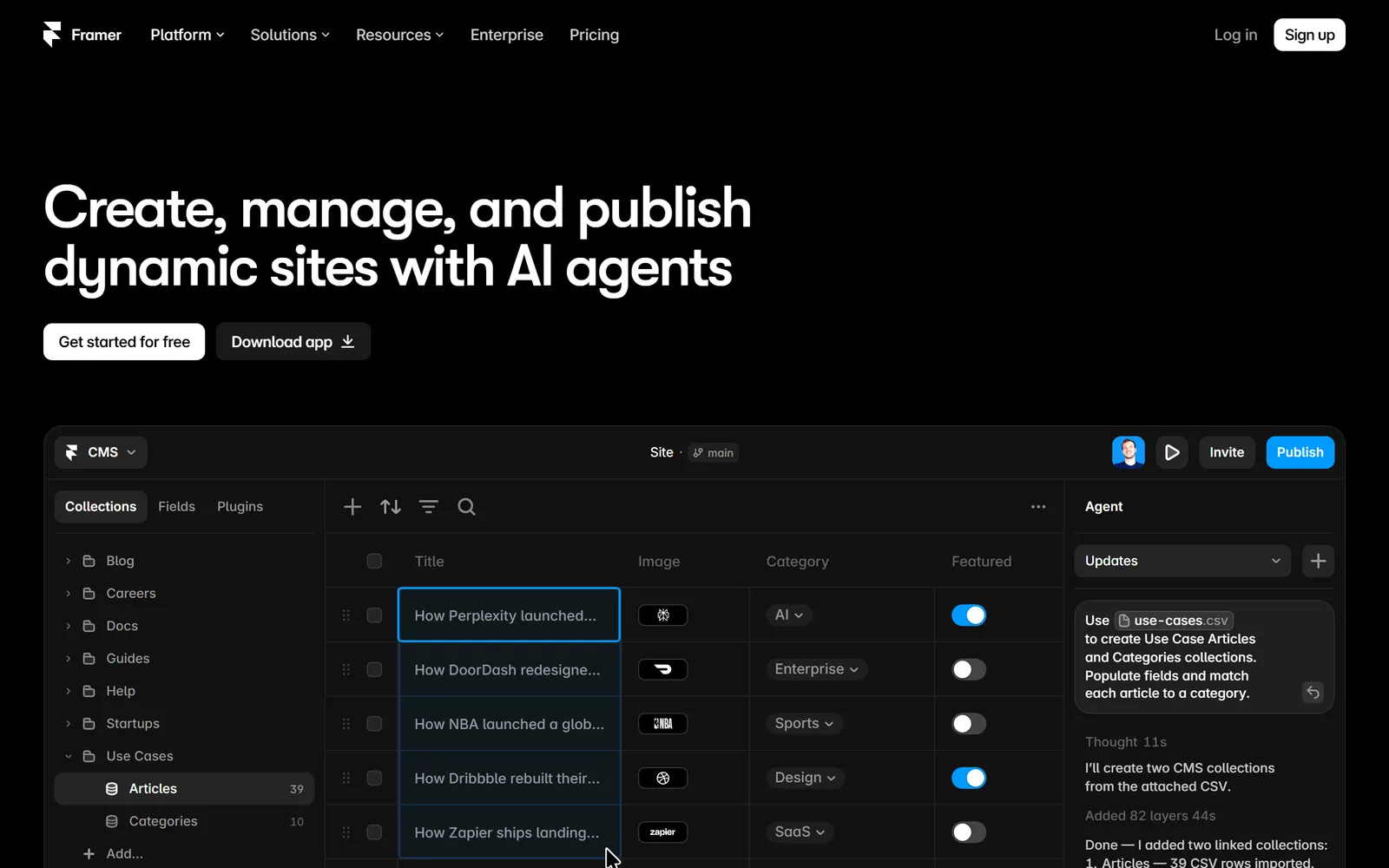
Basic is $10/mo with 2 CMS collections, 1,000 items and 30 pages. Pro is $30/mo with 10 collections, 2,500 items, 150 pages and site redirects. Automatic sitemap after publishing, automatic canonical tags you can override in page settings, CMS templates with SEO variables. No native schema builder: JSON-LD goes in through Custom Code.
Framer produces fast, good-looking sites with very little effort, and the SEO defaults are sound: a sitemap at /sitemap.xml, canonical tags that follow your custom domain, a title, description and social image per page, and CMS templates where one SEO pattern fills in each item's values. Schema is manual. Framer's own help points you to Custom Code for JSON-LD, which can pull CMS fields so each post gets its own markup.
The CMS caps are the real constraint. A blog that publishes daily outgrows the Basic plan's 1,000 items in under three years, and redirects need Pro. For publishing, our Framer Marketplace plugin syncs finished articles into a managed collection in your project, and you publish the site when you are ready. The setup is on our Framer SEO page.
CMS item and page caps on every plan, redirects only from Pro, and structured data is hand-written code rather than a setting.
HubSpot Content Hub
Best for: Teams whose marketing already runs on HubSpot.
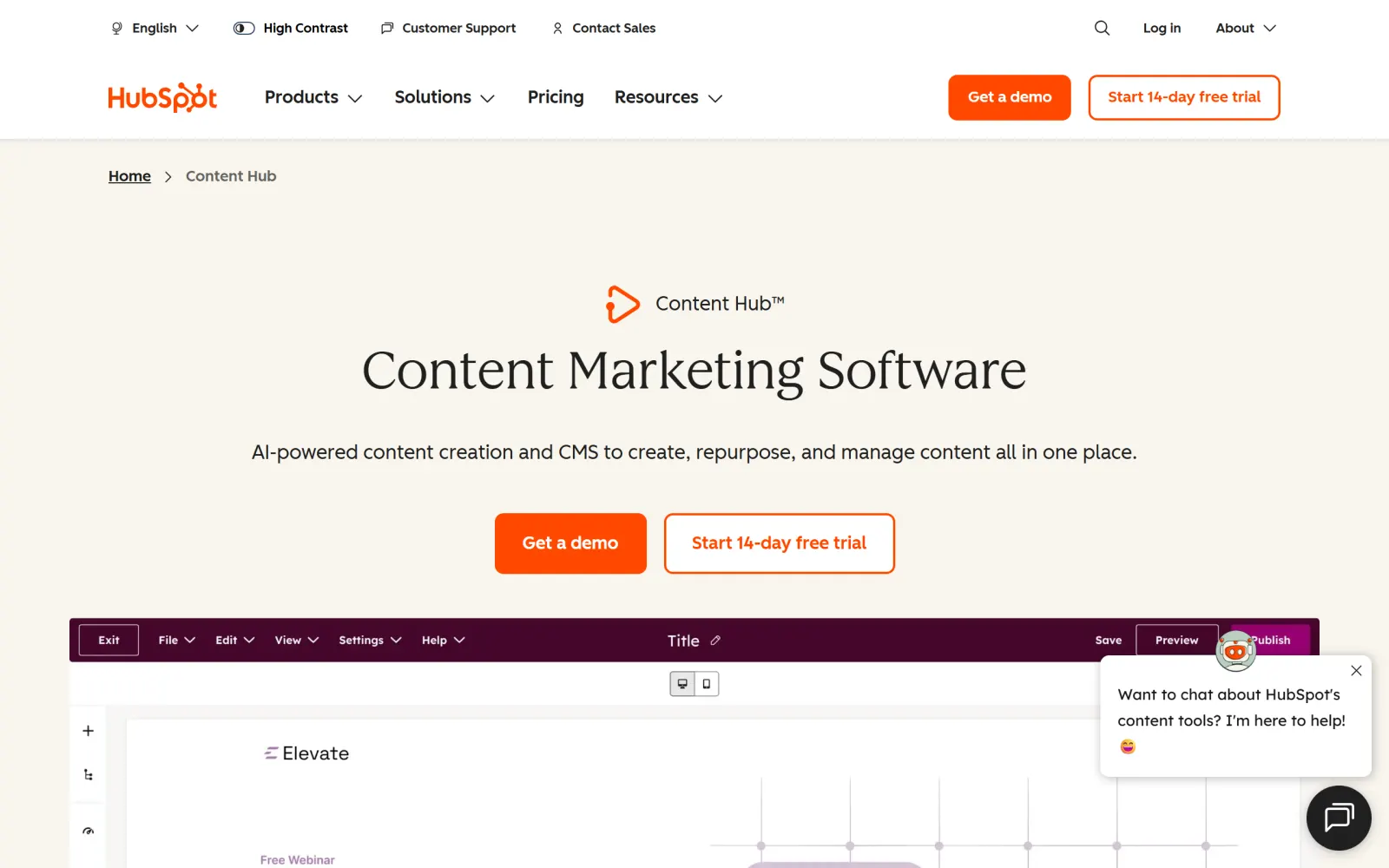
Free CMS tools plus paid Content Hub tiers, with a 14-day free trial. Canonical defaults under Settings > Content > Pages > SEO & Crawlers, where new pages and blog posts canonicalise to themselves; per-page overrides in Advanced Options. SEO recommendations in the editor on every account; the domain-wide SEO tool needs Content Hub Professional or Enterprise.
HubSpot's case is the CRM. Every page and post sits next to your contacts, forms and email, so you can see which article produced which lead without stitching tools together. The SEO controls are solid: sensible canonical defaults you can change site-wide or per page, a built-in blog, and editor recommendations that flag missing metadata, broken links and internal linking gaps as you write.
It ranks seventh on cost and lock-in. The site-wide SEO tool is reserved for the top two tiers, pricing scales with seats, and the site only makes sense if the rest of your marketing lives in HubSpot. HubSpot is not a publishing target for The SEO Agent. If you run it, drafts arrive ready to paste into the blog editor, and the generic REST API and webhooks are there for a team that wants to wire its own connection.
The site-wide SEO tool is locked to Professional and Enterprise, and costs grow with every seat. Hard to justify without the rest of HubSpot.
Squarespace
Best for: Small brand sites where design matters more than search growth.
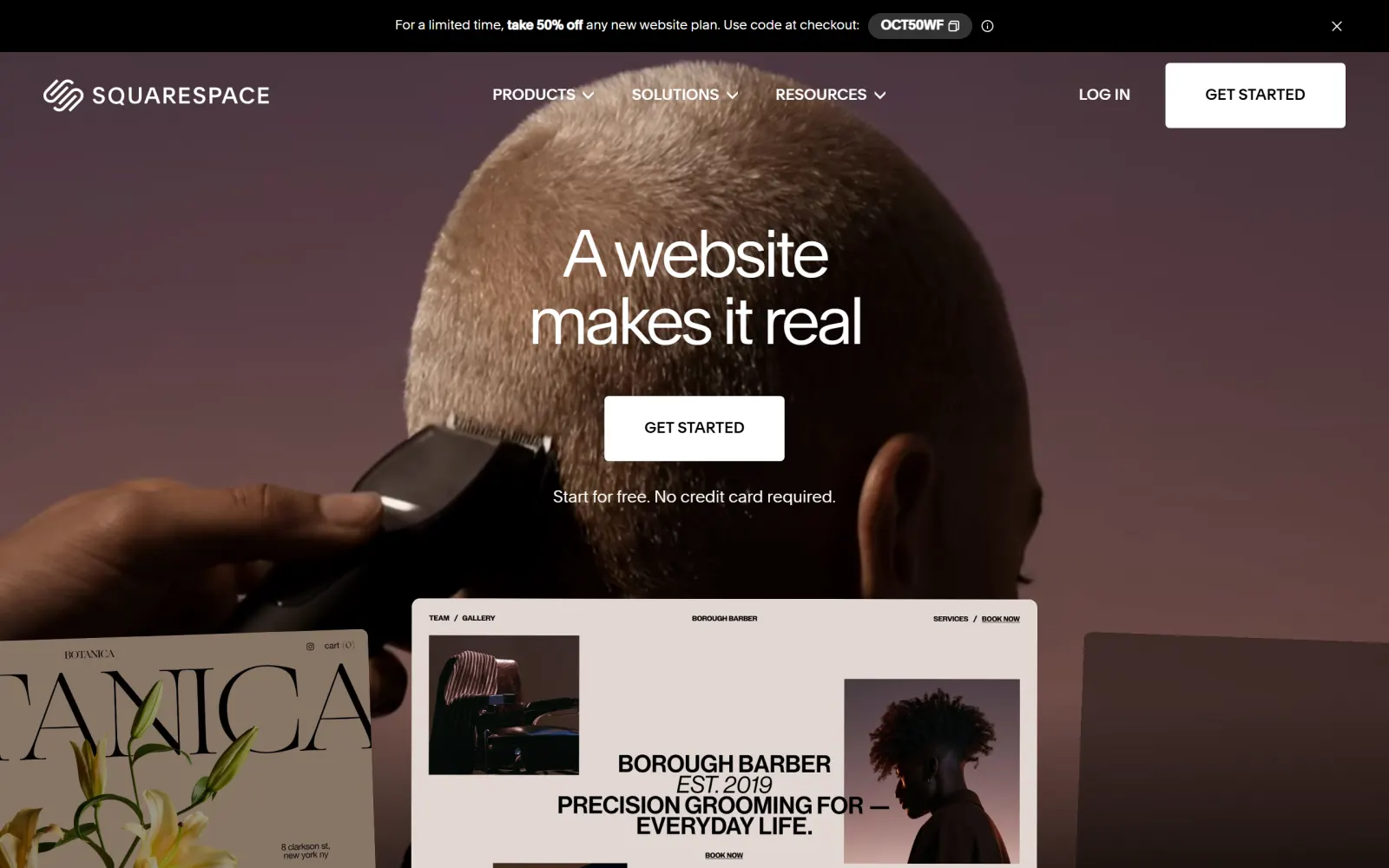
Paid plans after a free trial, priced by region. Automatic sitemap.xml (not on trial sites), canonical tags on every page that you cannot edit, and automatic structured data for blog posts, products, events, local business, organization and website. Per-post SEO title, description and URL slug; redirects through URL Mappings. Code injection is not included on the Basic plan.
Squarespace sites look finished on day one, and the SEO defaults are clean: a sitemap, canonical tags, schema on blog posts and products, and an SEO title, description and slug on every post. The problem is what you cannot change. Canonicals are fixed in the core HTML, the schema cannot be edited or removed, and adding your own JSON-LD or any other head code needs a plan above Basic because Basic has no code injection.
It ranks last mostly on publishing. Squarespace has no public API for blog posts (its developer APIs cover commerce: inventory, orders, products, profiles and transactions), so nothing can publish a post for you. The SEO Agent never auto-publishes to Squarespace; drafts arrive formatted and ready to paste in. That works for a few posts a month. For a daily cadence, see how blog SEO compounds with volume before you commit to a platform that makes every post a manual job.
No blog API, so every post is a manual paste. Canonical tags and built-in schema cannot be edited, and code injection needs a higher plan.
Wix vs WordPress, Squarespace vs WordPress, Wix vs Squarespace.
These three pairings come up more than any other, usually from someone about to launch a first site or move off a builder. The short version for each:
Wix vs WordPress for SEO
WordPress wins on control and Wix wins on effort. WordPress lets you choose any URL pattern, any host and any schema, and publishing to it automatically is trivial. Wix now covers most of what people used to criticise it for: you can change the blog URL prefix, edit canonicals, customise structured data and keep automatic redirects on when URLs change. If nobody on your team will look after hosting, updates and plugins, Wix is the better SEO choice in practice, because a neglected WordPress site is slower and less secure than a default Wix one. If you plan to publish at volume, WordPress, ideally with an automatic SEO plugin for WordPress doing the publishing.
Squarespace vs WordPress for SEO
WordPress, clearly. Squarespace gives you good defaults and then locks them: canonical tags and built-in schema cannot be edited, code injection needs a plan above Basic, and there is no API for blog posts, so every post is pasted in by hand. WordPress has none of those limits. Squarespace is fine for a portfolio or a small brand site that publishes a few times a year. For a site that plans to grow through content, start on WordPress or Webflow and save yourself the migration.
Wix vs Squarespace for SEO
Wix. Both handle sitemaps, canonical tags and basic schema for you, but Wix lets you change them: editable canonicals, structured data you can customise in bulk, an AI-generated markup option for blog posts and a changeable blog URL prefix. Squarespace keeps all of that fixed. Wix also accepts posts through an API, which is why it can be a native publishing target and Squarespace cannot. Squarespace wins on templates, so pick it only when the look matters more than search.

Can articles publish to it without you?
Writing a post is the quick part. Then it has to be pasted into the editor, where headings and tables break, images are uploaded again one at a time, alt text is blank, the meta title and description stay empty unless you fill them, and nobody adds links to your older posts. Every post pays that tax again, and it is usually the formatting, not the writing, that ends a publishing habit.
The platform decides whether you can skip it. WordPress, Webflow, Ghost, Shopify, Wix and HubSpot all have an API that accepts posts. Framer takes content through plugins. Squarespace has no blog API at all, so a person pastes every post. This is the test that separates a CMS you can run a daily autoblogging cadence on from one where every post waits for someone's free afternoon.

Match the platform to the site you are building.
WordPress if you want control and can own hosting, Webflow if you want it managed and designed. Both take automatic publishing, which is what a daily content plan needs.
Shopify. Accept the fixed URL prefixes and put the effort into the blog, which is where most stores leave organic traffic on the table. The case for content on a store is on our ecommerce SEO page.
Wix. Its SEO settings are in plain menus, and it beats Squarespace on every control that matters. Choose Squarespace only if the site is a brochure that will rarely publish.
Ghost for a writer or newsletter that wants great defaults. Framer for a startup that designs in Framer, as long as the CMS item caps fit the publishing plan. HubSpot only if the rest of your marketing already runs there.
Do not migrate to fix a traffic problem.
The most expensive SEO decision on this page is a migration you did not need. A move from Wix to WordPress, or Squarespace to Webflow, costs weeks, risks every ranking you have if one redirect is missed, and leaves you with the same number of pages you had before. If the site has a dozen pages and no blog, the platform is not the bottleneck.
Switch when the platform blocks something specific: you need URL control it will not give, the site is slow and you cannot touch hosting, or you want to publish daily and every post is a manual paste. Otherwise, keep the CMS you have and spend the effort on publishing pages people search for, with clean titles from a tool like our meta description generator and claims you can back up.
Eight platforms, side by side.
| FEATURE | WORDPRESS | WEBFLOW | GHOST | SHOPIFY | WIX | FRAMER | HUBSPOT | SQUARESPACE |
|---|---|---|---|---|---|---|---|---|
| URL control | Full | Slugs, prefix fixed | Slugs | Handles, prefix fixed | Slugs + prefix | Slugs | Slugs + blog path | Slugs |
| Edit canonical tags | Plugin | Auto only | Auto only | |||||
| Automatic XML sitemap | ||||||||
| Structured data | Plugin | Custom code | Automatic | Theme | Presets + custom | Custom code | Custom code | Automatic, locked |
| Built-in blog | CMS plan | CMS | ||||||
| API to publish posts | Plugin | |||||||
| The SEO Agent publishes to it | Native plugin | Native | Not offered | Into your blog | Native | Plugin sync | Paste-ready | Paste-ready |
| Cost to start | Free + hosting | $25/mo yearly | $18/mo yearly | $39/mo | Free plan | $10/mo | Free tools | After trial |
What is the best CMS for SEO?
WordPress, because nothing is locked: you set the URL structure under Settings > Permalinks, choose your host, add any schema through a plugin, and publish through a stable REST API. Webflow is the best hosted alternative, with editable canonical tags, per-item indexing control and custom code that reads CMS fields, from $25 a month billed yearly for a site with a blog. Ghost has the strongest defaults for a pure blog. Shopify is the right call for a store, even with its fixed URL prefixes.
What is the best website builder for SEO?
Among hosted builders, Webflow gives the most control: global and page-level canonicals, CMS item indexing, redirects and schema through custom code. Wix is the best pick for someone with no developer, since it now lets you change the blog URL prefix, edit canonicals and customise structured data from its SEO settings. Framer suits startups that design in Framer, within its CMS item caps. Squarespace has the fewest SEO controls of the four and no API for blog posts.
Is Wix or WordPress better for SEO?
WordPress, on control. It lets you choose any URL pattern, host and schema, and its REST API makes automatic publishing simple. Wix closes most of the old gap with an editable blog URL prefix, editable canonical tags, structured data presets and automatic redirects, and it needs no maintenance. Pick Wix if nobody on the team will manage hosting and plugins. Pick WordPress if you plan to publish a lot or want to move hosts later.
Is Squarespace or WordPress better for SEO?
WordPress. Squarespace sets canonical tags and schema for you but does not let you edit them, needs a plan above Basic for code injection, and has no public API for blog posts, so every post is published by hand. WordPress gives you all of that control plus automatic publishing. Squarespace is reasonable for a small brand site that rarely publishes; it is a weak base for a blog you want to grow through search.
Is Wix or Squarespace better for SEO?
Wix. Both handle sitemaps, canonical tags and basic schema automatically, but Wix lets you edit canonicals, customise structured data, change the blog URL prefix and turn on AI-generated markup for posts, while Squarespace keeps canonicals and schema fixed. Wix also has an API for blog posts, so articles can be published to it automatically. Squarespace has none.
Will switching CMS improve my rankings?
Rarely on its own. A CMS can hold a site back (locked URLs, slow hosting, no schema), but it does not create rankings. Pages that answer what people search for do. A migration also risks rankings if redirects are missed. Fix the settings on the platform you have first, and switch only when the platform blocks something you need, such as publishing volume, URL structure or speed.
Can I publish articles to my CMS automatically?
On most of them, yes. WordPress, Webflow, Ghost, Shopify, Wix and HubSpot all expose an API for posts, and Framer accepts content through plugins. Squarespace has no blog API, so posts go in by hand. The SEO Agent publishes natively to WordPress through our plugin, Webflow, Wix and Framer through our Marketplace plugin, and into your Shopify blog, with a webhook and API for custom sites. For Squarespace and HubSpot, drafts arrive ready to paste in. Auto-publish starts off, so each article waits for your approval until you switch it on.
How did you rank these, and is this list sponsored?
Each platform was judged on SEO control (URLs, canonical tags, structured data, speed and sitemaps), on its built-in blog, and on whether articles can be published to it automatically. SEO control decides the order; blogging and publishing break ties. Nothing is sponsored, there are no affiliate links and no links out to the platforms. We build The SEO Agent, which publishes to several of these platforms, and say on each entry which ones. Prices and settings were checked against each platform on 19 October 2026.
Related guides + features.
Connect your CMS
Where finished articles land: native publishing to WordPress, Webflow, Wix and Framer, with a webhook and API for any other stack.
/connect →PRICINGSimple pricing
$99 flat per month after a free trial. No per-keyword meter, and cancellation is one click in the app.
/pricing →PILLAR · WORDPRESSWordPress SEO automation
Native publishing through our WordPress.org plugin. Articles land live and fully formatted.
/features/wordpress-seo-automation →Fill it with articles that can rank.
Connect your site and the agent picks topics from live keyword data, writes each article, checks every claim against its sources, and publishes it to WordPress, Webflow, Wix or Framer. $99 a month, free trial first, cancel in one click.
FREE TRIAL · CANCEL IN ONE CLICK