10 SEO Software Platform Options for Serious Marketers
Compare 10 SEO software platform options for research, content creation, technical audits, and publishing, with pricing and best-fit guidance.
Buying the SEO software platform with the longest feature list is bad advice. Teams don't fail because they lacked one more dashboard. They fail because research never becomes a brief, briefs never become published pages, or technical errors sit in a report no developer opens.
That's the lens for this list. Each option below is judged by the actual job it removes from your week, not by feature volume. Some platforms find opportunities. Others improve drafts, crawl technical issues, manage WordPress, coordinate enterprise teams, or publish for you.
The market context explains the sprawl. SEO software grew out of the commercialization of search in the late 1990s and early 2000s, and later estimates placed the worldwide SEO services market context at approximately $52 billion in 2021. Tools consolidated because the work consolidated.
Use that history practically. If your bottleneck is production, don't buy another research tool and hope writers appear. If your bottleneck is technical diagnosis, don't buy a content editor. Match the purchase to the work your team already struggles to finish, then test one real workflow before you commit.
Table of Contents
- 1. The SEO Agent
- 2. Semrush
- 3. Ahrefs
- 4. SE Ranking
- 5. Moz Pro
- 6. Surfer
- 7. Clearscope
- 8. Screaming Frog SEO Spider
- 9. Rank Math
- 10. Conductor
- Top 10 SEO Software Platforms: Feature Comparison
- Choose the Platform That Removes Your Biggest Bottleneck
1. The SEO Agent
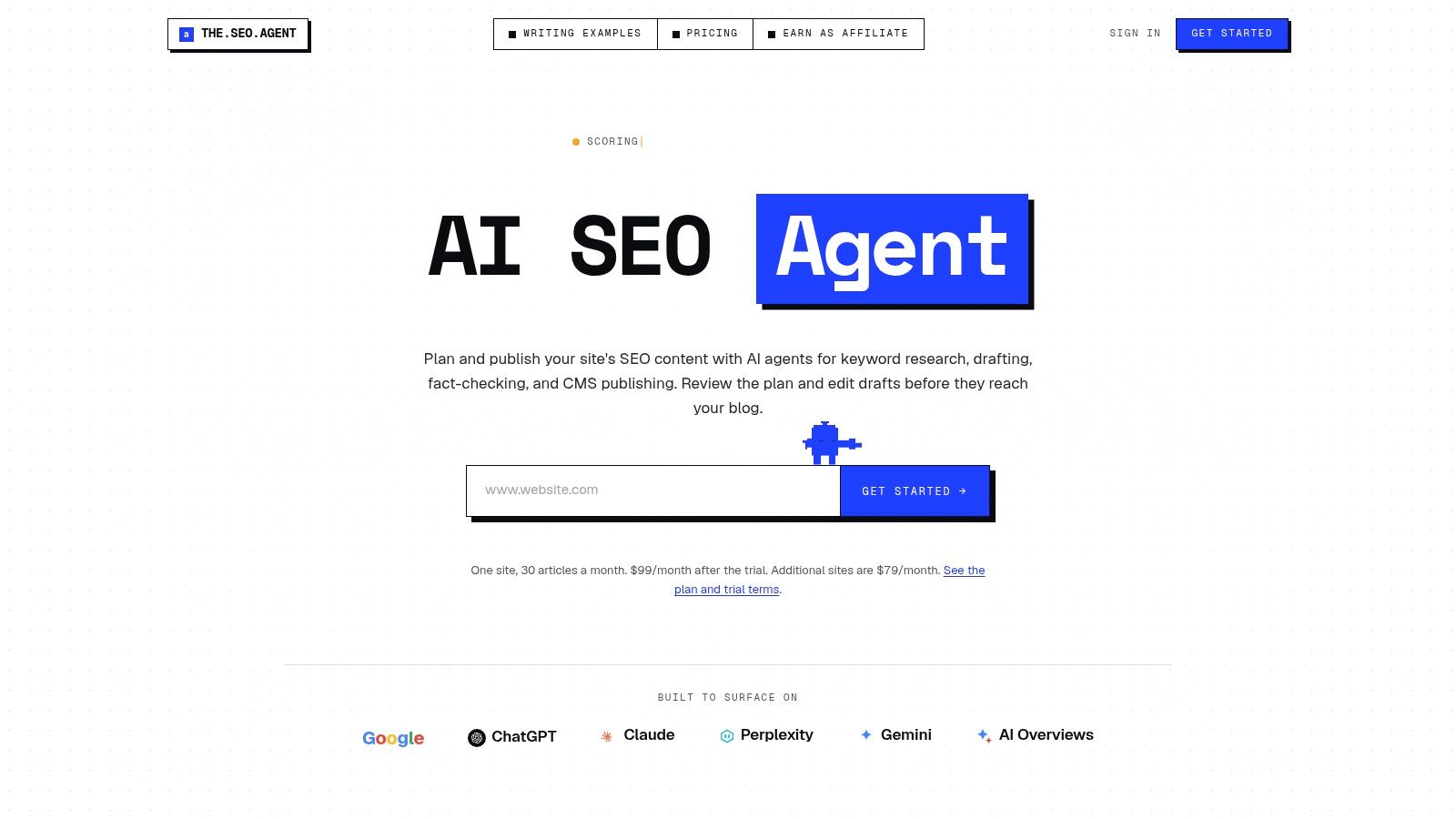
The SEO Agent takes over the step the research suites leave to you: turning a keyword list into published pages. It scans your site and Search Console data, finds buyer-intent keyword gaps, builds a content calendar, and produces drafts for review.
Agents draft in your brand voice, check claims against saved sources, and add internal links, images, alt text, schema, slugs, and metadata before preparing articles for your CMS. You review the plan and drafts before anything publishes. Unsupported claims get cut or held, which matters more than generation speed.
Where it fits and where to be careful
Native publishing supports WordPress, Webflow, Shopify, Ghost, and Wix, with webhooks also available. That fits founders and lean teams that want guides, comparisons, and best-of articles published consistently without managing writers or stacking five subscriptions.
- Pros: Automates research through CMS publishing, prioritizes gaps from real site data, checks claims, and handles internal linking and metadata.
- Pricing: $1 for a 3-day trial, then $99/month for up to 30 articles on one site. Additional-site pricing sits in the comparison table below.
- Cons: The trial is short, human review stays advisable, and customer results are individual cases rather than promised outcomes.
The vendor reports one customer reaching 2.6 million clicks and 43.1 million impressions after nine months of daily publishing. Treat that as a single published example. Judge your own trial on draft quality, revision work saved, and whether the calendar targets topics you would want to rank for.
2. Semrush
Semrush is the broad suite choice. If you want keyword research, competitor domain analysis, rank tracking, backlink analysis, site audits, and content workflows beside paid search insight, it covers more ground in one subscription than most rivals.
That breadth helps agencies and in-house marketers who report across channels. It hurts small teams that need two functions and pay for twenty. The interface also takes time to learn, and you'll waste money if nobody owns the weekly reporting routine.
Cost and fit
SEO Toolkit Pro is listed at $139.95 per month, with higher tiers at $249.95 and $499.95 per month. A 7-day trial is advertised. Usage limits drive the actual cost, so model your projects, tracked keywords, and reporting needs before your trial ends.
- Pros: Wide workflow coverage, strong competitor comparisons across organic and paid search, and mature reporting.
- Cons: Limits push growing teams up tiers, learning curve is real, and content still needs someone to produce it.
If the price or scope feels like overkill, compare Semrush alternatives for SEO teams against the exact jobs you run weekly. Buy Semrush for research and visibility monitoring, not as a substitute for publishing capacity.
3. Ahrefs
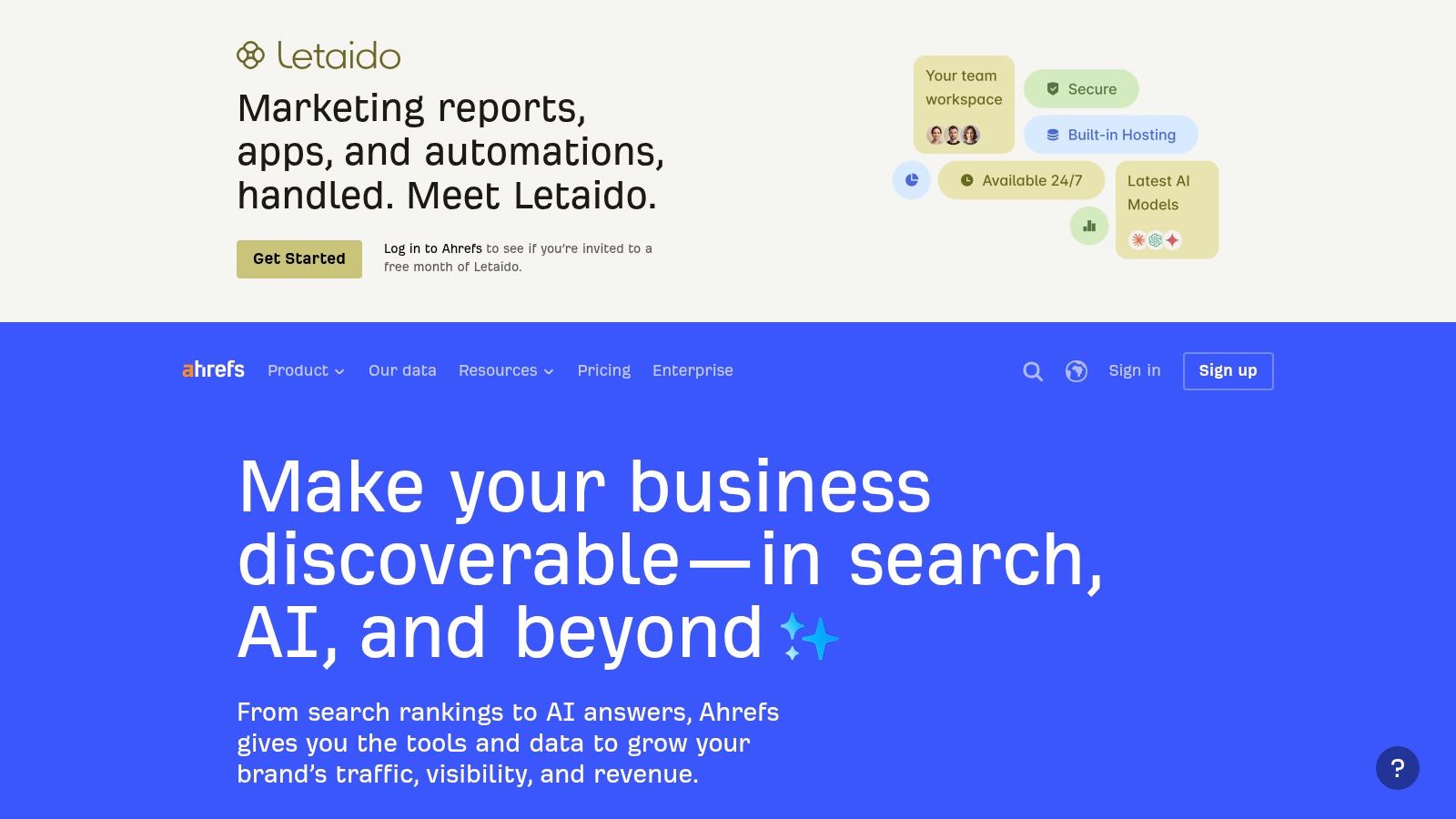
Start with links and competitors, and Ahrefs earns its place quickly. Site Explorer is built for backlink and competitor research, while Keywords Explorer, Site Audit, and Rank Tracker round out a research-led workflow for investigating demand and competing domains.
It's not an end-to-end publishing service. You'll still brief, write, optimize, and ship pages elsewhere. That's fine if your team already publishes well and needs sharper targeting. It's a poor fix if drafts are your bottleneck.
Listed plans range from Starter at $29 per month to Advanced at $449 per month, and a limited free account is available for verified websites. Check plan limits and credit use against your workload, because occasional research can be served cheaper elsewhere.
- Pros: Strong competitor and backlink assessment, combined keyword, link, and technical insight, useful free access for your own sites.
- Cons: Credits need monitoring, publishing happens outside the tool, and higher tiers get expensive for light use.
If you're weighing cost against depth, check out Ahrefs alternatives before renewing on autopilot.
4. SE Ranking
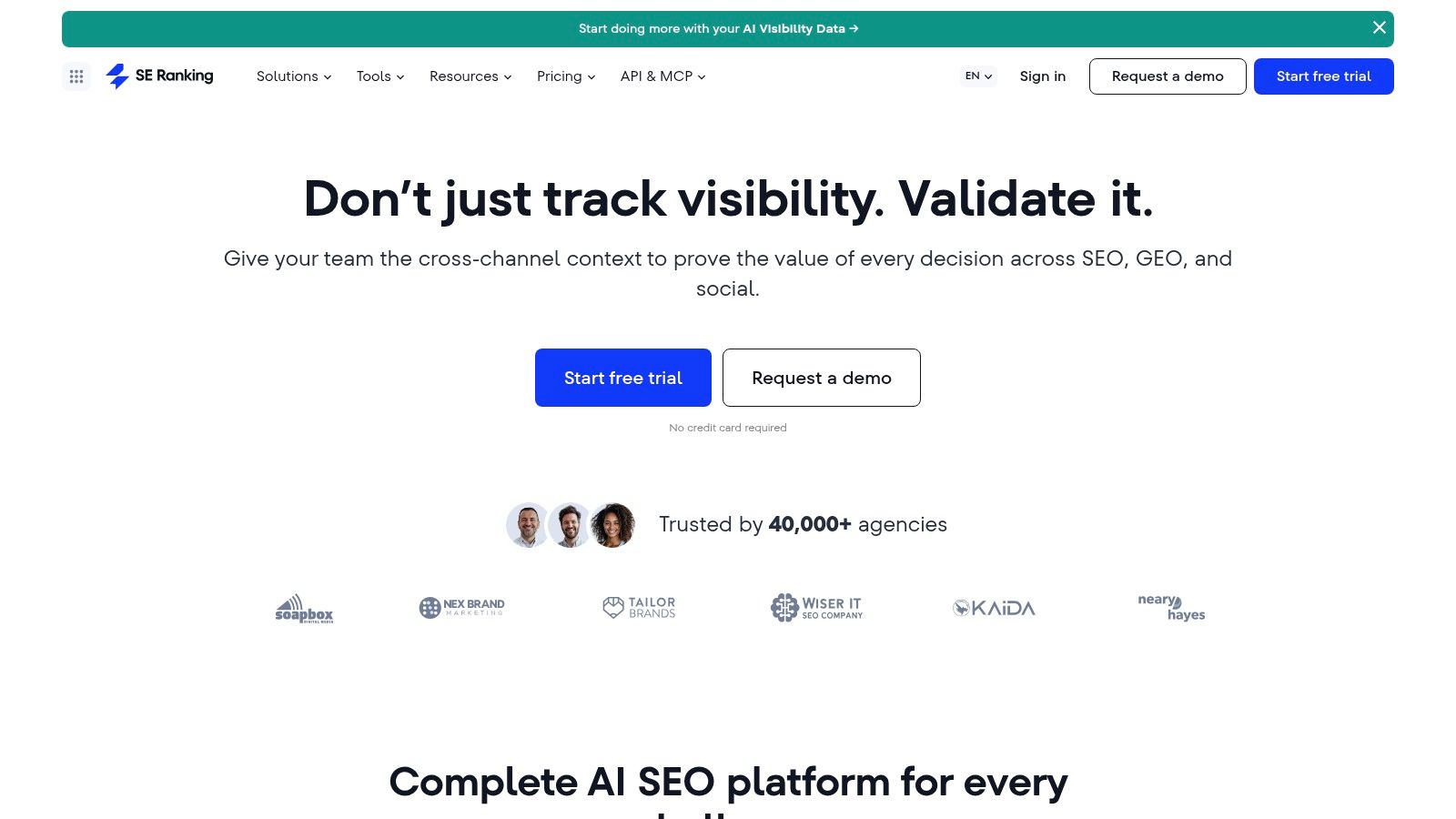
SE Ranking pitches itself as an all-in-one workspace for day-to-day SEO. Rank tracking, keyword and competitor research, backlink analysis, audits, content tools, local SEO, and agency reporting sit in one place, which suits independent consultants and small teams that dislike juggling logins.
The trade-off is familiar. You get breadth and published pricing, but your team still executes most actions. A tidy audit doesn't fix templates. A keyword list doesn't publish a page.
Its FAQ lists Core at $129 per month or $103.20 per month billed annually, and Growth at $279 per month or $223.20 per month billed annually. Enterprise pricing is custom, and a 14-day trial without a card is listed in its FAQ.
- Pros: Covers many routine tasks, transparent entry pricing, and a low-friction trial.
- Cons: Keyword and project limits vary by plan, add-ons raise agency costs, and execution remains manual.
Run one complete client workflow in the trial, from research to report, rather than clicking every module once.
For lean operators who need consolidation more than depth in any single discipline, it's a sensible middle option.
5. Moz Pro
Moz Pro is the conventional toolkit option. Keyword research, rank tracking, site crawling, page-performance metrics, and campaigns for organizing tracked sites cover the basics without forcing an enterprise sales process.
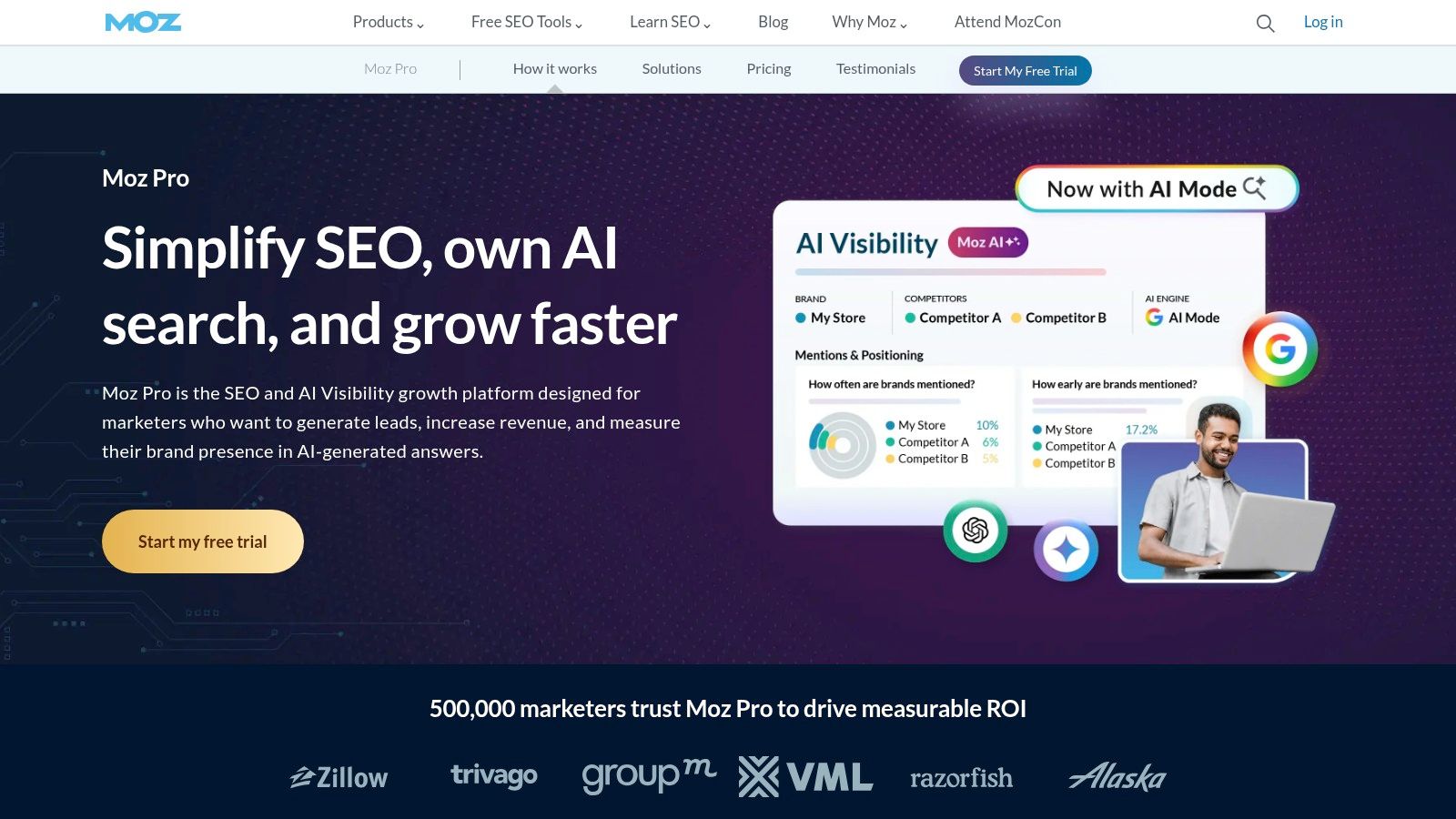
Higher listed plans add AI-search visibility features, which reflects where monitoring is heading. Still, check exactly what's included at your tier. Tracked sites, keywords, users, and crawl volumes are capped, and those caps determine whether the entry price is real.
Pricing starts at $49 per month, with Standard at $99, Medium at $179, and Large at $299 per month. Annual billing may lower the effective monthly price. Note that Moz Local is a separate product, so local listing work isn't bundled just because you bought Pro.
- Pros: Core functions in one subscription, published tiers you can compare quickly, and subscriptions that can be changed or canceled.
- Cons: Caps bite as you grow, higher-volume needs cost much more, and local requires a separate purchase.
Choose Moz Pro if you want a straightforward, published-price suite and your workload fits comfortably inside mid-tier limits.
6. Surfer
Teams that already publish regularly get the most from Surfer. It's content-led, built around topic research, SERP comparison, draft optimization, and auditing published pages. Content Editor gives search-results-based guidance while you write, and Content Audit helps you revisit what's already live.
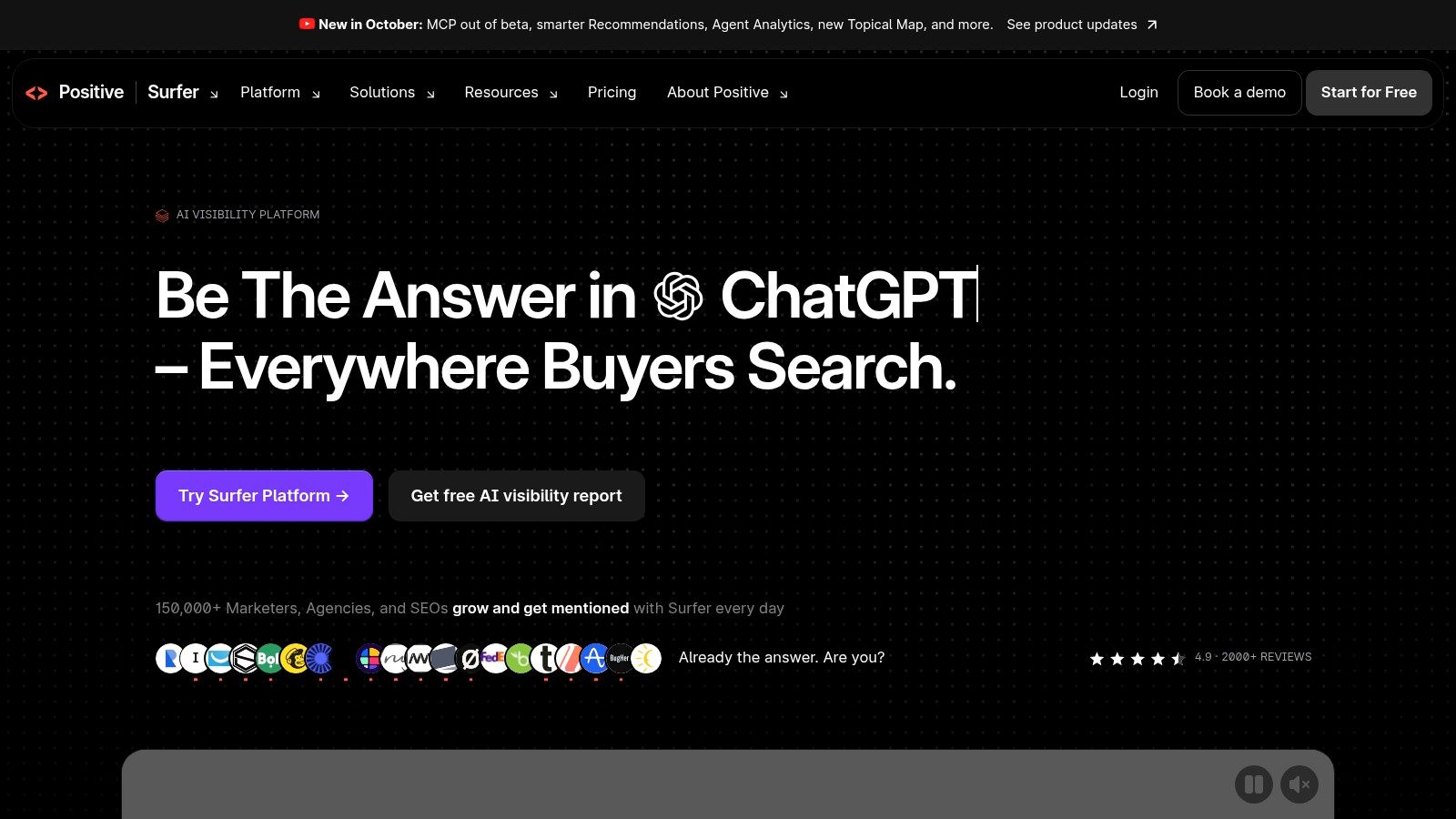
It also offers AI-assisted article creation and one-click automation options. Treat optimization scores as guidance, not editorial judgment. A high score on a thin, undifferentiated draft is still a thin draft.
Essential is listed at $99 per month or $79 per month billed annually, while Scale is $219 per month or $175 per month billed annually. Its pricing FAQ describes a 7-day trial for new accounts. Article, audit, and tracking allowances vary by plan.
- Pros: Practical content optimization, draft and audit workflows together, and quick trial access.
- Cons: Not a complete technical SEO suite, allowances gate volume, and AI output still needs a human editor.
For a publishing-first comparison, see The SEO Agent's Surfer alternatives.
7. Clearscope
Clearscope serves content teams managing articles at scale. Topic exploration, draft support, query and page tracking, and brand visibility across search and AI systems frame it as an editorial operations tool, not a crawler or deep link platform.
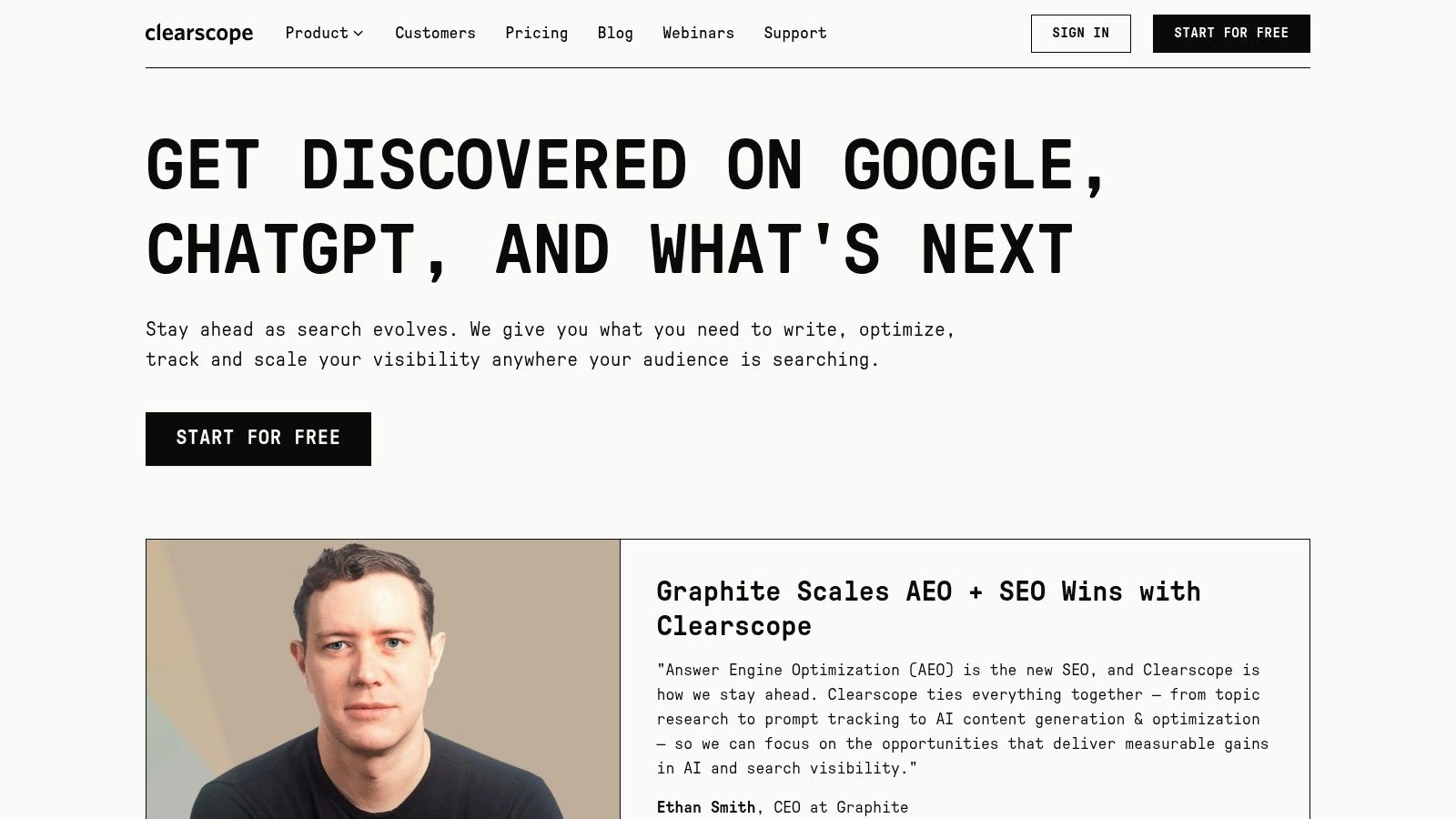
Its content recommendations draw on search intent and language patterns. That's useful when several writers need consistent briefs and grading. It's less useful if you have no writers, or if your real problem is indexation and site architecture.
Essentials is listed at $129 per month and Business at $399 per month, with custom Enterprise pricing and a 14-day trial. Plans list unlimited users and projects, but the entry tier has finite query, page, exploration, and draft allowances. That jump to Business is substantial, so forecast allowance use carefully.
- Pros: Built around content-team workflows, unlimited users and projects, and no minimum contracts stated on pricing.
- Cons: Allowances on Essentials, a steep step to Business, and no replacement for technical crawling.
Lean teams should read this Clearscope analysis for lean teams before assuming an editor solves production.
8. Screaming Frog SEO Spider
When a migration breaks something, you don't need another dashboard. You need Screaming Frog SEO Spider. This downloadable crawler finds broken links, errors, redirects, duplicate pages, title and metadata problems, robots issues, and structured data faults.
It supports JavaScript rendering, crawl comparisons, and integrations with Google Analytics, Search Console, and PageSpeed Insights. Technical users get detailed configuration and extraction options that cloud audits often simplify away. That power comes with a desktop workflow and data you must interpret yourself.
Pricing and limits
The free version crawls up to 500 URLs. The paid licence is listed at $279 per user per year and removes that crawl limit while enabling advanced features. Per-user licensing matters if a whole team wants access.
- Pros: Generous free tier for small sites, deep technical control, and strong migration and audit utility.
- Cons: Not a keyword or content platform, less convenient for shared cloud work, and licences are per user.
Practical rule: Pair a specialist crawler with whoever can actually ship fixes, or the export becomes shelfware.
Buy it for diagnosis. Don't expect it to plan or publish content.
9. Rank Math
Rank Math lives inside WordPress, and that's both its strength and its boundary. Site owners manage on-page checks, schema, sitemaps, redirects, and keyword optimization where they already publish, instead of copying recommendations between tools.
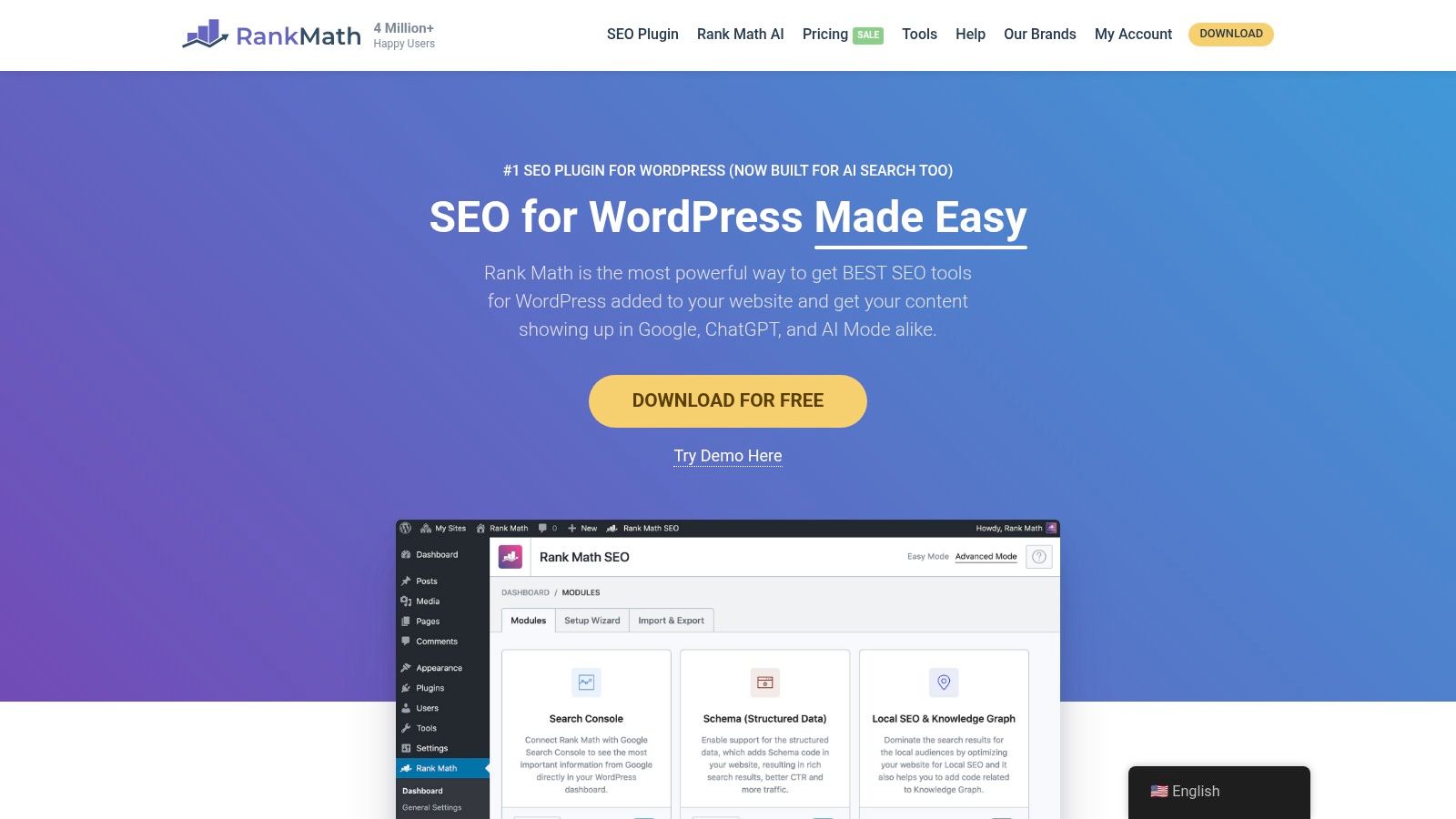
Paid tiers add broken-link detection, automated keyword linking, rank tracking, and multi-site management. That helps agencies running client WordPress sites. It doesn't replace serious competitor research, which isn't its central strength.
A free version is available. Listed annual-renewal pricing is $8.99 per month for PRO, $27.99 for Business, and $64.99 for Agency. Read licence terms carefully, because personal sites and client websites are treated differently.
- Pros: Direct WordPress integration, capable free version, and paid licences that can cover multiple sites depending on plan.
- Cons: WordPress-specific, limited as a primary research platform for other CMSs, and licence distinctions need checking.
For WordPress publishing hygiene at low cost, it's hard to argue against. Just don't mistake on-page prompts in the editor for a full SEO strategy.
10. Conductor
Conductor is the enterprise coordination play. Larger organizations use it to connect SEO and AI-search visibility, content insight, performance reporting, and cross-team workflows across many pages or business units.
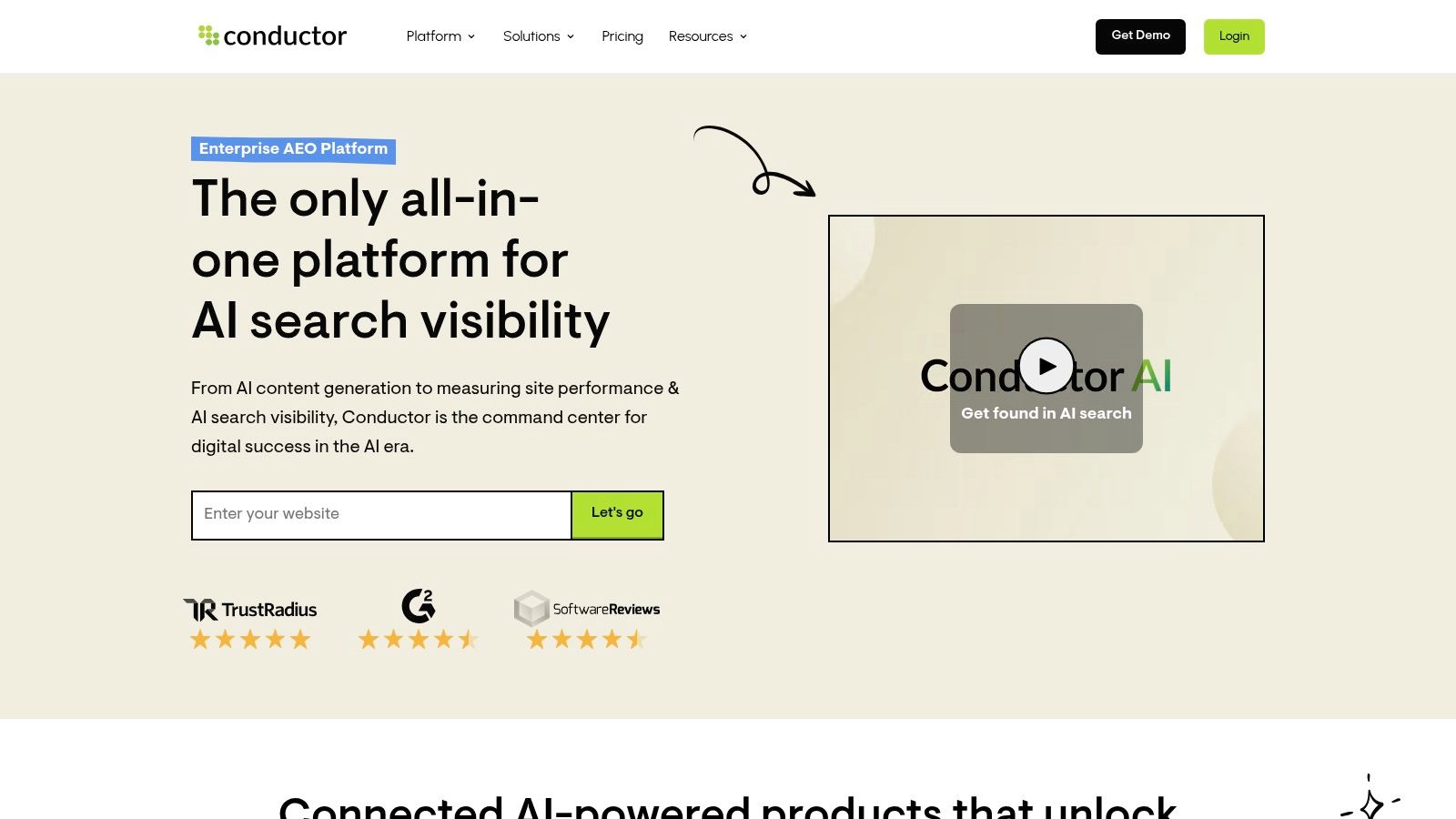
That scope is the point, and also the cost. Implementation, procurement, and adoption require planning. A small site or lean team will likely pay for governance and coordination features it doesn't need, while a global team may need exactly that structure.
There's no universal list price on its pricing page, so expect to request a quote and discuss fit with sales. Multiple product levels let packages be adapted to organizational needs rather than forcing one fixed configuration.
- Pros: Built for cross-team enterprise programs, covers traditional and AI-search visibility, and offers several platform levels.
- Cons: Pricing requires a sales conversation, may be excessive for small teams, and adoption takes more work than self-serve tools.
AI visibility deserves that enterprise attention. Enterprise practitioners reported that 86.07% had integrated AI technologies or tools into their SEO strategy, per one reported enterprise SEO survey summary, so coordination and accuracy controls now matter alongside rankings.
Top 10 SEO Software Platforms: Feature Comparison
| Platform | Core capabilities | Workflow & standout | Best for | Starting price | Value / fit |
|---|---|---|---|---|---|
| 🏆 The SEO Agent | Keyword research, cited AI articles, internal links, metadata, CMS publishing | ★ End-to-end automation with draft review and quality checks; ✨ supports multiple CMS platforms | 👥 Founders and lean teams publishing regularly | 💰 $1 for 3 days, then $99/month for up to 30 articles on one site | 🏆 Strong hands-off value for content production; rankings aren't guaranteed |
| Semrush | Keyword, competitor, backlink, rank-tracking, and audit tools | ★ Broad SEO and digital-marketing toolkit | 👥 Marketers and agencies | 💰 $139.95/month; 7-day trial | Powerful breadth, but can take time to learn |
| Ahrefs | Backlink, competitor, keyword, rank-tracking, and audit tools | ✨ Particularly strong backlink and competitor research | 👥 SEO researchers and teams | 💰 $29/month; limited free account | ★ Excellent research depth; content publishing is not end-to-end |
| SE Ranking | Rank tracking, research, backlinks, audits, content, and reporting | ★ Broad SEO workspace with agency features | 👥 Freelancers, small teams, and agencies | 💰 $129/month, or $103.20/month billed annually; 14-day trial | Good all-in-one coverage; many tasks remain manual |
| Moz Pro | Keyword research, rank tracking, site monitoring, and crawling | ✨ Conventional toolkit with published tiers | 👥 Site owners and SEO teams | 💰 $49/month | Solid core tools; usage limits depend on plan |
| Surfer | Topic research, draft optimization, audits, and AI writing | ★ Content-focused guidance based on search results | 👥 Teams with an existing publishing process | 💰 $99/month, or $79/month billed annually; 7-day trial | Useful content workflow; editorial review still needed |
| Clearscope | Content recommendations, topic research, and search/AI visibility tracking | ✨ Built for managing article workflows at scale | 👥 Content teams and larger publishers | 💰 $129/month; 14-day trial | Strong content focus; not a full technical or backlink suite |
| Screaming Frog SEO Spider | Technical and on-page crawling, issue detection, and structured-data checks | ✨ Detailed desktop crawler; free up to 500 URLs | 👥 Technical SEOs and site auditors | 💰 Free; $279/user/year for paid license | Excellent technical audit value; not a keyword or content platform |
| Rank Math | WordPress on-page SEO, schema, sitemaps, and redirects | ✨ SEO controls inside WordPress | 👥 WordPress site owners and agencies | 💰 Free; PRO from $8.99/month, billed annually | Affordable WordPress option; limited broader research capabilities |
| Conductor | Enterprise SEO, content insights, and AI-search visibility | ★ Enterprise workflows and reporting | 👥 Large organizations and cross-functional teams | 💰 Custom quote | Broad enterprise fit; likely excessive for lean teams |
Choose the Platform That Removes Your Biggest Bottleneck
Start with the work that's stuck. If opportunities are unclear, a research-led platform like Ahrefs or Semrush helps you see demand, competitors, and links. If drafts exist but underperform, Surfer or Clearscope gives editors structure. If pages can't be crawled or indexed cleanly, Screaming Frog finds the faults.
WordPress hygiene points to Rank Math. Multi-team governance points to Conductor. Production capacity points somewhere else entirely, toward automated publishing with human review. Naming that distinction saves you from buying research software and blaming it for an empty blog.
Measure the right output
Don't judge a trial by feature tours. Judge it by operational results, such as time from opportunity identification to publication, briefs approved without revision, technical errors after publishing, and organic clicks or qualified conversions per article. Adoption is already broad, since 69.2% of surveyed organizations reported using SEO tools in the 2025 State of Your Stack Survey summary, so owning a tool proves nothing by itself.
Keep your metrics clean while you test. In Search Console, clicks, impressions, CTR, and average position measure different things, as Google's Performance report definitions make clear. Visibility is not interaction, and interaction is not revenue. Report them separately or you'll credit a platform for movement that never reached your site.
That separation matters more as search changes. A 2024 zero-click analysis reported 58.5% of U.S. Google searches ended without a click, per the zero-click data summarized in the SEO market report. Ranking is still valuable, but intent match, result features, and a clear reason to visit decide whether visibility becomes traffic.
Guardrails before you scale
Automation raises the stakes on quality control. Google says generative AI content isn't automatically prohibited, but large volumes without added value may violate spam policies, per Google's guidance on using generative AI content. Also check Google's definition of scaled content abuse, which targets pages made primarily to manipulate rankings rather than help users.
Build refusal into your workflow. Stop thin, repetitive, or unsupported drafts before publication, verify claims against sources, and keep a human approver for high-stakes topics. Even image metadata needs care, since the W3C guidance on text alternatives for images requires different alt text for informative, decorative, functional, and complex images.
Also plan for AI answers without abandoning conventional SEO. Track target prompts, brand mentions, citations, cited-page quality, referral traffic, and assisted conversions beside rankings. Improving a keyword position may not automatically improve AI inclusion, so treat them as related but separate measurements.
Before you subscribe, test one realistic workflow end to end, verify limits and renewal pricing, and confirm CMS, export, API, and reporting integrations. The best choice is the platform your team adopts, measures, and uses consistently, not the one with the longest feature list.
If production is your bottleneck, The SEO Agent finds buyer-intent gaps from your site and Search Console data, drafts source-checked articles for your review, and publishes them to WordPress, Webflow, Shopify, Ghost, or Wix. Start the $1 trial, inspect the calendar and a real draft, and keep it only if it saves more editorial time than it creates.