10 Best Internal Linking Checker Tools for 2026
Compare the 10 best internal linking checker tools for 2026. Find broken links, orphaned pages, and anchor-text issues — with honest pros, cons, and pricing.
A published page can still be disconnected from the rest of your website. Google recommends that every important page receive an internal link from another page, and says it uses links both to discover content and understand relevance. That makes an internal linking checker more than a broken-link detector, as Google's crawling and indexing guidance explains.
Broken destinations are only the obvious problem. Orphaned articles, buried commercial pages, and vague anchors require different investigations. A tool that lists errors won't necessarily explain your architecture, and a tool that recommends links won't necessarily insert them.
Buy for the job: Finding an issue, diagnosing its cause, and publishing the fix are separate capabilities.
These ten internal linking checkers cover those jobs through desktop crawlers, cloud monitoring suites, CMS plugins, and link-weight analysis. Their numbering isn't a universal ranking. Screaming Frog makes sense for a configurable technical audit; Link Whisper makes sense when the bottleneck is adding links inside WordPress.
The important distinction is diagnosis versus prevention. A crawler investigates what you've already published. A publishing workflow can add relevant connections before an article goes live, although you still need to verify that the resulting site architecture works.
Table of Contents
- 1. Screaming Frog SEO Spider
- 2. Sitebulb
- 3. Ahrefs Site Audit
- 4. Semrush Site Audit
- 5. Link Whisper
- 6. LinkStorm
- 7. Sitechecker
- 8. SE Ranking Website Audit
- 9. InLinks
- 10. Netpeak Spider
- Top 10 Internal Linking Checkers Compared
- Picking the Right Checker for the Job
1. Screaming Frog SEO Spider
Best for deep technical crawling and tracing individual link problems. When an audit flags an underlinked URL, Screaming Frog is where I go to find which pages reference it and what anchor text they use.
The Inlinks report lists every internal source page for a target URL, alongside status codes, redirects, and anchor text. That turns an error total into a repair list an editor or developer can act on. Configurable crawls and force-directed diagrams extend the same data into architecture analysis.
Where the desktop approach pays off
The Screaming Frog SEO Spider product page lists a free version covering up to 500 URLs and a paid license at £199 per year. The paid edition adds JavaScript rendering, scheduled crawls, integrations, and crawl comparisons.
- Use it for investigation: Trace broken destinations back to their source pages and check the live anchor text.
- Use it beyond links: Keep the crawl data for redirect chains and site structure questions.
- Budget for the workstation: Large crawls eat local memory, and the interface rewards patience over polish.
One working habit: separate broken-link repairs from architecture improvements. Fixing a failed destination is a different assignment from deciding whether an important category deserves more contextual references.
Screaming Frog reads the site as it stands. It will not wire links into your next article. If publishing keeps producing underlinked content, The SEO Agent adds those connections at publish time, while the crawler verifies what went live.
2. Sitebulb
A crawl can surface thousands of link data points and still leave the key question unanswered: why is this section of the site so poorly connected? Sitebulb suits teams that need visual evidence for that answer, especially agencies presenting architecture recommendations to clients who will never read a spreadsheet.
Its Links Report and Link Explorer cover broken or redirected links, incoming and outgoing references, anchor text, and crawl depth. URL Rank adds a measure of internal link strength, and crawl maps turn that structure into something a non-technical stakeholder can grasp quickly.
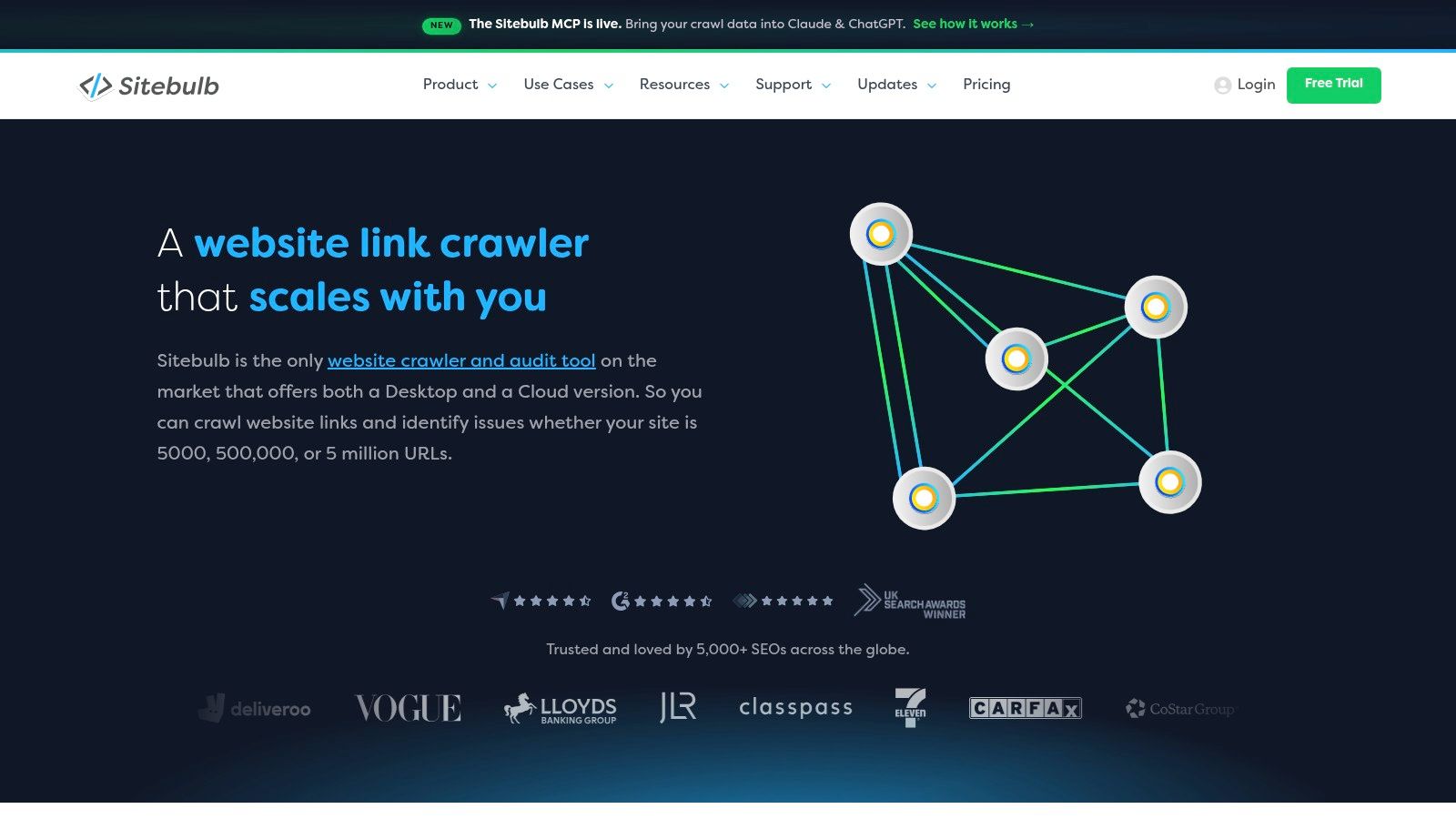
Choose it for interpretation
Sitebulb's links capabilities run through desktop and cloud workflows, with pricing and crawl capacity tied to the selected plan. Teams pick between local analysis and browser-accessible collaboration, and neither format is universally better.
A practical investigation starts with one important URL that receives little internal support. Inspect where its existing references originate, whether those source pages are relevant, and how a reader would reach the destination from the surrounding section. The map usually shows the gap faster than the raw count does.
- Strong fit: Agencies and in-house teams presenting architecture recommendations.
- Main limitation: The reporting layer is more tool than a small, straightforward broken-link repair needs.
- Implementation gap: Someone still has to edit navigation, templates, or content.
Treat every visualization as evidence that needs a decision behind it. Convert each finding into an assigned change with a source page, an intended destination, and a reason for the link. Pair that work with technical SEO audit essentials so link improvements stay connected to indexability and canonical decisions.
3. Ahrefs Site Audit
Ahrefs Site Audit does a job the desktop crawlers on this list skip: it proposes new internal links. The Internal Link Opportunities report scans crawled content for keyword mentions and pairs them with pages ranking for those terms, so editors get a candidate list rather than just error counts.
That is a different task from checking whether a link resolves. The report generates candidates to review, and its matching conditions mean it never covers a full linking strategy.
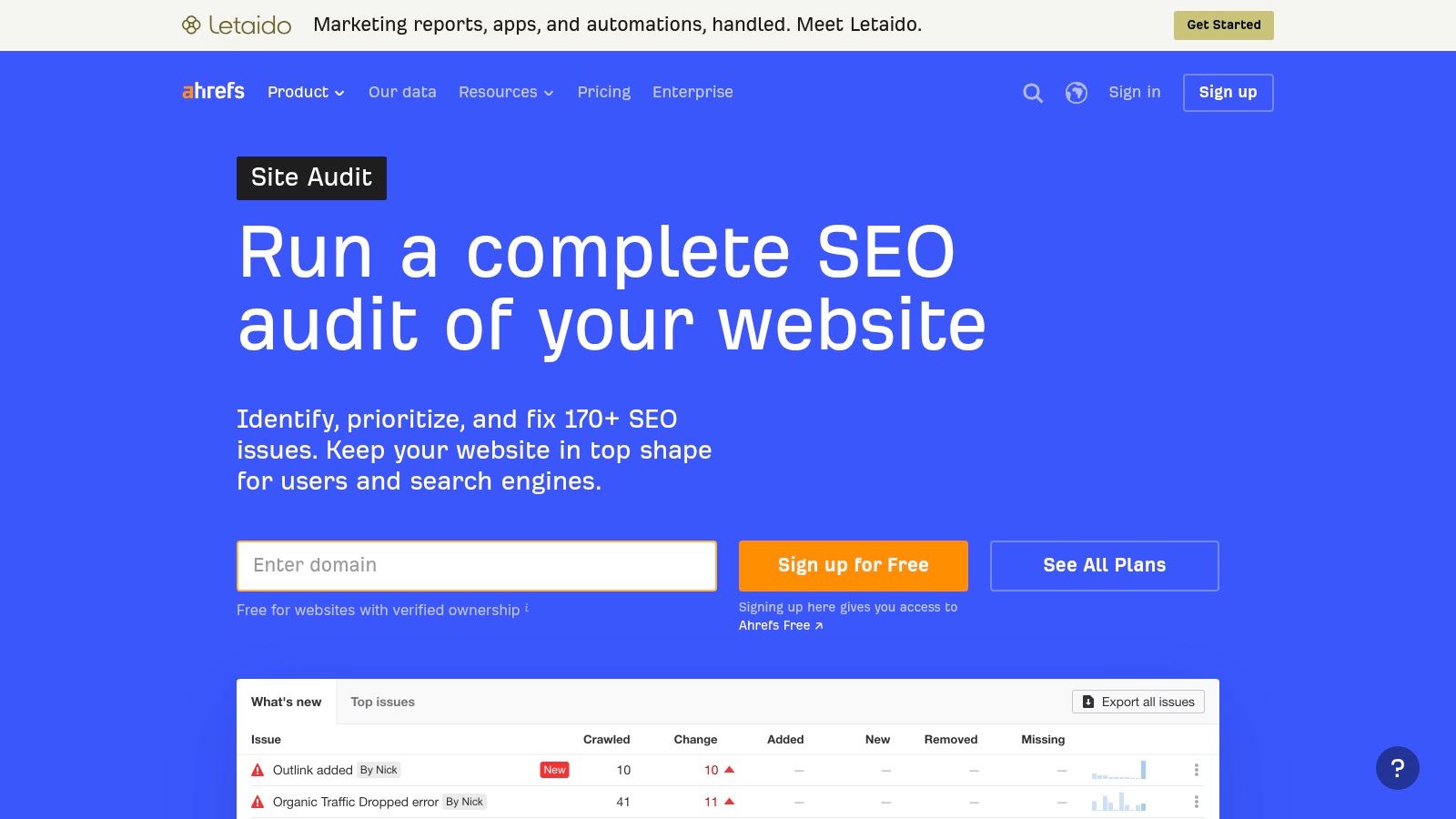
The Ahrefs Site Audit offering includes limited free access for verified website owners, with paid plans starting at $129 per month. Its hosted crawler fits teams already paying for the platform's keyword, backlink, and competitor research.
A keyword match is a candidate for an internal link, not permission to insert one.
Treat the report as a shortlist, not a strategy
Open each suggested source page and read the paragraph around the matched keyword. The destination should answer a question the reader has at that point. Shared vocabulary alone produces links that feel forced and get stripped out in the next content cleanup.
The matching conditions cut both ways. A relevant connection that never surfaces in the report can still deserve a link, so the suggestion list is a starting point, not the full inventory of what the site needs.
The cost case depends on what else runs in Ahrefs. For occasional link checks, $129 a month buys a large amount of unused tooling. Compare tools to use instead of Ahrefs against the workflow you need before renewing.
4. Semrush Site Audit
Semrush Site Audit crawls on a schedule from the cloud, so internal-link problems get rechecked without anyone running a crawler manually. That project-based monitoring fits teams already inside Semrush for keyword research, competitor analysis, and rank tracking: the same account that reports performance also flags the technical issues behind it.
Semrush Site Audit includes limited free checking, and SEO Classic Pro is listed at $117.33 per month when billed annually. Compare that annual-billing figure carefully with monthly prices elsewhere. The number drops because of the commitment, not the feature set.
The suite price is the trade-off
You're buying a platform, not a linking checker.
- Best fit: Teams that already run repeat audits inside Semrush.
- Operational advantage: Link findings sit next to the technical and marketing reports your team already reads.
- Main compromise: The subscription covers far more than internal links, so the cost only holds up if you use the wider tools.
- Capacity consideration: Project and audit limits decide whether the plan covers your whole portfolio.
A recurring report without an owner is noise. Separate newly introduced issues from the backlog, assign each fix to whoever controls the source page, and verify the repair after it goes live.
Familiarity is a weak reason to renew. If internal-link checks are the only feature your team touches, a narrower tool is easier to defend in a budget review. The SEO Agent on replacing Semrush covers the options for teams weighing a publishing-focused workflow instead of a full SEO suite.
5. Link Whisper
Link suggestions lose value when applying them takes too long. Link Whisper keeps that step inside the WordPress editor, pairing contextual suggestions with in-place insertion.
It also flags broken links and orphaned content, supports configurable auto-linking rules, and connects with Google Search Console. The plugin behaves more like a publishing assistant than a standalone crawler.
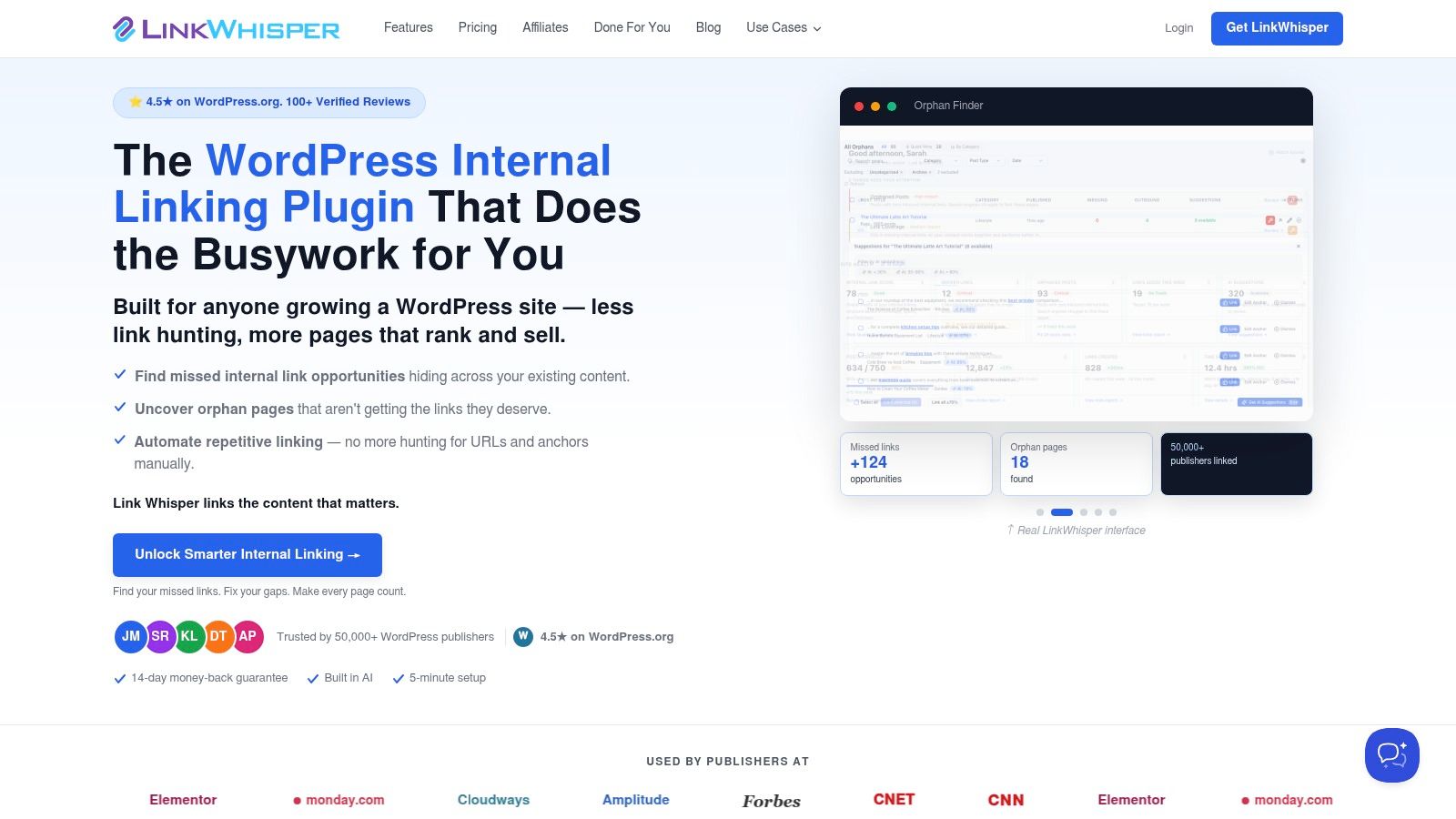
The strongest use case is editorial execution
Link Whisper's annual plans start at $119 per year for one site. Annual billing stings if your project is a one-off archive cleanup; an active WordPress site spreads the same cost across every post.
The main gain is proximity. Editors accept or reject a suggestion without switching between a crawl export and the CMS. That saves minutes per link, but each anchor still needs a human read before it ships.
- Review relevance: the destination should serve the reader at that exact point.
- Review anchors: reject clumsy phrasing even when the target is right.
- Review rules: test a phrase-to-URL auto-rule on a small set first, since broad patterns create misleading anchors across topics.
Platform fit is the hard limit. Teams on other CMSs get nothing from a WordPress plugin, and no editor-side tool replaces a technical crawl of the full site.
The other question is sequencing. A plugin accelerates links added after publication, while platforms built to simplify internal link management wire them in at publish time so articles never go live orphaned. Link Whisper earns its place when the fix belongs inside the editor.
6. LinkStorm
LinkStorm is a focused option for internal-link recommendations across different CMS environments. It's worth evaluating when a broad SEO suite feels excessive but a WordPress-only workflow doesn't fit.
The product lists integrations for WordPress, Shopify, Wix, Webflow, and custom-built sites. That makes CMS compatibility part of the buying decision rather than an assumption.
LinkStorm's published plans start at $30 per month for 1,000 URLs and credits, with tiers extending to 50,000 URLs and credits. Compare both allowances with your intended workflow rather than choosing a plan from the URL count alone.
Test recommendations against difficult content
A useful evaluation includes pages with similar terminology but different intent. For example, a product category and an educational article may discuss the same subject while serving different reader needs.
Check whether the recommended source passage supports the destination. Also verify what the listed integration handles in your environment before assuming that every recommendation will become a published link without further work.
- What works: A dedicated interface for reviewing internal-link opportunities.
- What needs checking: Recommendation relevance, CMS implementation, and how URL and credit allowances apply.
- What it won't decide for you: Which pages deserve priority within your commercial and editorial architecture.
Choose LinkStorm when internal-link optimization is the defined assignment. If you also need broad technical diagnosis, retain a crawler rather than expecting a recommendation-focused tool to answer every audit question.
7. Sitechecker
Sometimes the useful question is narrow: Which pages link to this URL, and what anchors do they use? Sitechecker fits that page-level inspection job without requiring desktop crawler installation.
Its internal-link reports show incoming references, outgoing links, and anchor information. The wider platform adds site audits and monitoring, so the same browser-based workflow can support both targeted investigation and recurring checks.
Start with a destination that matters
The Sitechecker internal-links tool offers paid plans and a free trial, with project and URL limits determined by the plan. Confirm those limits against the sites you intend to monitor before subscribing.
For an under-supported product or service page, inspect the incoming links first. Then review whether their source pages are topically appropriate and whether the anchors clearly describe the destination.
Exported link lists are useful when someone else will make the changes. Give the editor the source URL, destination, and requested adjustment, not just a finding that says the page needs more links.
- Choose it for accessibility: Browser-based inspection suits users who don't want local crawler setup.
- Use the exports: Turn link relationships into an actionable editing assignment.
- Expect manual implementation: Reporting an issue doesn't repair the affected content.
A full subscription may be unnecessary for an isolated investigation. Sitechecker is more compelling when its page-level inspection and broader monitoring both have a regular place in your team's work.
8. SE Ranking Website Audit
SE Ranking suits recurring audits that need flexible crawl inputs. Its Website Audit can discover pages through internal links or work from a sitemap or supplied URL list.
That distinction matters when checking for content that a normal link-following crawl never encounters. A supplied URL inventory lets you investigate known pages without assuming that the site's existing navigation will reveal them.
SE Ranking Website Audit includes internal and external link checks, scheduled audits, downloadable reports, and advanced JavaScript-rendered auditing. A free trial is available, while paid access is bundled with the broader platform.
Keep discovery separate from inventory
The practical method is to compare what the crawler discovers with what you know exists. A technical SEO audit workflow recommends reconciling crawl results with sitemaps and search-performance data to investigate orphaned pages.
A clean link-following crawl doesn't prove that every important published URL was included.
SE Ranking's input flexibility supports that investigation, but you still need to classify the results. Check indexability, status, canonical target, and incoming-link support before deciding that a missing page deserves new references.
The trade-offs are platform breadth and crawl consumption. Advanced JavaScript crawling consumes more audit credits than standard crawling, so use it where rendering matters rather than enabling it indiscriminately. Choose SE Ranking when scheduling, reporting, and its wider SEO tools will remain useful after the initial internal-link cleanup.
9. InLinks
Counting links won't tell you whether the connected pages discuss related concepts. InLinks approaches internal linking through content and entity relationships, making it relevant when the problem is editorial structure rather than broken destinations.
It combines internal-link automation with schema-related features, content auditing, and brief functionality. That broader scope distinguishes it from a crawler whose primary output is a technical issue report.
Review relationships before scaling automation
InLinks is worth assessing if your team wants linking assistance alongside content and schema workflows. A limited free tier is listed, but confirm current availability, page allowances, and paid pricing directly before planning an implementation.
The editorial test remains straightforward. Read the source passage, inspect the proposed destination, and ask whether the reader gains something by following the link.
- Useful capability: Supporting links through content relationships rather than relying solely on raw counts.
- Broader scope: Schema automation and content work may suit a team consolidating related tasks.
- Necessary safeguard: Review automated links for relevance, readability, and editorial fit.
Avoid treating entity-based automation as an architectural decision-maker. Your team still needs to identify priority pages, distinguish supporting articles from commercial destinations, and decide which connections deserve prominence.
InLinks is a better fit for ongoing linking strategy than a quick broken-link sweep. Pair it with technical verification when you need to confirm destination status, canonical handling, and whether the published links are crawlable.
10. Netpeak Spider
Netpeak Spider is the specialist choice here for internal link-weight analysis on Windows. Its Internal PageRank checker helps investigate how support is distributed across the site, rather than stopping at a count of incoming links.
That perspective is useful when an audit finds no obvious broken destinations but important pages still appear weakly connected. Inspecting where their incoming links originate can be more informative than treating every reference as equivalent.
Netpeak Spider offers a free version for up to 500 URLs, with paid options listed at $20 per month, $193 per year, or $496 for lifetime access. Paid plans include unlimited URLs and a three-day trial, while the crawler checks broken links and more than 100 technical SEO issues.
Use link weight as evidence, not a target
The crawler also supports JavaScript rendering, filtering, multi-domain crawling, and exports in CSV, XLSX, and PDF formats. Those capabilities support detailed technical work, but the Windows-only desktop setup is less convenient for teams expecting shared browser access.
A practical analysis compares pages with similar roles. If an important category receives little internal support while peripheral content receives much more, review the relevant navigation and contextual source pages.
Don't try to make every URL achieve the same calculated weight. Some pages deserve greater prominence because they organize a topic or support a business goal. Netpeak helps reveal the distribution; the SEO team must decide whether that distribution matches the intended architecture.
Top 10 Internal Linking Checkers Compared
| Tool | Core Internal-Link Capabilities | Best Fit & Standout | Pricing / Value |
|---|---|---|---|
| Screaming Frog SEO Spider | Crawls links, redirects, status codes, and anchors; configurable visual audits | 👥 Technical SEO specialists needing detailed crawl control; desktop software | 💰 Free up to 500 URLs; paid license £199/year |
| Sitebulb | Finds broken links, weakly linked pages, crawl depth, and link distribution | 👥 Teams presenting site structure; ✨ visual crawl maps and desktop/cloud options | 💰 Pricing varies by plan and crawl capacity |
| Ahrefs Site Audit | Flags link issues and suggests internal-link opportunities using keyword context | 👥 SEO teams using broader keyword and competitor research | 💰 Limited free access for verified sites; paid plans from $129/month |
| Semrush Site Audit | Audits internal links within recurring technical SEO workflows | 👥 Marketers already using Semrush for research and reporting | 💰 Limited free checking; Pro listed at $117.33/month, billed annually |
| Link Whisper | Suggests contextual links, reports broken/orphaned links, and inserts links in WordPress | 👥 WordPress publishers; ✨ link suggestions inside the writing workflow | 💰 Plans from $119/year for one site |
| LinkStorm | Recommends internal-link opportunities across supported CMSs | 👥 Teams seeking dedicated link optimization; ✨ WordPress, Shopify, Wix, Webflow, and custom-site integrations | 💰 From $30/month; URL and credit limits apply |
| Sitechecker | Inspects incoming/outgoing links and anchors; audits and exports link data | 👥 Users wanting browser-based page-level checks and monitoring | 💰 Free trial; paid pricing and limits vary by plan |
| SE Ranking Website Audit | Checks internal/external links; supports scheduled crawls and report exports | 👥 Teams combining recurring audits with rank tracking and keyword research | 💰 Free trial; audit included in paid platform plans |
| InLinks | Automates links using content and entity relationships; includes schema tools | 👥 Sites seeking entity-focused SEO automation; ✨ links plus schema features | 💰 Limited free tier; confirm current plan pricing |
| Netpeak Spider | Checks broken links and calculates internal PageRank; supports exports and JS rendering | 👥 Technical auditors assessing link equity; Windows desktop crawler | 💰 Free up to 500 URLs; paid options from $20/month |
Picking the Right Checker for the Job
Start with the job, not the feature list. Desktop crawlers such as Screaming Frog and Netpeak Spider handle deep, configurable investigations: custom extraction, internal PageRank, full anchor exports. Sitebulb earns its license when developers or clients need visual reports to understand proposed architecture changes.
Cloud suites such as Ahrefs, Semrush, and SE Ranking fit recurring monitoring, especially when your team already pays for the broader platform. Sitechecker covers quick page-level inspection in a browser. Skip the large subscription if all you need is an issue count nobody has time to investigate.
Separate diagnosis from implementation
Checkers find problems. Fixing them is a different workflow. Link Whisper inserts suggested links inside WordPress, LinkStorm pushes recommendations across several CMSs, and InLinks automates links based on entity relationships.
- Need a repair list: pick a crawler that exports source pages, destinations, anchors, and status codes.
- Need architectural evidence: prioritize crawl paths, incoming-link distribution, and link-weight analysis.
- Need changes shipped: pick a workflow that lets editors review and insert links.
- Need fewer orphaned articles: wire contextual linking into production instead of running cleanup sprints.
Raw link volume is not a universal target. A large-scale internal-link analysis summarized by Milan Novotny examined roughly 23 million links and reported that URLs with 40–44 internal links received about four times the organic clicks of those with 0–4. That is correlation, and adding links alone may not cause the increase.
Google's link-architecture guidance makes a related point: sitemaps do not replace crawlable architecture, and it establishes no universal maximum click depth. Review unusually deep priority pages in context rather than enforcing an arbitrary depth cap.
Prevent omissions without abandoning verification
Teams publishing frequently can move routine article-to-pillar linking upstream. The SEO Agent auto-links new articles to existing pillars before they reach the CMS, so editors stop wiring every draft by hand. It handles drafting through CMS publishing and adds those contextual links during production.
One directional caveat matters. A new article linking out to a pillar gives that pillar another incoming link. It gives the new article no incoming links of its own. Navigation templates, archive coverage, and references from older content still need verification.
Treat a quarterly sanity check as an operating cadence, and re-crawl the live site after migrations or template changes. Prevention during production plus independent verification afterward beats either one alone.