10 Internal Link Building Tool Options Compared for 2026
Compare 10 internal link building tool options for WordPress and multi-CMS sites, with use cases, integration notes, and honest limitations.
Your content team keeps shipping new articles, the editorial calendar looks healthy, and older posts still sit there with one lonely link or none at all. That's usually when an internal link building tool starts to matter in a real way, because the problem isn't just finding relevant pages, it's deciding whether the CMS should stay in the loop or the tool should place links for you. The right choice depends on your platform, publishing volume, and how much editorial control you want to keep. If you want a practical framing before you buy, the internal linking ergonomics guide is a useful companion read.
The tools below are grouped by how they act on your content, suggest-only in the editor, rule-based auto-linking, semantic injection, suite add-ons, or audit-only reports. That matters because the workflow changes everything. A WordPress blog with careful editors does not need the same setup as a multi-site operation that wants automated insertion or a site audit team that only wants a list of fixes.
Table of Contents
- 1. Link Whisper
- 2. Yoast SEO Premium
- 3. Rank Math
- 4. Linkilo
- 5. Internal Link Juicer
- 6. InLinks
- 7. MarketMuse Connect
- 8. Surfer SEO Automated Internal Linking
- 9. Ahrefs Site Audit Link Opportunities
- 10. Semrush Site Audit Internal Linking Report
- Top 10 Internal Linking Tools Comparison
- Matching a Linking Tool to Your Workflow
1. Link Whisper
Link Whisper sits in the suggest-only camp, and that's why a lot of WordPress teams like it. It surfaces internal link ideas inside the editor, helps with bulk suggestions for older posts, and flags orphaned content and link health issues. For a content library that keeps growing, that workflow is faster than hunting through old posts by hand.
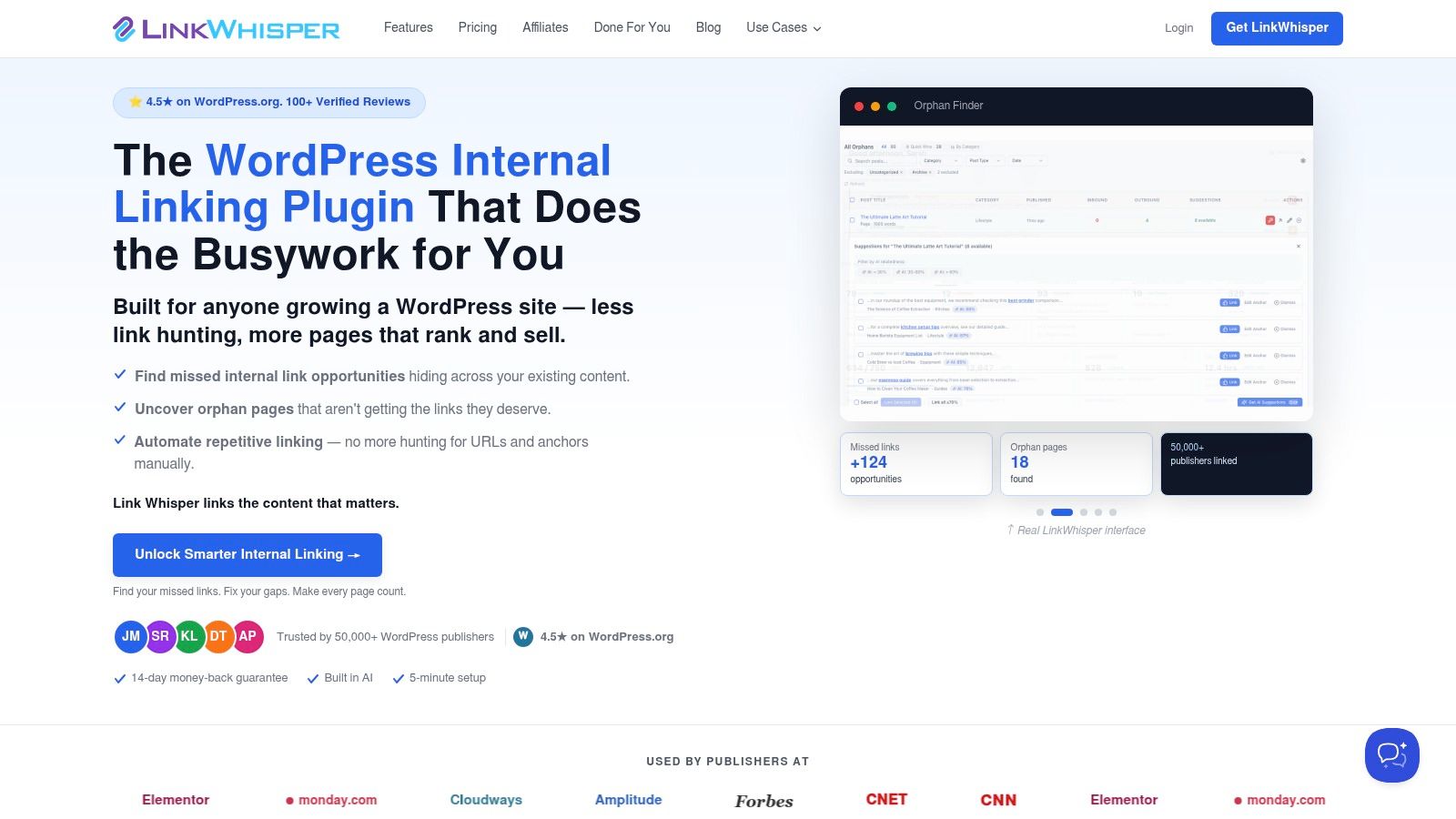
The trade-off is simple. It's purpose-built for WordPress, so if your stack spans multiple CMSs, it won't follow you there. Plans can also vary in pricing and AI credit allocation, which makes it less predictable than a plain plugin with no usage layer. The upside is a clean in-editor workflow that editorial teams can keep using.
Practical rule: if your writers already work inside WordPress, keep the suggestion step inside the editor and keep final placement human-reviewed.
It also maps well to an auditable internal linking workflow. If you're comparing it to a more automated system, the internal linking tool overview from The SEO Agent is useful because it shows the difference between recommendation and automatic placement. Link Whisper stays on the recommendation side, which is exactly why some teams trust it more.
2. Yoast SEO Premium
Yoast SEO Premium also lives in the suggest-only group, but it feels different because the linking feature is part of a broader on-page toolkit. The internal linking suggestions panel shows related articles while you're editing, and that makes it easy to add links without leaving the writing flow. If your team already uses Yoast for cornerstone content and insights, the linking feature fits naturally.
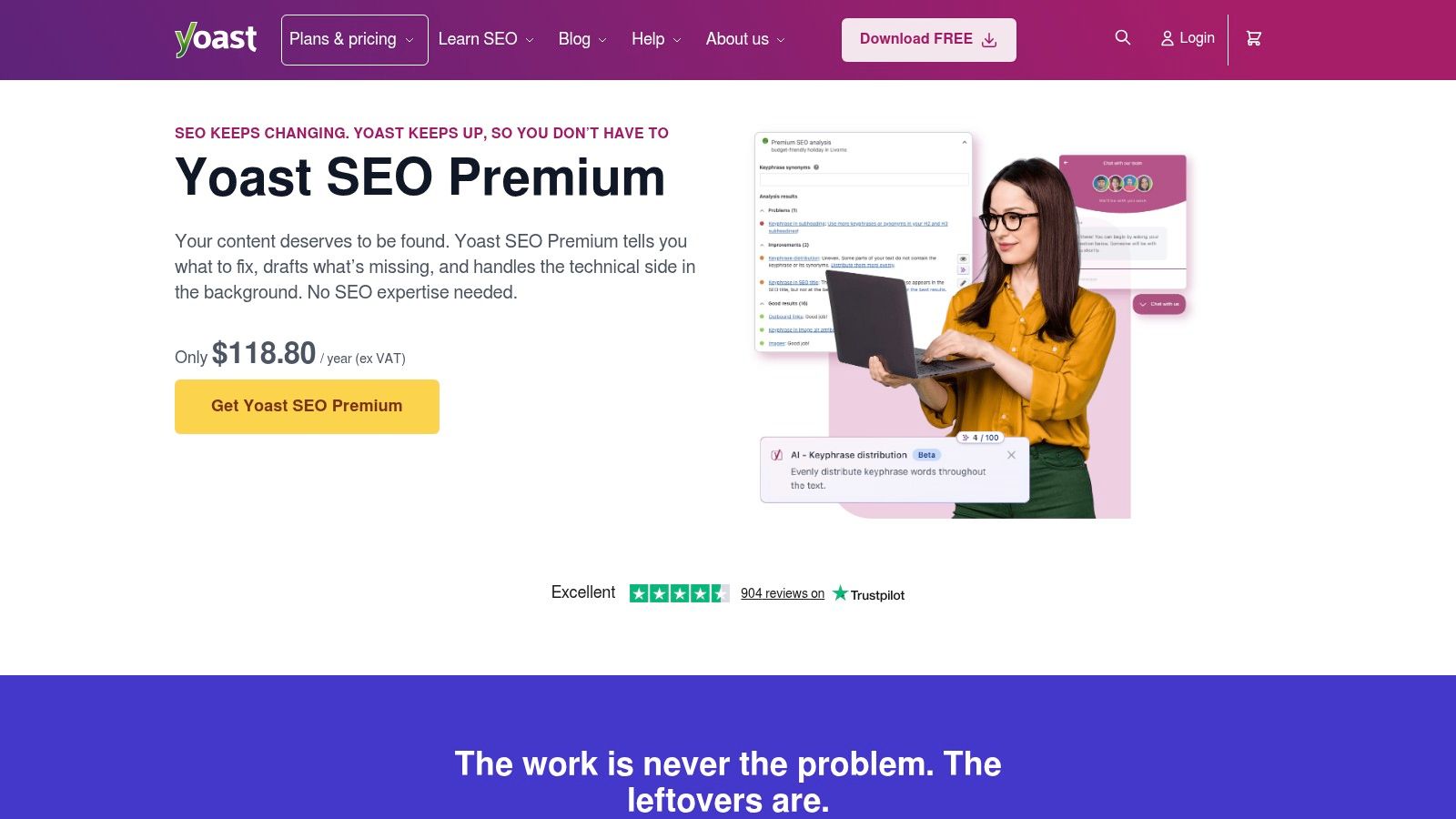
This is still a manual acceptance workflow. That's good for editorial control, but it also means the tool won't rescue a team that expects automatic rollout across an entire archive. Premium also includes orphaned content and redirect management, which makes it easier to keep internal-link hygiene tied to other SEO tasks instead of treating links as a separate job.
A lot of teams choose Yoast because the adoption cost is low. Editors already know where they are, they see the suggestion panel, and they can add the link without switching tools.
The best use case is a team that reviews every link before publish and wants internal linking to feel like part of normal editing, not a separate maintenance project.
3. Rank Math
Rank Math is another editor-facing option, but it appeals to teams that want a broader SEO suite around the linking feature. Its link suggestions and AI-assisted modules can surface internal and external link checks, so it's not just about discovering a related page. It's about consolidating more of the SEO workflow inside one plugin.
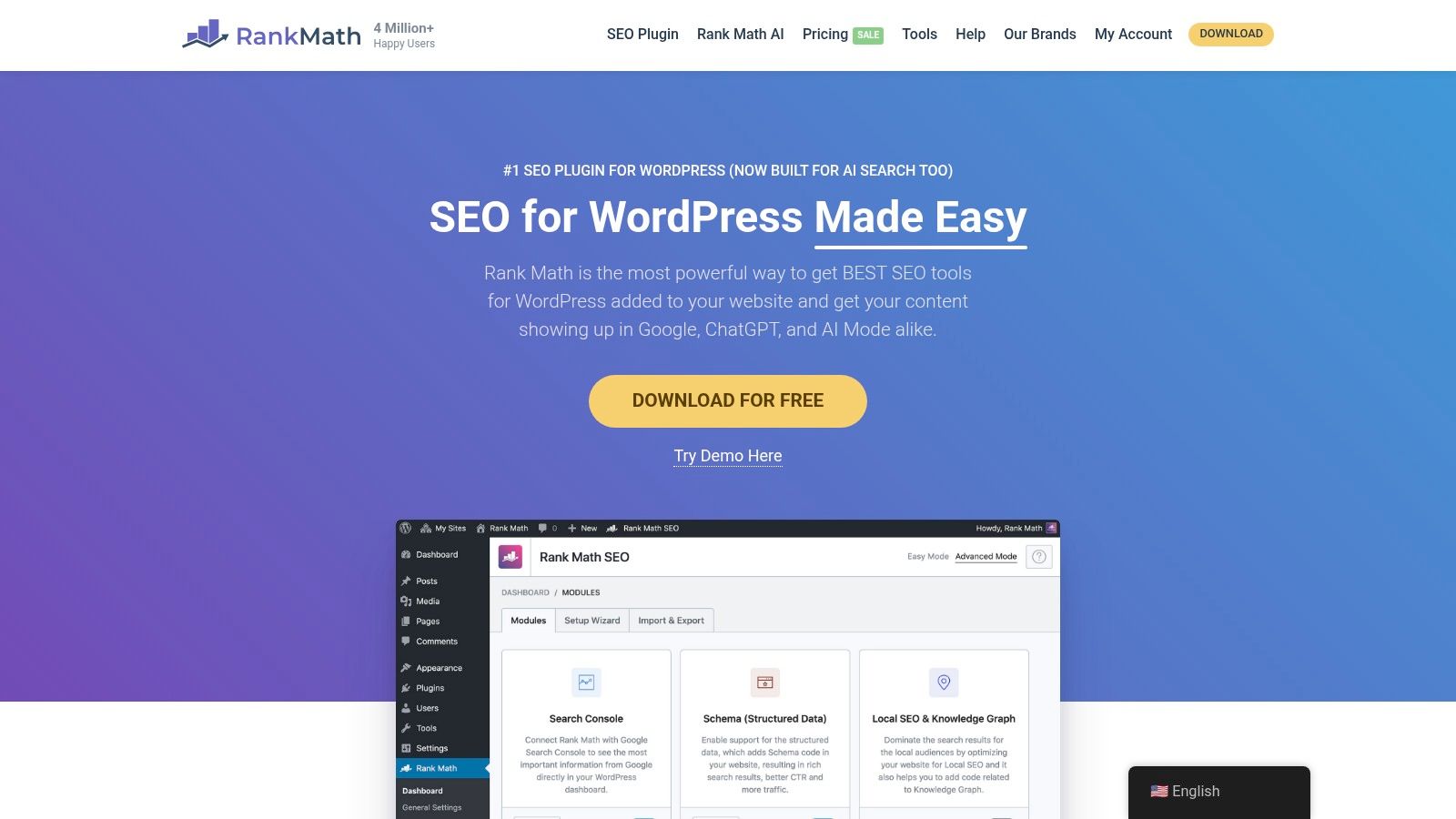
The upside is obvious if you like fewer plugins and a single dashboard. The downside is also obvious, more capability usually means more settings, more add-ons, and more decisions about what's included in which plan. I've seen teams adopt Rank Math for the internal-link feature and then spend extra time deciding how much of the rest of the suite they need.
Where it fits best
- Single-plugin stack: useful when SEO operations live in one WordPress tool.
- Editor-led review: works when writers accept suggestions rather than expecting automation.
- Broader SEO consolidation: makes sense if you want internal links alongside other SEO checks.
For teams that want link recommendations plus a larger SEO feature set, Rank Math can be practical. For teams that only want internal linking, it can feel like more tool than necessary.
4. Linkilo
Linkilo moves further toward automation, but it still gives editors a review path. It uses AI suggestions with confidence scores and reason text, which is helpful because the recommendation is easier to assess when you can see why the tool made it. It also adds auto-linking on save, so it can act both as a suggestion engine and as a rule-driven inserter.
The stronger point here is breadth. Linkilo combines linking, cleanup, click analytics, redirects, and crawl logs, which makes it feel like an internal-linking and site hygiene assistant instead of a narrow plugin. That breadth comes with a cost, because broader tools need more setup before they feel predictable.
Best fit: teams that want one WordPress plugin to handle suggestions, cleanup, and partial automation without jumping between separate tools.
The editor-friendly workflow matters. If you want autopilot options but still need human review before rollout, Linkilo is closer to that middle ground than a strict auto-linking engine.
5. Internal Link Juicer
Internal Link Juicer is the most clearly rule-based option in this list. You define keywords and target URLs, then it inserts contextual links across posts, pages, terms, and custom fields. For teams that want deterministic keyword-to-URL automation, that's the appeal.
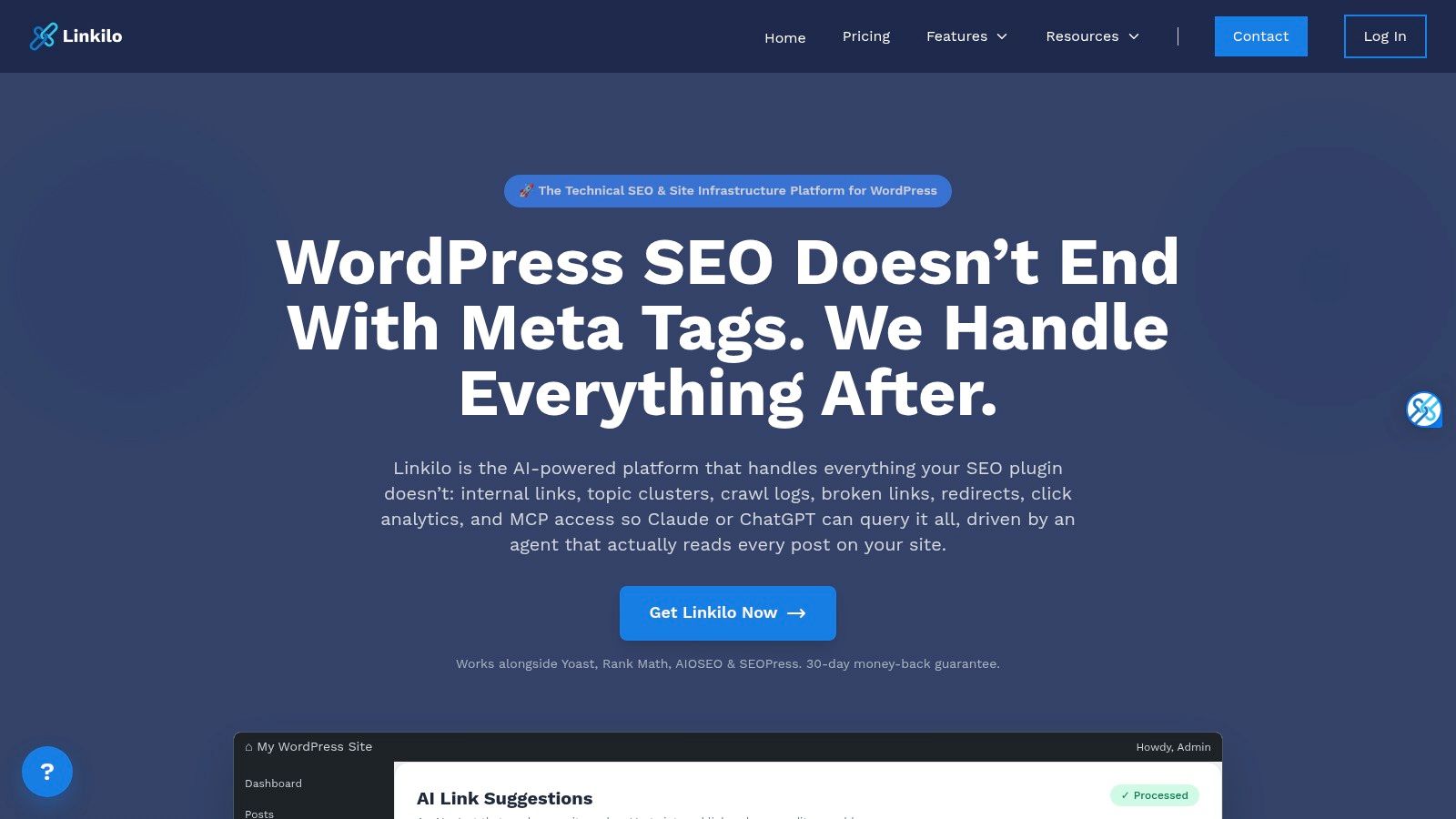
This kind of setup can roll out fast once the rules are right. It also gives you blacklist and whitelist controls, plus limits per paragraph and per post, which helps stop the worst over-linking mistakes before they spread. The weak point is semantic depth. Keyword rules are blunt compared with tools that understand context, so setup quality matters more.
If your team wants predictable behavior, this is a strong fit. If you want the tool to infer nuance from the page itself, it can feel rigid. The best outcome usually comes from tight rule design and regular review.
Practical trade-off
- Good: fast site-wide deployment once the rule set is clean.
- Good: granular caps help avoid clutter.
- Weak: keyword matching can miss editorial intent.
- Weak: it still needs someone to police the rules over time.
For content libraries built around repeatable topics, that trade-off can be worth it.
6. InLinks
InLinks belongs to the semantic injection group. It builds an entity graph from your site, recommends links, and can auto-inject internal links and schema with a lightweight JavaScript snippet. That makes it one of the more CMS-agnostic options if you're not living entirely inside WordPress.
The big advantage is that it isn't limited to simple keyword matching. It's built around semantic relationships, so the recommendations tend to reflect topic meaning rather than just phrase overlap. The trade-off is governance. If you're pushing changes through JavaScript on every page, you need testing discipline, because the tool's convenience depends on the script loading correctly everywhere.
This is the kind of tool I'd pick when the site is big, the CMS environment is messy, or the editorial team wants internal linking to be handled centrally. It works best after the site has been crawled and modeled properly, not as a quick install-and-forget plugin.
Semantic tools are strongest when the site architecture is already thought through. They're weakest when you ask them to fix a messy taxonomy all by themselves.
7. MarketMuse Connect
MarketMuse Connect takes the semantic approach and plugs it into a broader content strategy system. It suggests internal links and anchor text based on the topic model it builds from your content inventory, so the linking recommendations are tied to planning, not just page-to-page cleanup.
That matters if your team already uses MarketMuse for briefs or inventory work. The internal-link suggestions become part of the same strategy layer, which helps if your editorial process starts with topics rather than individual URLs. It's less attractive if you only want a narrow internal-linking tool and nothing else.
The trade-off is cost and scope. MarketMuse leans enterprise, so the total value usually shows up when the whole suite is in use. If you only need linking, it can be more tool than budget.
For teams that want the strategy and the execution thinking to live in the same place, it's a credible option. If you want a lightweight plugin, it probably isn't the right one. For a product-focused comparison, the MarketMuse review from The SEO Agent is a helpful extra read.
8. Surfer SEO Automated Internal Linking
Surfer's internal linking feature belongs in the suite-add-on category. It discovers contextual internal link opportunities and helps insert them inside Surfer's broader content optimization workflow, which is convenient if your team already writes and edits inside Surfer.
The main advantage is workflow continuity. You're not handing content off to a separate tool for links, then sending it back into an editor. The internal linking step sits inside the same optimization stack, which makes it easier for teams that already standardize on Surfer.
The obvious downside is dependency on the ecosystem. If you only need internal links, you're buying into the broader product rather than a stand-alone utility. That's fine when the team already uses Surfer for content operations, less ideal when you want a focused internal link building tool.
Surfer works best when the editorial and optimization process is already centralized. If your team likes all-in-one workflows and doesn't mind plan-tier dependency, it's a sensible choice.
9. Ahrefs Site Audit Link Opportunities
Ahrefs belongs in the audit-only group. Its Site Audit report surfaces link opportunities by matching target-page keywords with relevant mentions on other pages, and it avoids suggesting links that already exist. That makes it useful for teams that want a clean source-to-target pipeline but are happy to place the links themselves in the CMS.
The strength here is clarity. You get a straightforward list of opportunities, and it works across any CMS because the implementation happens in your publishing workflow, not inside the tool. The limitation is also clear. Ahrefs does not insert links for you, so someone still has to execute every change.
That makes it a good fit for SEOs who want control and visibility, not automation. The crawl output is only as good as the site coverage and keyword mapping behind it, so it needs a healthy crawl before the opportunity list becomes useful.
If you already manage technical audits in Ahrefs and want internal linking to sit inside the same process, it's an efficient option. For teams that want implementation help, it's too hands-off. The technical SEO audit checklist from The SEO Agent pairs well with this workflow because it reinforces the broader audit mindset.
10. Semrush Site Audit Internal Linking Report
Semrush also sits in the audit-only category, but it's especially useful for governance. Its Internal Linking report highlights distribution issues and surfaces signals like pages with only one internal link, which helps teams decide where to focus first. That makes it a good fit for recurring QA and client reporting.
The best part is prioritization. If you're working across multiple sites or handing recommendations to clients, having the findings inside a broader audit dashboard makes the job easier to explain. The limitation is the familiar one, Semrush tells you what to change, but the CMS work still happens elsewhere.
What it's good for
- Recurring QA: useful when internal linking is part of a regular audit cycle.
- Client reporting: easy to package as actionable to-dos.
- Prioritization: helpful for surfacing underlinked pages and structural gaps.
If your team wants a reporting layer rather than a linking engine, Semrush is one of the cleaner options. If you want direct insertion, it's not trying to be that tool.
Top 10 Internal Linking Tools Comparison
| Tool | Core features ✨ | Unique strengths 🏆 | Ease & integration ★ | Best fit 👥 | Price/value 💰 |
|---|---|---|---|---|---|
| Link Whisper | In‑editor & bulk link suggestions, orphan finder, link reports | Fast WP adoption; managed done‑for‑you service 🏆 | ★★★★, WordPress plugin, quick install | 👥 Large blogs & publishers | 💰★★★, tiered plans, AI credits vary |
| Yoast SEO Premium | Editor link suggestions, cornerstone integration, redirects | Seamless fit with Yoast on‑page checks 🏆 | ★★★★, WP plugin, familiar UI | 👥 Teams already using Yoast | 💰★★★, Premium required for suggestions |
| Rank Math | In‑editor suggestions, AI “Genius”, broad SEO suite | Consolidates many SEO tasks into one plugin 🏆 | ★★★★, WP plugin, active dev | 👥 Sites wanting all‑in‑one SEO tools | 💰★★★, some features paid/add‑ons |
| Linkilo | AI suggestions w/ confidence, auto‑linking, link health & crawl logs | Combines linking, cleanup & analytics in one tool 🏆 | ★★★★, WP, editor review + autopilot | 👥 Sites needing linking + hygiene | 💰★★★, WP‑only, more settings to tune |
| Internal Link Juicer | Rule‑based auto‑linking (keyword→URL), granular limits, WP‑CLI | Deterministic, fast site‑wide rollouts 🏆 | ★★★, WP plugin, needs careful setup | 👥 Sites preferring rule control | 💰★★★, affordable, manual rule setup |
| InLinks | Entity graph, semantic link recommendations, JS injection | CMS‑agnostic semantic linking at scale 🏆 | ★★★★, JS deploy; initial crawl/modeling | 👥 Multi‑CMS sites & entity‑driven SEO | 💰★★★, requires setup, enterprise lean |
| MarketMuse – Connect | Topic model, anchor suggestions, inventory‑aware recs | Aligns linking with briefs & content strategy 🏆 | ★★★★, Integrated into MarketMuse suite | 👥 Strategy teams & enterprise content ops | 💰★★, Higher cost; best with suite |
| Surfer SEO – Automated Internal Linking | Auto discovery & insertion, ties to on‑page optimization | Strengthens topical clusters within Surfer stack 🏆 | ★★★★, Integrated, plan‑tier dependent | 👥 Surfer users focused on optimization | 💰★★★, Feature in higher plan tiers |
| Ahrefs – Site Audit "Link Opportunities" | Crawl‑based source→target suggestions, filters | Clear, CMS‑agnostic suggestion pipeline 🏆 | ★★★, Report only; manual CMS changes | 👥 SEOs who implement changes manually | 💰★★, Part of Ahrefs subscription |
| Semrush – Internal Linking report | ILR distribution, pages flagged for fixes, exports | Governance & prioritized QA reporting 🏆 | ★★★, Audit/report driven; manual fixes | 👥 Agencies & recurring QA workflows | 💰★★, Included in Semrush plans |
Matching a Linking Tool to Your Workflow
The easiest way to choose an internal link building tool is to start with the workflow, not the feature list. WordPress teams that review every link usually do best with editor-level suggestion tools like Link Whisper, Yoast SEO Premium, or Rank Math. Large archives with repetitive content patterns tend to benefit more from rule-based or semantic automation, especially when the site has enough volume to make manual linking slow and inconsistent. Teams that already place links in the CMS themselves often get the most value from audit-only reports in Ahrefs or Semrush.
That choice becomes clearer once you think about how Google expects links to work. Google says crawlable links generally need standard HTML <a> elements with an href, and it recommends linking every important page from at least one other page while keeping links relevant to context Google's crawlable links guidance. That lines up with the deeper internal-linking strategy framework that uses source, target, anchor text, priority, and status to make the workflow auditable internal linking strategy framework. If your tool can't support those basics, it's probably not the right fit.
Before you adopt anything, run a quick audit of orphaned pages, pages with only one incoming link, and overly dense sections that may be close to link saturation. The Zyppy study is a useful benchmark here, because it shows why both underlinking and excessive linking can hurt usefulness rather than help it Zyppy internal links study. That becomes the decision filter, not whether the tool sounds smart in a product page.
If you want internal linking to sit inside a broader SEO production system, The SEO Agent is built for that kind of workflow. It handles internal link discovery and insertion as part of a larger content pipeline, so teams can connect research, drafting, fact checking, and publishing without splitting the work across separate tools.