How to add a blog to your Lovable site.
Lovable will build you a working product in an afternoon, and it ships with no blog, no CMS, and no plan for the fifty keyword-targeted pages that decide whether anyone finds that product on Google. This guide covers the three ways to add a blog to a Lovable site, the one-prompt scaffold we recommend, the SEO plumbing each post needs, and the honest answer to the question that outlives all of it: who writes the articles every week.
How do you add a blog to a Lovable site?
Lovable has no built-in blog or CMS, so you add one of three ways: prompt Lovable to scaffold blog routes on its own database (best for most sites), wire in an external headless CMS, or run a separate platform on a subdomain. The prompt-built option takes one prompt: a posts table, a /blog index, /blog/[slug] pages with unique metadata and Article schema, and automatic sitemap entries. The scaffold is the easy half. Filling it with one to three keyword-targeted articles a week is the half that determines whether the blog earns traffic.
1. Why a Lovable site needs a blog at all.
A typical Lovable project launches with somewhere between one and five pages: a homepage, maybe pricing, maybe a login screen. Each page can rank for roughly one search intent, so the whole site competes for a handful of queries, and the winnable one is your own brand name. Meanwhile every question your customers type into Google ("how do I X", "best tool for Y", "Z vs W") is a query someone else's page is answering. The blog is not a marketing accessory. It is the only mechanism a small site has for showing up in searches it does not already own.
Lovable agrees, in its way. The platform's SEO documentation handles rendering and technical checks, then assigns everything that actually earns rankings (unique content, keyword targeting, search-intent matching) to you, with no CMS or blog feature to do it with. The technical side of getting a Lovable site crawlable is covered in our Lovable SEO guide; this page is the next step, building the surface those rankings come from.
2. The three ways to add one, compared.
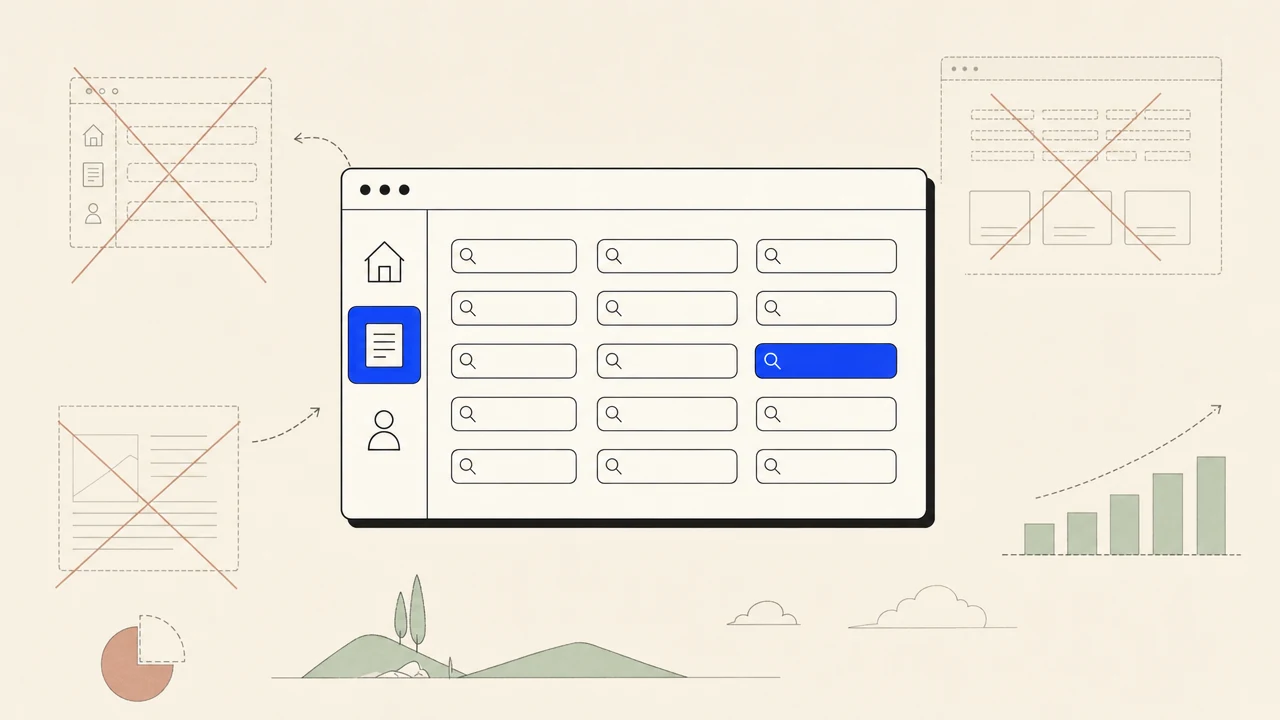
Option one: prompt-built inside Lovable. Every Lovable project ships with a real database through Lovable Cloud, and the model will scaffold a posts table, a /blog index, and per-post pages in one prompt. Articles live on your domain, render server-side (new projects ship SSR since the May 2026 Discoverability release), and cost nothing extra. This is the right answer for most founders, and the worked example below is the prompt.
Option two: an external headless CMS. Content lives in a third-party CMS and your Lovable app fetches and renders it. You gain a polished editing interface, scheduling, and roles; you pay for it with a second subscription, an API dependency on every page render, and a sync surface that breaks quietly. Worth it when a non-technical team edits content daily. Not worth it for a founder publishing weekly.
Option three: a separate blog platform on a subdomain. WordPress or similar at blog.yourdomain.com, linked from the app. It works, and it is the weakest of the three for a new site: two stacks to maintain, two designs to keep coherent, and a link profile split across a subdomain boundary that Google treats as a looser connection than a path on the main domain. Choose it only if the blog already exists and moving it would cost more than the split does. (If that describes you, our WordPress SEO automation page covers running the publishing loop there instead.)
3. The Lovable CMS question.
"Lovable CMS" is one of the most-searched phrases around the platform, and the honest answer is that most Lovable sites do not need one. A CMS earns its complexity when several people edit content, when posts need review workflows and scheduled embargoes, or when the same content feeds multiple properties. A solo founder publishing articles to one site needs a posts table, an admin page with a text editor, and a publish button. That is forty lines of scaffold, not a product category.
What you should not do is bolt on a hosted blog through an iframe embed. The content renders inside a frame on someone else's origin, which means Google attributes it to their domain, not yours, and your /blog page is an empty shell with a window in it. The entire point of publishing is to build equity on your own domain. If a tool's integration story for Lovable is an embed snippet, it is solving its distribution problem, not your SEO problem.
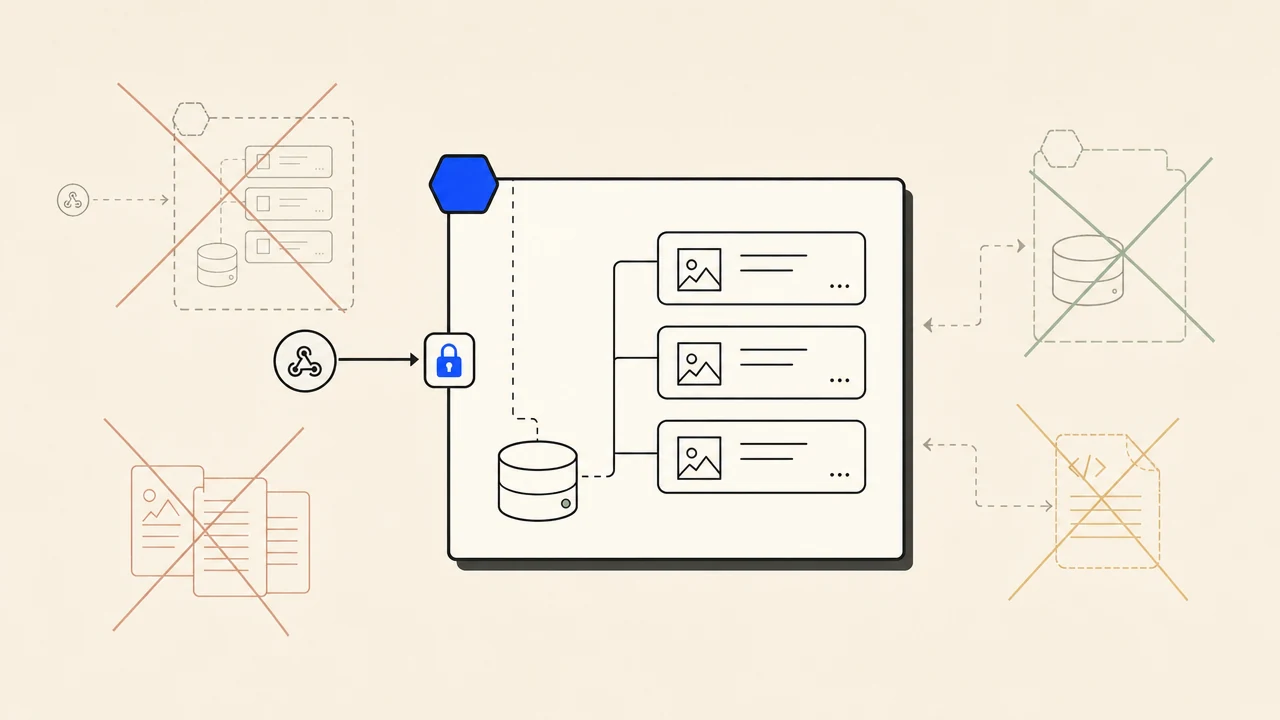
The middle path that works well in practice: keep the storage dumb (your Lovable database), keep the rendering yours (your /blog routes), and make the supply pluggable. The scaffold prompt below includes an optional inbound webhook endpoint for exactly that reason: it lets an external pipeline (a writer with a script, a Zapier flow, or an agent like TheSEOAgent) deliver finished articles into your table without ever owning your content.
4. The SEO plumbing every post needs.
A blog route that renders text is not yet a blog that ranks. Six pieces of plumbing separate the two, and all six belong in the scaffold so no individual post can ship without them. Clean slugs (/blog/invoice-late-fees, not /blog/post-7). A unique title under 60 characters per post, because the title tag is still the strongest on-page signal. A unique meta description under 160 characters. Open Graph tags so links unfurl when shared. Article JSON-LD with the real headline, date, and image. And automatic sitemap entries, so publishing a post and telling Google about it are the same event.
Two of those six are copywriting problems disguised as technical ones. Titles and descriptions decide click-through from a results page, and the difference between "Blog post about invoicing" and a title that mirrors the searcher's exact phrase is the difference between position eight ignored and position eight clicked. Our free headline generator exists for exactly this step, and the keyword density checker catches the opposite failure, a post so optimized it reads like a ransom note.
The last piece is internal links, and it runs both directions. Every post should link to at least one product page (the post is the doorway; the product is the house), and your product pages should link back to the posts that support them. Posts with no inbound internal links are orphans, crawled late and ranked reluctantly. The pattern scales all the way up to programmatic SEO, where the linking structure is half the strategy, but it starts with one rule on post one: nothing publishes without a link in and a link out.
5. Who writes it: the question that outlives the build.
The scaffold takes an afternoon. The blog needs one to three good articles a week, indefinitely, and this is where most founder blogs die: four posts in the first month, one in the second, then a /blog page whose newest entry quietly ages in public. Before choosing tooling, choose honestly between the three suppliers: you (free, and competes with building the product), a hired writer (works, costs $200 to $500 per article at quality), or an automated pipeline.
On the AI question, Google's position is published and specific: AI-generated content is not against its guidelines; unhelpful content produced at scale is, however it was produced. So the line that matters is not human versus machine, it is whether each article answers a real query with real substance. A pipeline that checks keyword demand against live search data, verifies claims, and refuses thin drafts clears that line. A loop that turns ten headlines into ten generic posts does not, and the auto blogging tools we compared differ on exactly this point.
Our own answer is the full SEO automation pipeline: keyword research on live data, a draft with citations, an AI fact-checking pass, a quality gate that rejects weak drafts instead of publishing them, and delivery straight into the webhook endpoint the scaffold below creates. If you want to start smaller, the free blog post ideas generator shows you what a keyword-led queue for your niche looks like before you commit to anything.

The exact scaffold prompt.
Paste this into Lovable as one message. It scaffolds the storage, the routes, the plumbing from section four, and the optional webhook receiver. Adjust the brand details and delete the webhook block if you will only ever write by hand.
Build a blog for this site:
1. Create a posts table in the database: id, slug (unique), title, meta_description, body (markdown), cover_image_url, published_at, status (draft/published).
2. Add a /blog index page listing published posts newest-first, and /blog/[slug] pages that render the markdown body. Each post page must set its own title tag (under 60 characters), meta description (under 160), canonical URL, Open Graph tags, and Article JSON-LD using the post's real title, date, and cover image.
3. Add published posts to the sitemap automatically and keep /blog in the main navigation and footer.
4. Add a simple admin route, protected by login, where I can create, edit, publish, and unpublish posts.
5. Optional: add a POST /api/blog-webhook endpoint that accepts JSON article payloads (title, slug, meta_description, body_markdown, cover_image_url) and inserts them as published posts. Verify each request with an HMAC signature against a secret stored in server-side environment secrets, never in client code. Reject unsigned requests.
Slugs must be lowercase words separated by hyphens. Compress and lazy-load post images.
Two details in that prompt do disproportionate work. The HMAC line keeps a vibe coder's most common security mistake (a write-capable secret pasted into client code) from happening, because anyone who finds an unsigned endpoint can fill your blog for you. And step five is what makes the supply pluggable: that endpoint speaks the same shape our webhook publisher sends, so connecting TheSEOAgent to it is a paste-the-URL job, not an integration project.
Common mistakes that waste the effort.
- Embedding a hosted blog in an iframe. The content ranks for the embed provider's domain, not yours. If the integration is a snippet that frames someone else's origin, walk away.
- Putting the blog on a subdomain without a forcing reason. Authority consolidates more reliably at /blog on the main domain. Subdomains are for constraints, not defaults.
- Scaffolding the routes but skipping the sitemap wiring. Posts that never enter the sitemap get discovered late or never. Publishing and notifying Google should be one event, which is why it is in the prompt.
- Publishing orphans. Posts with no internal links pointing at them, and no links from them to product pages, sit in a corner of the site Google visits reluctantly. Link in, link out, every post.
- The launch-weekend content dump. Thirty thin posts in two days is the signature of scaled content abuse, and Google's systems are built to catch exactly that. A sustainable weekly cadence wins on a six-month chart every time.
- Letting later prompt sessions rebuild over the blog. A heavy redesign prompt can regenerate routes and drop the metadata or the webhook endpoint. After big sessions, re-check one post page's source the same way you checked the homepage.
The blog is infrastructure. The articles are the product.
Everything in this guide up to section five is a one-time cost, and Lovable has made it absurdly cheap: one prompt, one afternoon, done. What separates the Lovable sites that compound search traffic from the ones with a three-post graveyard at /blog is entirely the supply side. Decide who writes before you scaffold, not after, because an empty blog on a beautiful site is somehow worse than no blog at all.
If the answer is "not me, not weekly", that is the exact job this category of tools competes on, and ours does it with real keyword data, citations, and a quality gate that refuses to publish filler, at $99 a month flat. Scaffold the blog with the prompt above either way. It is your domain, your content, and your equity, whoever ends up writing.
Does Lovable have a built-in blog?
No. Lovable's documentation covers rendering, metadata, sitemaps, and keyword tooling, and explicitly leaves content creation to the user. There is no blog primitive and no CMS. The platform is promptable, though: Lovable Cloud gives every project a real database, and one prompt scaffolds blog routes on top of it. The worked example in this guide is that prompt.
What is the best CMS for a Lovable site?
For most founders, the database Lovable already gave you. A posts table plus an admin route covers writing, editing, and publishing without a second subscription or a sync layer. Reach for an external headless CMS only when non-technical people need a polished editing interface, or when content must be shared across multiple properties.
Can Lovable write the blog posts itself?
It can generate text, but that is drafting, not an SEO program. Lovable does not research keyword demand, verify claims, add citations, or publish on a schedule. Treat the builder as the scaffold layer and run the content program with a dedicated pipeline, whether that is a human writer, your own workflow, or an automated agent.
Can I connect WordPress to a Lovable site?
You can run WordPress on a subdomain like blog.yourdomain.com and link the two, but you are then maintaining two stacks, two themes, and a split link profile. If you already have an established WordPress blog it can make sense to keep it. Starting fresh, building the blog inside Lovable at /blog is simpler and concentrates authority on one domain.
Should my Lovable blog live at /blog or on a subdomain?
At /blog on the main domain. Google treats subdomains as more loosely connected to the root site, so authority earned by blog.yourdomain.com consolidates less reliably than authority earned by yourdomain.com/blog. Use a subdomain only when a technical constraint forces one, and a prompt-built blog inside Lovable has no such constraint.
Will a blog slow down my Lovable app?
Not meaningfully. Blog routes are mostly static text rendered server-side, which is the cheapest thing a web app serves. The articles live in your project's database alongside your app data. The only real weight risk is unoptimized images in posts, so prompt Lovable to serve compressed formats and lazy-load them.
How often should I publish on a new blog?
Steady beats heroic. One to three good articles a week, sustained for months, outperforms thirty posts dumped in a launch weekend and then silence. Google's helpful-content systems specifically demote scaled low-effort content, and a burst of thin posts is the clearest possible signature of it. Pick a cadence you can hold and hold it.
Can TheSEOAgent publish articles to a Lovable site?
Yes, through the webhook integration. The scaffold prompt in this guide includes an endpoint that accepts signed article payloads and stores them in your Lovable database. Point our webhook publisher at that endpoint and the agent's articles (keyword-researched, fact-checked, quality-gated) land on your /blog automatically on schedule.
Related guides + features.
Autoblogging
Hands-off publishing on a cadence you set, with a gate that stops weak drafts before they reach your site.
/features/autoblogging →PRICINGSimple pricing
$99 flat per month after a free trial. No per-keyword meter, and cancellation is one click in the app.
/pricing →GUIDE · LOVABLELovable SEO guide
What actually decides whether a Lovable-built site ranks after the May 2026 rendering fix: domain, metadata, Search Console, content.
/blog/lovable-seo-guide →The scaffold takes an afternoon. The writing takes forever. Automate the forever part.
Point the agent at your site and it researches keywords against live search data, writes fact-checked articles with citations, refuses the weak ones, and publishes to the webhook endpoint your Lovable blog now has.
$1 FOR 3 DAYS · CANCEL IN ONE CLICK