How to Update a Website Safely: Content, SEO and Redirects
Learn how to update a website safely: triage changes, back up first, redirect moved URLs, test accessibility and speed, then deploy with a rollback plan.
You've got a pricing change to publish, screenshots that no longer match the product, and a plugin update waiting in your CMS. It's tempting to fix everything in one session, click Publish, and judge the result by whether the page looks right.
That's how a routine edit becomes a broken signup form, a misleading offer, or a search page that disappears. To update a website safely, treat the work as a release: classify the risk, preserve a recoverable version, test what customers use, and verify the live result. Frequent editing isn't a substitute for that discipline.
Table of Contents
- Sort Your Update by Risk Before Editing
- Back Up and Document the Change First
- How to Edit Content Without Losing Rankings
- Redirect Moved URLs the Right Way
- Test Accessibility, Speed and Key Journeys
- Deploy and Verify the Live Site
- Troubleshoot Problems After Launch
Sort Your Update by Risk Before Editing
Update types, dates, URLs and review windows
| Update type | Typical trigger | Change the date? | URL action | Review window |
|---|---|---|---|---|
| Minor maintenance | Broken links, typos, contact details, small screenshot fixes | No | Keep the URL, no redirect | Next scheduled crawl review |
| Substantive update | New pricing, changed feature claims, new integrations, shifted search intent | Only when content materially changed | Keep the URL, annotate the change | Four weeks, matching date ranges before and after |
| Full replacement | Two pages merged, one page split, purpose changed | Yes, on the new page | Permanent redirect from each old URL to its closest equivalent | Review after four to eight weeks; retain redirects for the required migration period |
These review windows are working checkpoints, not ranking guarantees. Choose the category before anyone opens the editor.
Minor maintenance fixes accuracy without changing the page's answer. Repair the telephone number or replace the outdated screenshot, but don't manufacture freshness: Google's helpful-content guidance warns against changing dates when the underlying content hasn't substantially changed and says improvements can take days to several months to appear in search systems.
Substantive updates change what customers can buy, expect, or rely on. Pricing, integrations, feature claims, and legal wording deserve an accountable reviewer because they can affect conversion even when rankings hold. Preserve the address, record what changed, and compare equivalent reporting periods.
Full replacement changes the page's purpose or information architecture. Merging overlapping guides is different from correcting a paragraph: someone must decide which destination preserves the visitor's intent. A split also requires judgement because an old address can't redirect visitors to several destinations simultaneously.
Set the cadence by factual risk
A study of web-page refresh rates found that approximately 23% of pages across all domains changed with an average frequency of once per day, while another 15% changed within a week. Those were detectable page changes, not necessarily meaningful editorial improvements.
Review volatile pricing, availability, and documentation more closely than stable company history. For platform decisions, use CMS insights from The SEO Agent to assess how your publishing setup supports controlled editing.
Triage test: Would a returning visitor notice the difference, and does the answer a searcher gets change?
If neither answer is yes, leave the date and structure alone.
Back Up and Document the Change First
A change can look minor in the editor and still affect shared templates, forms, or scripts. Before editing, record the scope, create a recovery point, and decide who can restore the last known-good version.

Keep the change request beside the editor:
- Write the request. Record what is changing, why, the affected URLs, and the owner. A clear boundary makes it easier to spot unrelated edits before they ship.
- Check dependencies. Note any plugin, theme, framework, authentication, or script changes. A visual adjustment can affect a shared template or a form.
- Create a recovery point. Save the database, uploaded files, configuration, and relevant code. Confirm the restore process works; a successful backup notification does not prove the site can be recovered.
- Assign rollback ownership. Identify the last known-good release, who will restore it, and the triggers for doing so, such as a critical page error or failed email delivery.
- Use staging when available. Test changed pages and shared components before production, so a template problem does not reach customers.
- Get approval for consequential wording. Have the pricing, product, or legal owner approve changes that affect what customers are promised.
Record security changes too
Record the security checklist and response-header state before and after the update, especially when scripts or plugins change. Check HTTPS enforcement, cookie protections, content-type handling, framing restrictions, and Content-Security-Policy configuration with your developer. A restrictive policy can block legitimate resources, so test it before applying it in production.
Keep editorial and technical checks together in the release record, using this practical SEO checklist for startups as a reference.
For a visual walkthrough of website updating, use this video alongside your written checklist.
For a pricing-page update, save the current prices, tier entitlements, title tag, and visible copy before editing. If CMS revision history is missing or incomplete, that snapshot gives you a reliable record of the approved offer.
How to Edit Content Without Losing Rankings
Start with what the page already does well. A rewrite that sounds cleaner but removes the answer behind its strongest queries isn't an improvement.
Establish the baseline before rewriting
- Export the page's performance. In Google Search Console, filter to the exact URL and save clicks, impressions, and leading queries over a complete recent reporting period. Record conversions separately in your analytics platform.
- Confirm intent. Check whether visitors want pricing, instructions, a comparison, or a product explanation. Don't turn a useful task-focused page into a broad sales pitch.
- Correct facts first. Update prices, claims, screenshots, integration names, and outdated dates before polishing introductions. Verify product statements with the person responsible for the feature.
- Preserve useful signals. Keep the URL and retain a working title tag unless the page's intent changes. A title rewrite can change how well the result matches queries you already attract.
Consider a hypothetical SaaS pricing page moving from three tiers to four. The headline, comparison table, billing explanation, structured information, and FAQ all need review because customers now have a different choice to make. The URL can stay put because the page still answers the same pricing question.
Changing only the table would leave conflicting promises elsewhere. Search visibility wouldn't make that page trustworthy.
Make the update traceable
- Use an honest visible date. Change it only when readers receive a materially different answer, not because someone touched punctuation.
- Add a concise update note. Explain consequential changes in plain language, such as revised plan inclusions or newly supported integrations. Keep internal release details in your change log.
- Review inbound internal links. Check that their anchor text still describes the page accurately, and add related links only where they help the visitor continue.
- Evaluate comparable periods. Allow a complete post-release observation window, then compare matching periods rather than a quiet weekend against a busy weekday. Segment by query, device, and conversion action before blaming the copy.
Use The SEO Agent's content optimization guide when deciding which passages need substantive work rather than cosmetic rewriting.
A traffic dip isn't a diagnosis. Check whether impressions, clicks, or completed actions changed before deciding what to undo.
Avoid stacking another rewrite onto an unexplained decline. If you change the title, introduction, offer, and navigation repeatedly, you lose the ability to identify which decision helped or hurt.
Redirect Moved URLs the Right Way
Map each old URL to the closest new page that serves the same intent. Don't send every retired address to the homepage just because that rule is easy to configure.
Someone following a detailed integration guide expects integration instructions, not a generic welcome screen. If no relevant replacement exists, don't pretend an unrelated destination is equivalent.
Choose the response deliberately
Google's site-move documentation recommends server-side permanent 301 or 308 redirects and says redirects should generally remain active for at least one year so Google can recrawl old addresses and transfer signals.
Use a permanent redirect for a permanent move. A 301 is the standard choice for ordinary page migrations; use 308 when preserving the request method matters, with developer review for endpoints handling submitted data. Reserve 302 for temporary moves rather than leaving a temporary rule in place indefinitely.
Build a redirect map before launch with these fields:
- Original address: Include old URLs that receive visits, internal links, or external links.
- Destination: Choose the published page that best preserves the original task.
- Expected result: Record the response and final destination so testing isn't based on appearances.
- Verification status: Note whether the production redirect was checked and who checked it.
Remove unnecessary hops
If an old article redirects to a category page that then redirects to a replacement article, point the original address directly to the replacement. Test the whole path with a crawler such as Screaming Frog or your browser's Network panel.
Update internal links to the final destination, and remove retired addresses from the sitemap. A redirect is a compatibility layer, not a reason to keep publishing outdated links.
Use audit guidance from The SEO Agent to organize technical checks without confusing content edits with server work.
After deployment, inspect not-found reports for overlooked addresses that still matter. Prioritize useful destinations over redirecting every historical URL indiscriminately.
Test Accessibility, Speed and Key Journeys
A page can look unchanged after an update and still become harder to use. A new dialog may trap keyboard focus, a heavier image may slow the main content, or a form change may block a task. Test the changed page and the journeys it supports before treating the release as ready.
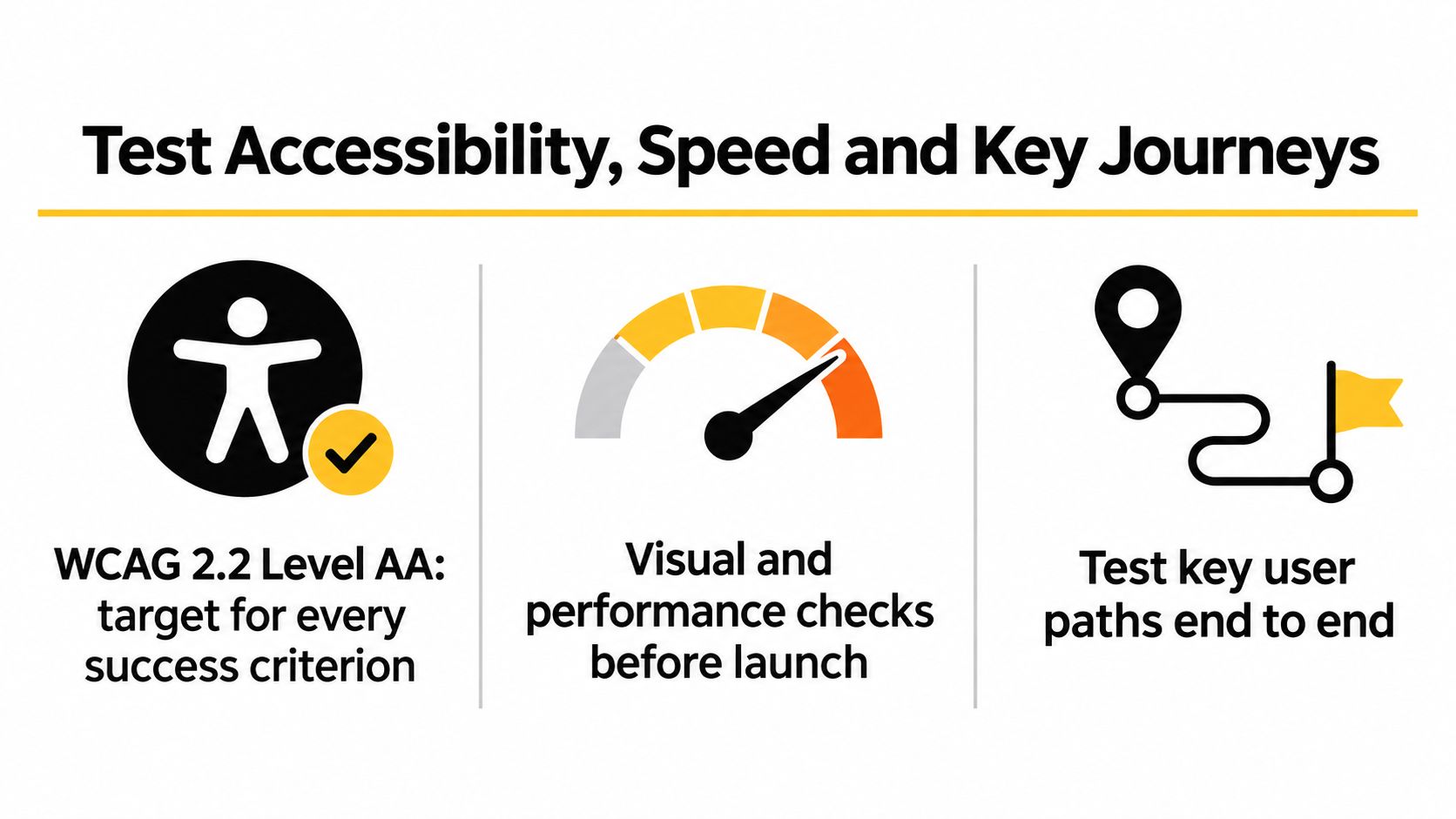
Set WCAG 2.2 Level AA as the accessibility target. Under the WCAG requirements, conformance means satisfying every applicable success criterion at that level and the levels below it, using accessibility-supported methods. Visual polish alone does not establish conformance.
Core Web Vitals thresholds to check before and after release
| Metric | Good | Needs improvement | Poor |
|---|---|---|---|
| Largest Contentful Paint (LCP) | 2.5 seconds or less | Above 2.5 to 4.0 seconds | Above 4.0 seconds |
| Interaction to Next Paint (INP) | 200 milliseconds or less | Above 200 to 500 milliseconds | Above 500 milliseconds |
| Cumulative Layout Shift (CLS) | 0.1 or less | Above 0.1 to 0.25 | Above 0.25 |
Read INP values against the field report's classification when a page falls between thresholds. Keep accessibility, performance, and task completion on the same acceptance checklist.
Test beyond the automated scan
Run an automated accessibility check, then test without a mouse. Check visible focus, logical focus order, menu operation, form labels, screen-reader announcements, contrast, enlarged text, and mobile layouts.
Give dialogs and validation errors particular attention. A customer should be able to identify the problem, reach the relevant control, and recover without assistance.
The W3C evaluation methodology recommends evaluating full pages and complete processes with accessibility-supported technologies. Test account creation, checkout, and contact submissions through completion, including error states and confirmation messages. Disconnected screenshots cannot show whether a whole journey works.
Separate immediate checks from field evidence
Google's Core Web Vitals guidance uses a four-week field-data window and recommends good performance for at least 75% of visits. Field reports therefore won't reflect a deployment immediately.
Use PageSpeed Insights and browser performance tools to catch immediate regressions, then monitor real-user evidence. Rankings and field data take time to respond, so investigate a sudden mobile slowdown rather than dismissing it because the accessibility scan passed.
Record which changed template, script, or image may be slowing the page. For editorial templates, blog SEO with The SEO Agent connects publishing decisions with the checks those pages need.
Deploy and Verify the Live Site
Publish when the responsible people can respond, not immediately before everyone signs off. Keep the change record, redirect map, and rollback instructions open while checking production.
Use the deployment checklist on the live site, not a remembered preview.
Run the production acceptance checks
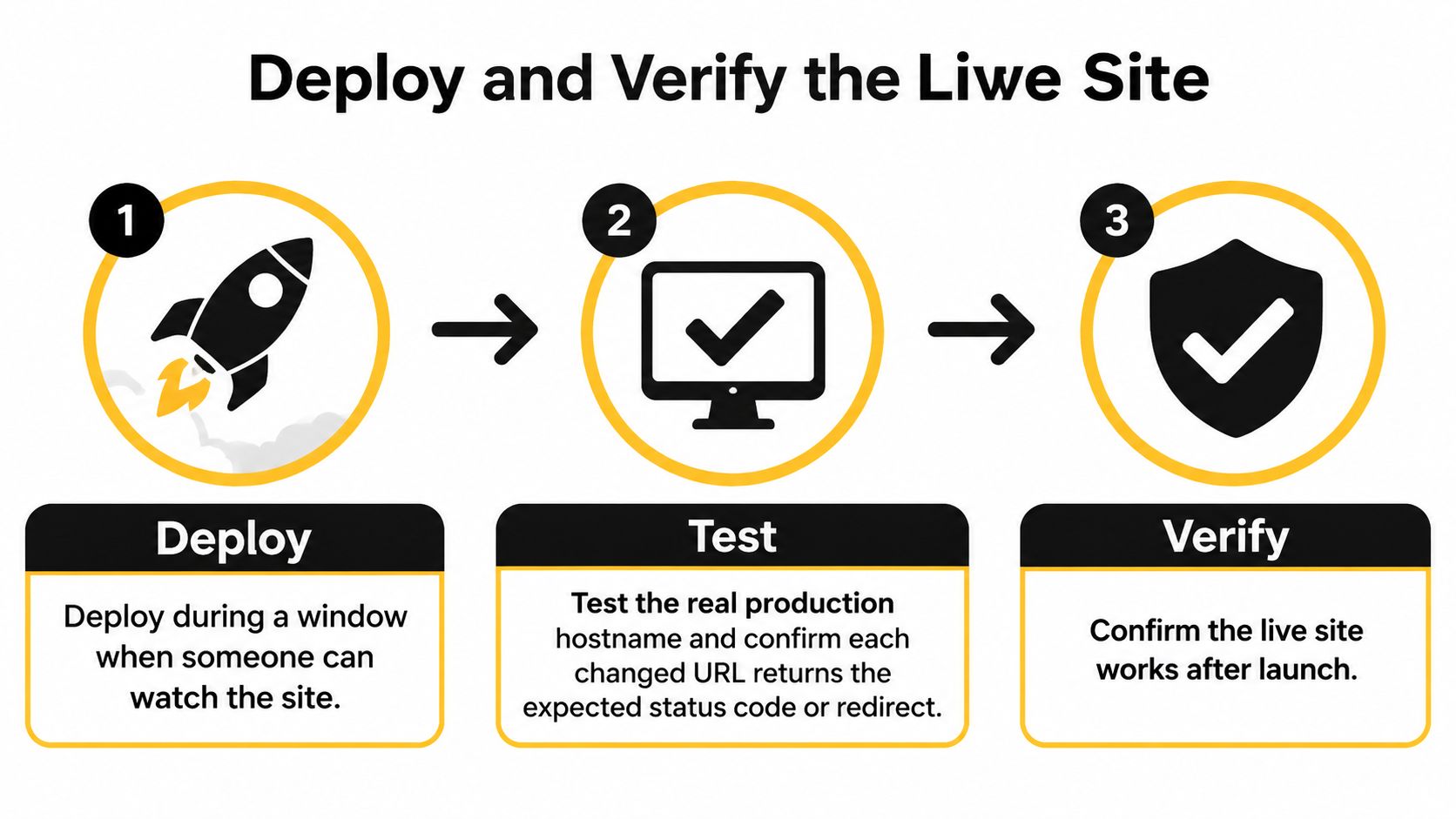
- Confirm monitoring and ownership. Deploy during a staffed window, and make sure the person authorized to restore the previous version is reachable. Don't start another unrelated release while verification is underway.
- Request each changed production URL. Check the actual response status and destination using the browser's Network panel or a crawler. A page can display a branded error screen while failing technically.
- Submit the forms. Use representative inputs, trigger validation, complete the submission, and confirm the notification arrives in the intended mailbox. A success message alone doesn't prove delivery.
- Click telephone and email links. Check their destinations on mobile and desktop, including whether the expected application opens. Read the underlying destination rather than trusting the displayed text.
- Inspect indexing and environment settings. Review canonical tags and robots directives for unintended exclusions or staging references. Remove test scripts, draft banners, preview links, and development-only assets.
- Exercise the redirect map. Open old addresses directly and verify that visitors arrive at the intended replacement without unnecessary intermediate destinations.
- Validate measurement. Confirm analytics records the changed pages and relevant events. Inspect affected URLs in Search Console and investigate new errors rather than assuming a successful deployment means successful indexing.
Close only after acceptance
Keep the rollback plan available throughout the agreed failure window. Record the release identifier, tester, failed checks, corrective actions, and final approval so the next editor has a dependable starting point.
Release boundary: Published means the files changed. Accepted means customers can complete the intended task on production.
Say a lean team updates a contact page after testing a newer form plugin in staging. The production site still has the older plugin, so the preview looks perfect while the live submission fails.
That scenario doesn't require another design review. It requires a production submission, a delivery check, and either a compatible release or a controlled rollback. Testing the actual hostname catches the difference that screenshots conceal.
Troubleshoot Problems After Launch
Post-launch symptoms, likely causes and fixes
| Symptom | Likely cause | Fix |
|---|---|---|
| Traffic drops on a changed page | Missing redirect or changed search intent | Check the redirect map, compare matching date ranges, then adjust content before rolling back |
| Pages missing from search results | Accidental noindex or robots block | Remove the unintended directive, then request a recrawl |
| Old links return 404 | Redirect not created or redirect chain | Add a permanent redirect to the closest new page and collapse the chain |
| Form stops sending email | Plugin or script conflict after update | Test the form on production, roll back the integration |
| Pages slower after update | Heavy third-party script or unoptimized images | Defer suitable scripts, compress images, recheck LCP |
| Canonical points to staging or old URL | Template or plugin setting carried over | Correct the canonical tag, then recheck the page |
Treat these as diagnostic starting points, not proof of causation. A search decline can also reflect changed demand, tracking failures, or a different mix of queries; investigate before rewriting a functioning page.
Give the developer a reproducible problem
For theme, server, or rendering issues, send the affected URL, reproduction steps, redirect path or script name, and measured effect. Include the release identifier and whether the problem occurs on mobile, desktop, or both.
At The SEO Agent, we report technical items in the customer's theme or server configuration with the specifics a developer needs. We don't change the customer's infrastructure to resolve redirect chains or render-blocking scripts.
Decide whether to restore or observe
Roll back for an agreed critical failure, such as a broken function, unintended indexing exclusion, or failed form. Don't restore an inaccurate offer merely because search traffic briefly falls.
Once a fix is deployed, repeat the relevant production acceptance checks and log the result. Stop making speculative edits while you're collecting evidence; otherwise, you replace a diagnosable release with a moving target.
The SEO Agent handles keyword research, cited drafts, fact-checking, images, internal links, and CMS publishing while you control draft approval and publishing cadence. Visit The SEO Agent to build a consistent content workflow, and keep infrastructure changes with your developer under a documented release plan.