n8n SEO automation.
Connect n8n to The SEO Agent with its built-in HTTP Request node and a scoped API key. Start with a read-only project request. The custom action and trigger nodes illustrated here are an unpublished preview.
HTTP SETUP AVAILABLE · CUSTOM COMMUNITY NODE NOT PUBLISHED- Base URL
- https://www.theseoagent.ai/api/v1
- API key
- sk_live_••••••••••••
- Webhook secret
- whsec_••••••••
What is the n8n SEO connector?
You can connect n8n to The SEO Agent through the public API using a built-in HTTP Request node and a scoped Bearer key. Start with a read-only project request. The custom n8n-nodes-theseoagent package is not published on npm and cannot currently be installed. The paid plan includes 30 articles per month for one site at $99 per month; additional sites are $79 per month each. See the API reference for the underlying calls.
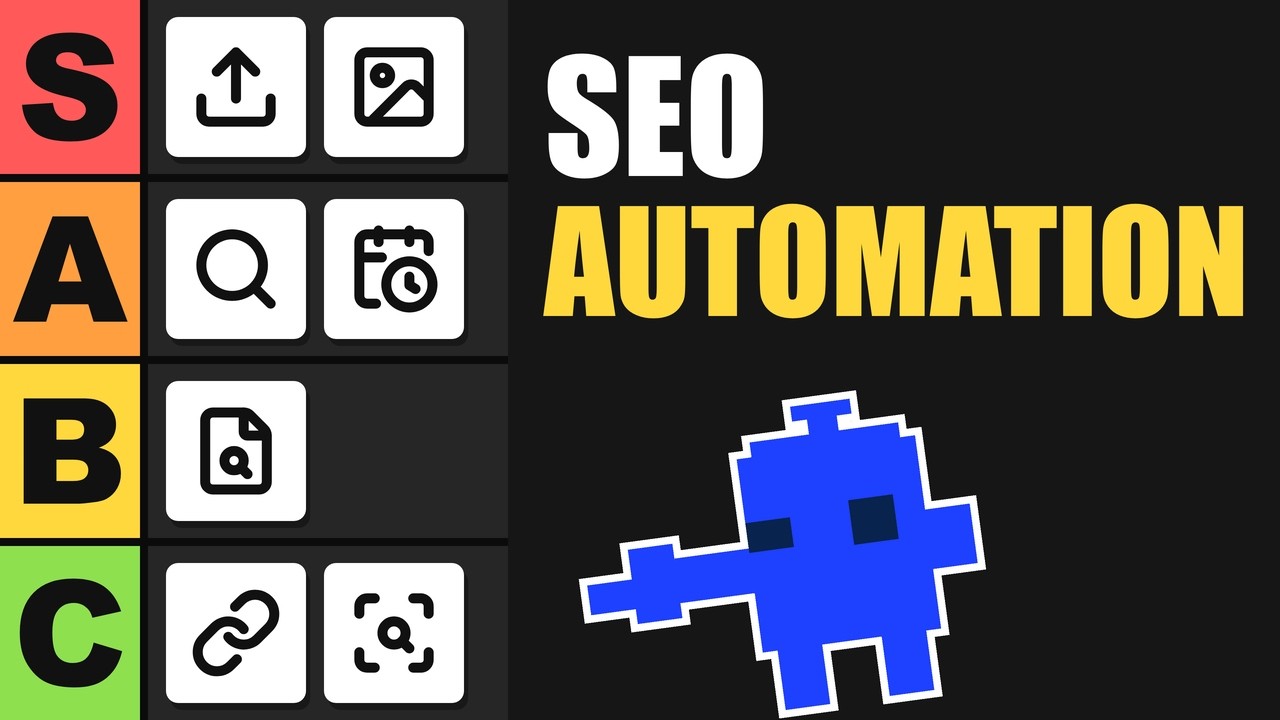
SEO automation tier list: which SEO jobs to hand to AI
Ten SEO jobs sorted into four tiers: hand it off, automate it with a check, let AI do the first pass, or keep it yourself.
Start with a connection you can inspect.
A content workflow needs a working connection, the right permissions, and deliberate publishing controls before it runs on a schedule.
- Choose the project and operation you need
- Check the required API scopes
- Keep secrets out of shared workflow exports
- Inspect errors before adding a schedule
Use the built-in HTTP Request node.
Connect directly to the public API with a saved Bearer credential. A read-only project request is a simple first check. You do not need a custom community package.
- Save the API key in an n8n credential
- Test GET /api/v1/projects with projects:read
- Confirm the response before connecting other steps
- Check the API reference for each additional operation
Check the connection, permissions, and publishing controls.
Make the first request easy to verify.
Start with a project list, inspect the response, and then choose the next operation from the API reference. Check permissions and response handling separately for any operation that changes content.
Give the workflow only the access it needs.
Save a scoped key in n8n credentials and rotate it if access changes. The REST API connection guide explains the underlying connection. A read-only GET request uses Bearer authentication; it does not need a webhook signing secret.
Check the publishing route before scheduling work.
The SEO automation workflow researches and prepares articles. Confirm your CMS connection and review a draft before enabling publishing. For WordPress, follow the WordPress connection guide. An API connection alone does not finish CMS setup.
The custom nodes are not available to install yet.
The custom action and trigger nodes shown in the illustration are a preview. Use HTTP Request nodes for the available setup described here. If your client supports model context protocol, see the separate MCP connection guide.
Start with a read-only connection.
Use the built-in HTTP Request node in your n8n instance. The custom n8n-nodes-theseoagent package is not published on npm, so there is no community package to install yet.
Create a workspace API key with the projects:read scope. In n8n, save a Header Auth credential with the header name Authorization and a value of Bearer followed by a space and your API key. Keep the key out of shared workflow exports.
Set the method to GET and the URL to https://www.theseoagent.ai/api/v1/projects. Select your saved credential, execute the request manually, and confirm that the response contains the projects the key is permitted to access.
Use the API reference to confirm the method, required scopes, request body, and response for each additional step. Handle errors and rate limits before enabling a schedule. A successful read request does not configure content generation or publishing.
Q.01Is the n8n community node available to install?+
No. The custom n8n-nodes-theseoagent package is not published on npm. The custom node illustration is a preview. Use the built-in HTTP Request node to connect to the public API today.
Q.02What request should I test first?+
Use GET https://www.theseoagent.ai/api/v1/projects with a saved Header Auth credential. Set Authorization to Bearer followed by a space and an API key with projects:read permission. Execute it manually and inspect the response.
Q.03Do I need a webhook signing secret for that request?+
No. The read-only project request uses Bearer authentication. Webhook verification is a separate concern and is not required for this setup.
Q.04Does a successful connection mean publishing is configured?+
No. Reading projects verifies API access. Check the current API documentation for further operations and complete your CMS connection separately. Review a draft before enabling a publishing workflow.
Q.05Can I share the workflow with my team?+
Keep API keys in saved credentials and inspect an exported workflow before sharing it. Do not put the secret directly in exported node parameters or example payloads.
Q.06What does The SEO Agent cost?+
The standard trial is $1 for three days. The paid plan is $99 per month for one site with 30 articles per month. Additional sites are $79 per month each. Your n8n subscription or hosting is separate. See pricing for the current offer.
Related guides + features.
Autoblogging
Hands-off publishing on a cadence you set, with every claim checked and anything unsupported cut before it reaches your site.
/features/autoblogging →PRICINGSimple pricing
$1 for a 3-day trial if eligible, then $99 per month. No per-keyword meter. Cancel in the app.
/pricing →PILLAR · SEO AUTOMATIONSEO automation
The full pipeline: research, drafting with every claim checked against its sources, and native publish. Where these tools stop, the agent ships the page.
/features/seo-automation →Put a real content agent in your workflow.
Start with the API reference and a manual connection check. The standard trial is $1 for three days, then $99 per month for one site and 30 articles per month. Additional sites are $79 per month each.
$1 FOR THREE DAYS · CANCEL IN YOUR ACCOUNT