On-Page SEO Elements Checklist for 2026
Unlock higher rankings with our essential on-page SEO elements checklist for 2026. Optimize effectively and boost your site's performance!

Working through on-page SEO without a clear system is how good content ends up on page three. The variables are real: title tags, heading structure, schema markup, image alt text, URL format, internal linking, page speed — and that’s before you account for the shift toward intent-based and AI-driven search. This on-page seo elements checklist cuts through the noise and gives you a practical, prioritized framework to work from. Whether you’re auditing an existing site or building from scratch, these elements determine how Google reads your pages and how users engage with them.
Table of Contents
- Key takeaways
- 1. Build your on-page SEO elements checklist with keyword intent
- 2. Optimize title tags for clicks and keyword placement
- 3. Write meta descriptions that influence click behavior
- 4. Structure headings with one H1 and logical H2/H3 hierarchy
- 5. Optimize internal linking for authority flow and user navigation
- 6. Optimize images and multimedia for SEO and page speed
- 7. Implement schema markup for rich snippets
- 8. Prioritize page speed and Core Web Vitals
- 9. Configure robots.txt and manage crawl budget
- 10. Maintain content quality through auditing and pruning
- 11. Optimize for AI-driven search with E-E-A-T signals and BLUF formatting
- My take on where most on-page SEO efforts actually break down
- Automate your on-page SEO checklist with Theseoagent
- FAQ
Key takeaways
| Point | Details |
|---|---|
| Text relevance ranks first | Text relevance correlates at 0.47 with rankings, making content quality the highest-leverage on-page factor. |
| Title tags drive CTR directly | Properly optimized title tags can increase CTR by 30%, making them one of the fastest wins available. |
| Internal linking compounds value | Strategic internal linking increases page views per session by 20% on average. |
| Page speed has a hard threshold | Load times must stay under 3 seconds or you risk significant ranking and engagement penalties. |
| Technical fixes come before content | Foundational crawlability and mobile issues must be resolved first before on-page optimization pays off. |
1. Build your on-page SEO elements checklist with keyword intent
Every page should begin with a clear keyword strategy. That means identifying a primary keyword and a set of supporting semantic terms before you write a single sentence. The goal is not keyword density. It’s relevance to what a specific user is actually trying to find.
Use research tools to understand whether a query is navigational, informational, or transactional. A page targeting “how to fix crawl errors” needs to read differently than one targeting “buy crawl monitoring software.” Aligning content to intent is the starting point for any serious SEO optimization checklist.
- Target one primary keyword per page, placed naturally in the first 100 words
- Include 3 to 5 semantically related terms throughout the body
- Avoid repeating the exact primary keyword more than once per 200 words
- Use semantic keywords and secondary terms naturally to signal topical depth beyond exact match
Pro Tip: Run your draft through a SERP comparison before publishing. Look at the top 5 results for your target keyword and identify what subtopics they consistently cover. If you’re missing two or three, add them before you hit publish.
2. Optimize title tags for clicks and keyword placement
Your title tag is the first signal Google reads and the first thing a user sees in search results. It needs to do two jobs at once: communicate keyword relevance to the algorithm and compel a human to click.

Title tag optimization can lift CTR by up to 30%, which is a significant organic traffic gain with no link building required. Keep titles between 50 and 60 characters to avoid truncation in SERPs. Place your primary keyword toward the front, not buried at the end. Avoid keyword stuffing — Google rewrites titles it considers misleading or over-optimized.
| Element | Best Practice | Common Mistake |
|---|---|---|
| Length | 50 to 60 characters | Too long, gets truncated |
| Keyword position | First 3 to 5 words | Keyword buried at the end |
| Phrasing | Specific and benefit-focused | Vague or generic phrasing |
| Uniqueness | Unique per page | Duplicate titles across pages |
The H1 heading and the title tag are not the same thing. The title tag appears in browser tabs and SERP listings. The H1 sits on the page. They can differ slightly in phrasing, but both should include the primary keyword. Use Theseoagent’s SEO title generator to test variations with character counts before committing.
Pro Tip: Test two title tag variants using Google Search Console’s A/B impression data. Give each version two to three weeks, then compare CTR. The winner tells you more about your audience than any keyword tool.
3. Write meta descriptions that influence click behavior
Meta descriptions do not directly influence rankings, but they influence whether someone clicks. Compelling meta descriptions affect CTR by 5 to 10%, which in turn signals engagement quality back to Google. That indirect relationship matters.
Keep meta descriptions between 150 and 160 characters. Include the primary keyword once, naturally. Add a direct statement of value or a soft call to action. Write each one uniquely. Duplicate meta descriptions waste one of the few elements you can control entirely in SERP real estate.
4. Structure headings with one H1 and logical H2/H3 hierarchy
Heading structure is how search engines map the architecture of your content. A single H1 tag with the primary keyword gives Google a clear topic signal. Multiple H1s create ambiguity. This is not a technicality. It has a measurable effect on how a page is indexed.
Use H2s for main sections and H3s for subsections within those sections. Each heading should reflect the actual content beneath it — not be a rephrasing of the same keyword over and over. Think of the heading structure as a table of contents that both users and crawlers navigate before they read the full text.
- One H1 per page, containing the primary keyword
- H2s covering distinct subtopics or checklist items
- H3s for deeper breakdowns within an H2 section
- No skipping heading levels (H1 directly to H4 creates structural gaps)
5. Optimize internal linking for authority flow and user navigation
Internal links do more than help users find related content. They distribute link equity, signal page relationships to crawlers, and keep users engaged longer. Proper internal linking increases page views per session by 20%, which directly improves behavioral engagement signals.
The anchor text you use in internal links matters. Descriptive, keyword-relevant anchor text gives Google context about the destination page. “Click here” is a wasted signal. “On-page ranking factors for local SEO” is a meaningful one.
URL structure feeds into this as well. Keep URLs short, readable, and keyword-inclusive. Avoid parameters and session IDs in public-facing URLs. A URL like "/seo-audit-checklistoutperforms/page?id=2471&session=abc` on every dimension. For deeper guidance on essential website pages that merit strong internal link equity, Cosmic Digital Studios has a useful breakdown for service-based sites.
- Use descriptive anchor text tied to the destination page topic
- Link from high-authority pages to newer or lower-authority pages
- Keep link depth manageable — important pages should be reachable within three clicks
- Audit for broken links quarterly. Dead links waste crawl budget and frustrate users
6. Optimize images and multimedia for SEO and page speed
Images are both an opportunity and a liability. Done right, they support rankings through alt text, image search visibility, and reduced bounce rates from better visual communication. Done wrong, they slow your page to a crawl and contribute nothing to keyword relevance.
Every image needs a descriptive, keyword-relevant alt text attribute. The file name itself also matters. Naming a file img_004.jpg tells Google nothing. Naming it on-page-seo-elements-checklist-diagram.jpg tells it everything. Use compressed formats like WebP to reduce file size without sacrificing quality. For video content embedded on page, include transcripts. They add indexable text and improve accessibility compliance.
Pro Tip: Before uploading any image, run it through a compression tool. A 2MB hero image that could be 180KB is one of the most common reasons a technically sound page still loads slowly.
7. Implement schema markup for rich snippets
Schema markup is structured data that tells search engines precisely what your content represents. A product page with schema tells Google it’s a product with a price, rating, and availability. A blog post with FAQ schema tells it there are specific questions and answers worth surfacing directly in SERPs.
FAQPage schema improves the chances of rich snippet results and enhanced SERP presence. Article schema, BreadcrumbList, and HowTo are also high-value implementations depending on content type. Schema does not guarantee rich results, but it significantly increases the probability.
- Use Article schema for blog posts and editorial content
- Implement FAQPage schema on pages with question-and-answer sections
- Add BreadcrumbList schema for site navigation structure
- Validate all schema using Google’s Rich Results Test before publishing
8. Prioritize page speed and Core Web Vitals
Page load time under 3 seconds is a baseline requirement, not a nice-to-have. Google’s Core Web Vitals include Largest Contentful Paint (LCP), Cumulative Layout Shift (CLS), and Interaction to Next Paint (INP). Each one measures a distinct dimension of real-user experience, and poor scores correlate directly with ranking suppression.
LCP should fall below 2.5 seconds. CLS should stay under 0.1. INP should be below 200 milliseconds. If your site is failing on these metrics, no amount of keyword optimization will compensate. For mobile performance specifically, the impact on small business SEO is well documented and often underestimated.
| Core Web Vital | What it measures | Target threshold |
|---|---|---|
| LCP | Largest visible element load time | Under 2.5 seconds |
| CLS | Visual stability during load | Under 0.1 |
| INP | Responsiveness to user interaction | Under 200ms |
9. Configure robots.txt and manage crawl budget
Your robots.txt file is the gatekeeper for what Google crawls. Managing robots.txt correctly to differentiate legitimate crawlers from scrapers preserves your crawl budget and protects content quality. Block low-value pages like admin paths, session-parameterized URLs, and duplicate filtered pages from being crawled.
This matters more as your site scales. A 10,000-page site with no crawl budget management will see Google spending resources on low-value pages instead of your best content. Combine robots.txt governance with canonical tags to prevent duplicate content dilution.
10. Maintain content quality through auditing and pruning
Publishing more content is not always the path to better rankings. Pruning low-value pages improves overall domain health more than indexing everything you have ever written. Pages with thin content, outdated information, and zero organic traffic pull down the quality signals for the entire domain.
Quarterly content audits should identify pages that can be updated, consolidated, or removed. Use Google Search Console to find pages with impressions but no clicks. Those are often pages where intent misalignment or title tag weakness is the problem, and they’re fixable.
11. Optimize for AI-driven search with E-E-A-T signals and BLUF formatting
Search in 2026 is not just about traditional blue-link results. AI Overviews appear for roughly 30% of queries, which means your content needs to be structured for extraction, not just reading. The BLUF (Bottom Line Up Front) principle means stating your core answer in the first one or two sentences of each section.
Content with clear structure and BLUF format is measurably more likely to be cited in AI Overviews. Pair this with strong E-E-A-T signals: author credentials, cited sources, factual accuracy, and demonstrated expertise. Marketers must now optimize for both traditional and AI-driven search by treating intent signals and data quality as primary ranking inputs.
My take on where most on-page SEO efforts actually break down
I’ve reviewed hundreds of content audits, and the pattern is consistent. Most website owners and marketers focus on the visible elements first — title tags, headings, keyword placement — and treat technical fundamentals as something to “get to later.” That sequencing is backwards.
In my experience, a page with perfect keyword optimization and a 6-second load time will consistently underperform a technically clean page with average keyword work. Fix crawlability, mobile rendering, and Core Web Vitals before you spend hours refining copy. The foundation determines what’s possible above it.
The other mistake I see constantly is treating this as a one-time audit. On-page SEO is not a checklist you complete and archive. Search intent shifts, competitors update their pages, and algorithm updates change what Google rewards. The sites that compound rankings over time run continuous audits, not annual ones.
My honest recommendation: use this checklist as a living document. Assign each element an owner, a review cadence, and a benchmark. The teams that do this consistently outperform teams that treat SEO as a launch task.
— Seo
Automate your on-page SEO checklist with Theseoagent
Applying a 20-point checklist manually across dozens or hundreds of pages is where good intentions run into real time constraints. That’s exactly the problem Theseoagent was built to solve.
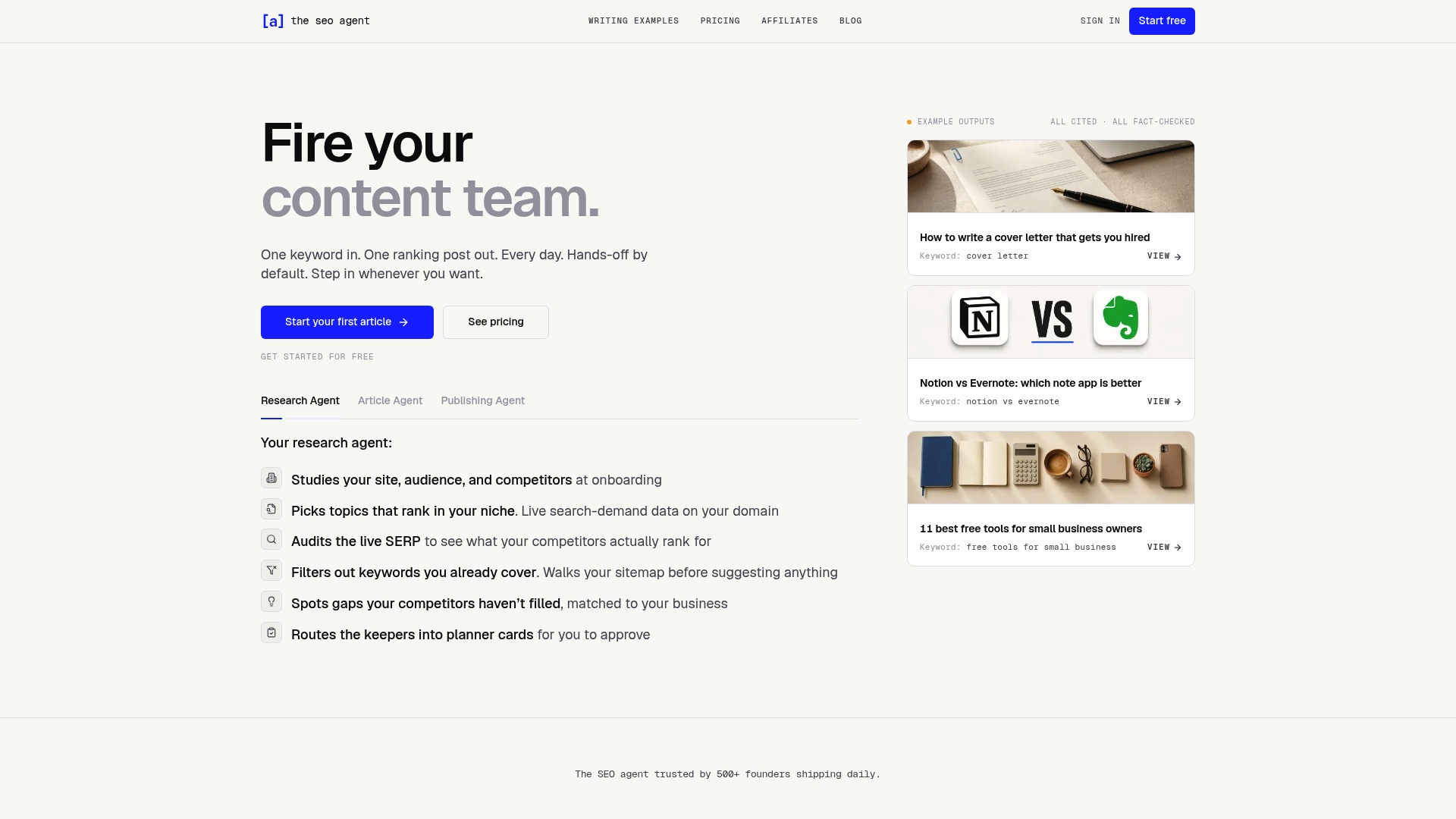
Theseoagent’s SEO automation platform handles keyword research, content drafting, schema markup integration, internal linking, and daily publishing, all backed by live SERP data and competitive analysis. You get one fully optimized post per day with minimal involvement. For teams that want to start with diagnostics, the free SEO audit surfaces real keyword gaps and on-page ranking opportunities across your existing pages. If you’re running a Shopify store, the Shopify app plugs directly into your existing workflow. The checklist in this article is your strategy. Theseoagent is the execution layer.
FAQ
What are the most important on-page SEO elements?
Text relevance, title tags, and heading structure are the highest-impact on-page elements, with text relevance correlating at 0.47 with rankings in 2026. Schema markup, page speed, and internal linking follow closely behind.
How often should I audit on-page SEO elements?
Quarterly audits are the practical minimum for active sites. Pages that were well-optimized at launch can lose relevance as search intent evolves and competitors update their content.
Does meta description affect SEO rankings directly?
Meta descriptions do not directly influence rankings but affect CTR by 5 to 10%, and higher CTR sends positive engagement signals back to Google over time.
How do I improve on-page SEO for AI search results?
Use the BLUF format to lead with your core answer, apply FAQPage and Article schema, and reinforce E-E-A-T signals through author credentials and cited sources. AI Overviews favor structured, factually grounded content.
What is the right URL structure for on-page SEO?
URLs should be short, readable, and include the target keyword. Avoid parameters, session IDs, and long strings. A clean URL like /on-page-seo-checklist outperforms a parameter-heavy alternative on both crawlability and click-through rates.